Loading video…
Sound

original sound - valstechtalk
Valstech 👩🏻💻 · Original audio
0:00–:––
Playing this video’s own audio, so you’ll hear the creator over the sound.
The video provides practical, actionable tips for optimizing iPad settings, which appeals to a broad audience of iPad users looking to improve their device experience. The creator's clear demonstration and concise explanations make the information easy to follow and implement.
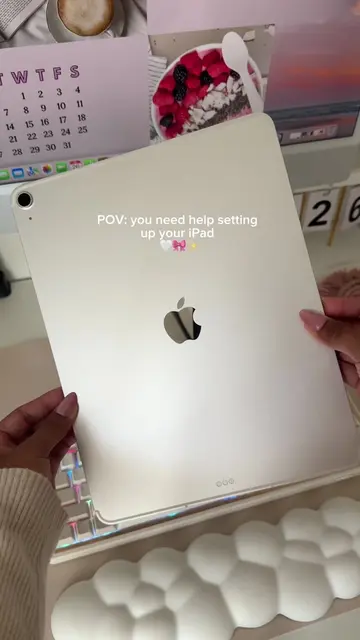
The creator shares several iPad settings they change immediately after setting up a new device. These include enabling automatic light/dark mode, bold text, larger text sizes, reducing motion, and enabling tap-to-wake functionality. The video aims to help viewers customize their iPads for a better user experience.
iPad settings I always make sure to change 🤓✨ #ipad #ipadsettings #settings #ipadair #ipadtips
IPAD SETTINGS I CHANGE IMMEDIATELY
Introduction and new iPad
Display & Brightness settings (Automatic, Bold Text)
Home Screen & App Library settings (App Library in Dock)
Accessibility settings (Larger Text, Reduce Motion)
Touch settings (Tap to Wake)
Conclusion and call to action for more tips
iPad: This is the device being used and demonstrated. Removing it would change the video. It acts as the subject.
Comment below if you want tips and tricks for your iPad, or different apps I can suggest.
Playing this video’s own audio, so you’ll hear the creator over the sound.
iPad - Apple
All time.
Promotes 5 products. Create free account to see more.
Outliers and viral hits: their videos on Overshot, all time.