Loading video…
Sound
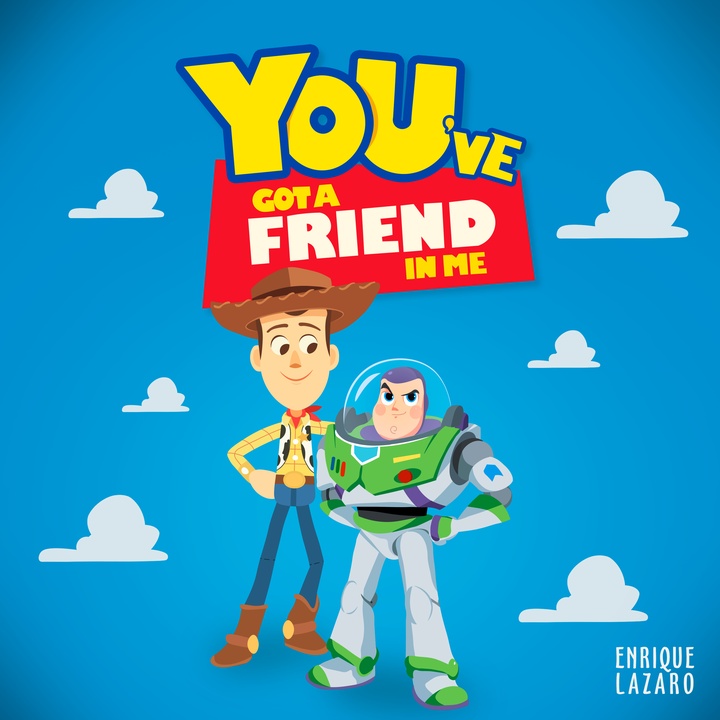
You've Got a Friend in Me (From "Toy Story") (Piano Version)
Enrique Lázaro
0:00–:––
- Videos using it
- 5
- Creators
- 5
- Views on those videos
- 1.3M
The video leverages a popular and visually appealing theme (Toy Story) to demonstrate the creative capabilities of Canva, making it relatable and aspirational for users looking to create custom invitations or other digital designs.
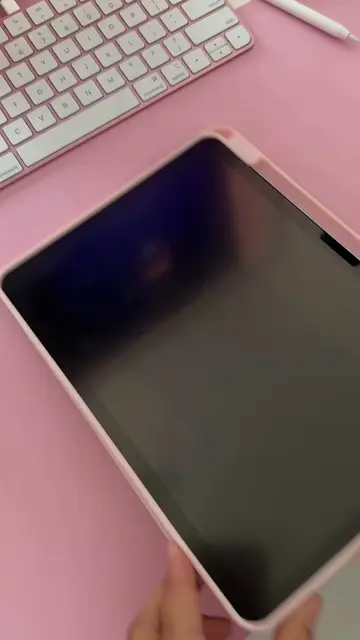
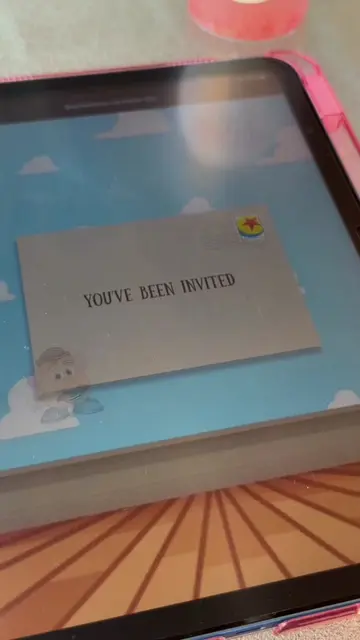
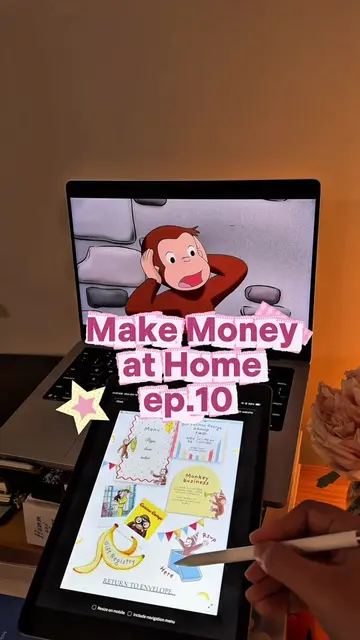
The video demonstrates how to create a Toy Story-themed birthday invitation using Canva on an iPad. It shows the process of adding text, images, and design elements to create a complete invitation with RSVP details and a gift registry link.
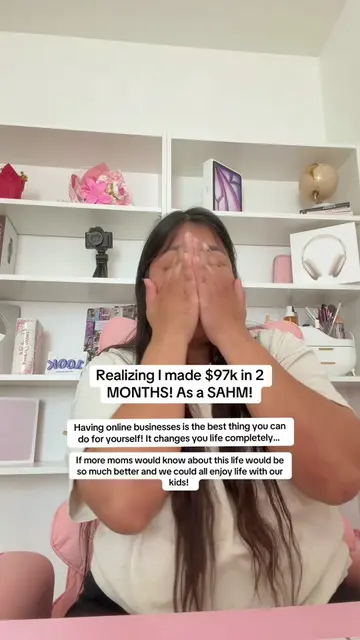
If you have CANVA , iPad, computer, laptop GIRRLLL I need you to LOCK IN! And start using it to its full potential because you are missing OUT on so much income that you can be doing from home! I wish someone would of told me this sooner! Take the summer to learn and get ready for Q4 the business time of the YEAR! #sahm #momtok #sahmlife #ipad #digital
Making Income From home!
Setting up the design in Canva
Adding Toy Story themed elements
Customizing invitation text and details
Adding RSVP and gift registry sections
Finalizing the invitation design
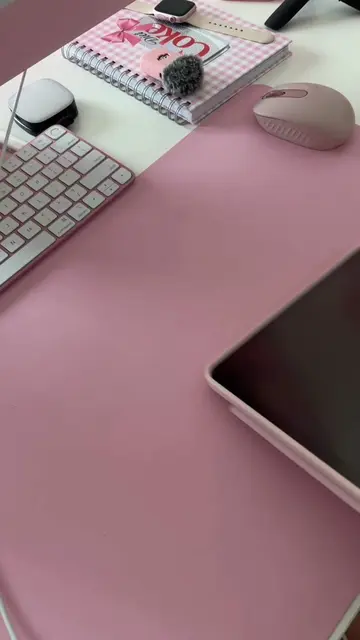
Canva: it ACTS - the interface is operated to create a birthday invitation. Removing it would change what happens in the video. iPad: it APPEARS - it is the device on which Canva is operated. Removing it would not change what happens in the video. Apple Watch: it APPEARS - it is on the desk. Removing it would not change what happens in the video. Coca-Cola: it APPEARS - it is on a notebook. Removing it would not change what happens in the video. Stan Store: it ACTS - it is the destination for the creator's program and mentorship. Removing it would change what happens in the video.
Design app for people creating presentations, worksheets, and other visual content
Views and creators: posted in the last 30 days (English videos). Videos: all time.
Promotes 1 product. Create free account to see more.
Outliers and viral hits: their videos on Overshot, all time.