Loading video…
Sound

original sound - mattpaige68
Matt Paige | Learn AI · Original audio
0:00–:––
The video successfully combines a personal founder story with a clear, actionable tutorial, making the product demonstration feel like a genuine workflow tip rather than a standard ad.
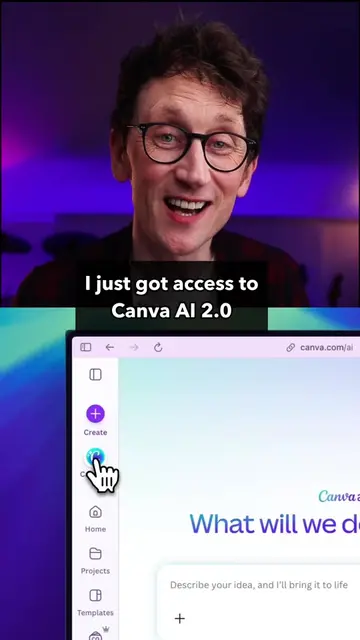
The creator explains how he uses Canva's AI design tools to create marketing materials for his new recipe app, Sifted. He demonstrates the workflow of using visual references to generate and edit designs within the Canva interface.
@Canva is changing how I think about creating with AI. Instead of trying to perfectly describe a vibe, I can choose a visual direction, bring in my own branding and screenshots, and keep refining everything in the editor. I’m using this workflow to create marketing content for Sifted, an iPhone app I’ve been building on nights and weekends. Comment “CANVA” and I’ll send you the exact workflow. #canva #canvapartner #ai #ad
The secret TO BETTER AI DESIGN
Identify the problem with current AI design prompts
Introduce Canva as a visual-first solution
Introduce the creator's app, Sifted
Demonstrate the Canva workflow for Sifted marketing
Highlight the ease of editing designs in Canva
Call to action for the workflow
Canva (a) ACTS: the creator uses its interface to generate designs, edit templates, and refine marketing materials. Removing it would change the entire video. Sifted (a) ACTS: the creator demonstrates his app, shows its interface, and explains its functionality. Removing it would change the video's purpose.
Comment CANVA and I’ll send you the exact workflow.
Promotes 8 products. Create free account to see more.
Outliers and viral hits: their videos on Overshot, all time.
Design app for people creating presentations, worksheets, and other visual content
All time.