Loading video…
All breakouts
5.8App DemoHow-To hookConsumer Apps
Hook
HIDE WHATSAPP NOTIFICATION INSTANTLY
@sawag_queen_67
8.2K followers · usually 72.8K views a post
Views
305.0K
Likes
5.8K
Comments
67
Shares
266
Promoted product
WhatsApp
Why it worked
The video addresses a common privacy concern by offering a simple, actionable solution within a popular app. The direct demonstration and clear instructions make it easy for viewers to replicate the steps, leading to high engagement.
Summary
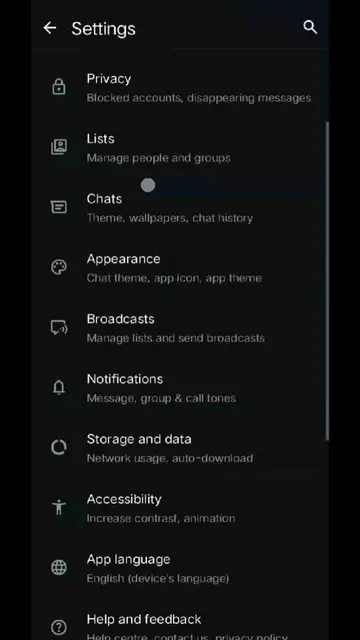
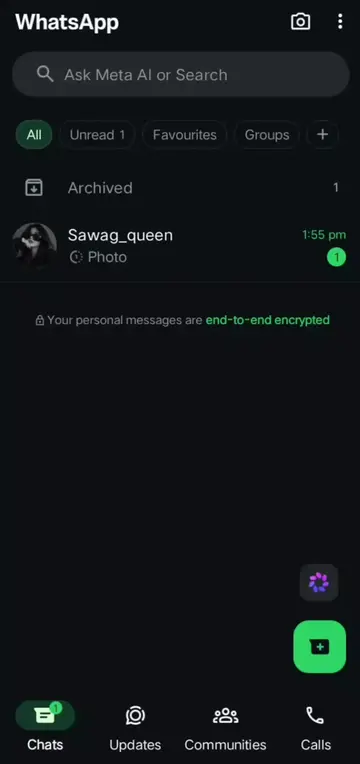
The video demonstrates how to hide WhatsApp notifications instantly by adjusting app lock settings. It guides the viewer through navigating to privacy settings, enabling app lock with biometrics, and disabling the display of content in notifications.
Structure
- 1Introduce the goal: Hide WhatsApp notifications
- 2Navigate to WhatsApp settings
- 3Access privacy settings
- 4Enable app lock and disable content in notifications
- 5Confirm the notification hiding is complete
Product placement
WhatsApp (app): Used to send and receive messages. Its settings are navigated to demonstrate how to hide notifications. Removing it would change what happens in the video.
On-screen text
HIDE WHATSAPP NOTIFICATION INSTANTLY
Original caption
Hide Whatsapp notification instantly 💯🔥📈💗✅ . . . . . . . . . . . . . . . . . . . . #plzsportmeandtopclassviralnyvedios🥀 #1millionlikes💥❤️ #growmyaccount✅♥️♥️♥️ #foryoupage❤️❤️ #10kfollowers😭😭😭😭please
More from @sawag_queen_67
More breakout videos from this creator.