Loading video…
All breakouts

5.4App DemoHow-To hook
Hook
Good thing my grandma taught me these tricks.
@hamproject016
114.3K followers · usually 21.3K views a post
Views
108.9K
Likes
4.3K
Comments
282
Shares
147
Summary
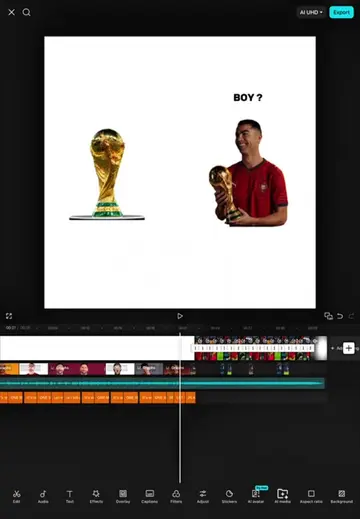
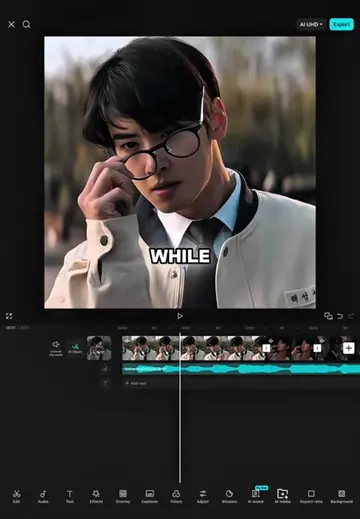
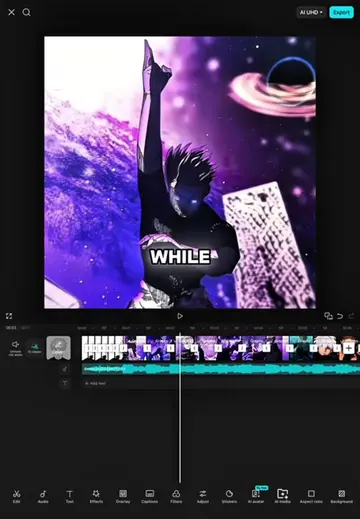
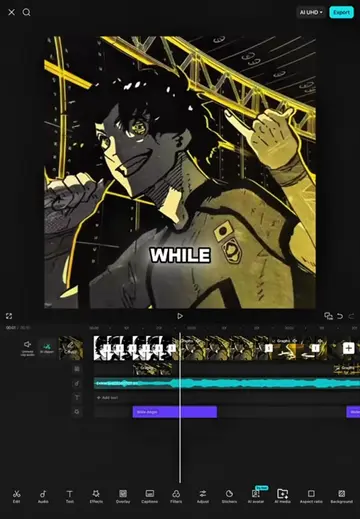
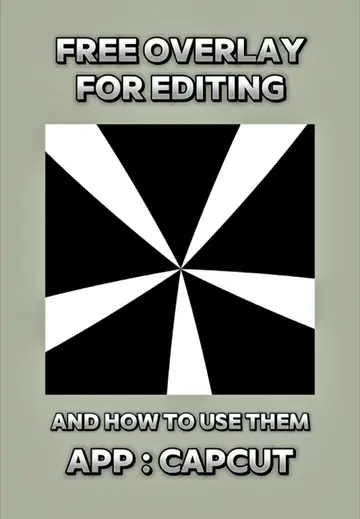
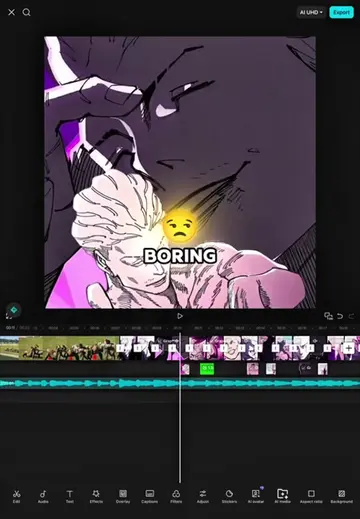
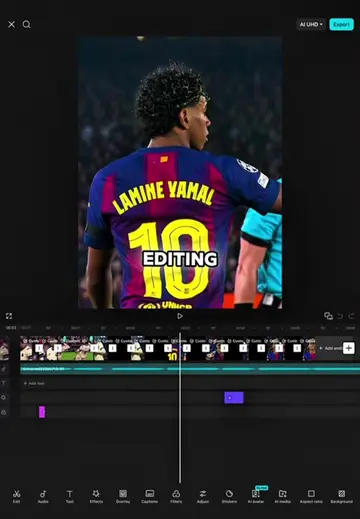
This video is a tutorial demonstrating how to use CapCut to create a video effect. It shows how to apply various animations, blurs, and filters to clips, along with adding stickers and adjusting their properties to achieve a dynamic visual style.
Transcript
Good thing my grandma taught me these tricks. First go to animatics and look for the turbulence 2 animation. Then set the speed to 3 seconds apply all animations in the intro. Next, go to effects and search for motion blur effects. Wait for the search process to complete. Select object and select all videos. Reduce the effect on the last third of the video clip. Then add one key frame. In the first key frame, set the intensity to 100 and in the second key frame, set the intensity to zero. Copy the effect once. Next, go to effects again and search for the opaque blur effect. Select and select all videos. align its effect with the first one. Then add one key frame in the first key frame set blur 100 and rotate 100. and in the second key frame set the blur to zero and copy the effect four times. After that, copy the first effect again and apply it to the next clip. Continue doing this until the end of the video clip. Copy the opaque blur effect as well and apply it to all the video clips. Next, go back to effects and search for the ripple effect. Select object and select all videos. Select adjust and set sharp to zero. Blur to zero size to zero, speed to 100, intensity to zero and twist to 75. Then reduce the effect until the end of the first clip. After that, add one key frame. Go to the second key frame, set the twist to zero and the speed to zero. Then go to graphs and select ease out. Next, copy the effect and repeat the same process and apply all the effects to all video clips. Next, go to effects again and search for the flash white effect. And select the layer, then apply the effect to the overlay. Then reduce the effect to small. Copy the effect and apply it to the next overlay. Keep co-copying until the last overlay. Next, go to the filter, select 4K and set the filter to 80. Go to filters again and select set the filter to 60. Then extend the filter to the end of the video clip. Next, go to the middle of the video. Go to text and select sticker. Then search for a loading sticker and wait for the search process to complete. Select sticker number one and trim the sticker to the midpoint of the video. and move the sticker to the center of the video clip. That's all for the tutorial since we're finished. Let's take a look at the results.
Original caption
#CapCut Capcut Tutorial (Song Gut Genug HOODTRAP) #capcut #capcutpioneer #tutorialedit #capcutedit
More from @hamproject016
Their other posts in the index, biggest breakout first.