Loading video…
All breakouts

12.7App DemoOther hook
Hook
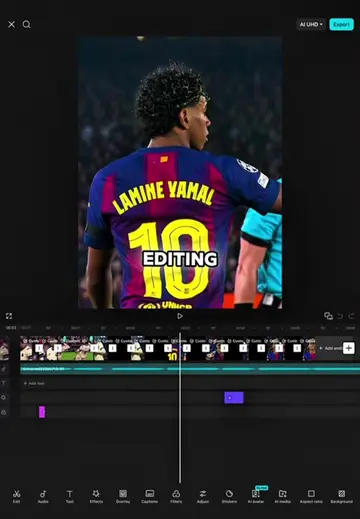
EDITING
@hamproject016
114.3K followers · usually 21.3K views a post
Views
258.1K
Likes
9.2K
Comments
341
Shares
706
Why it worked
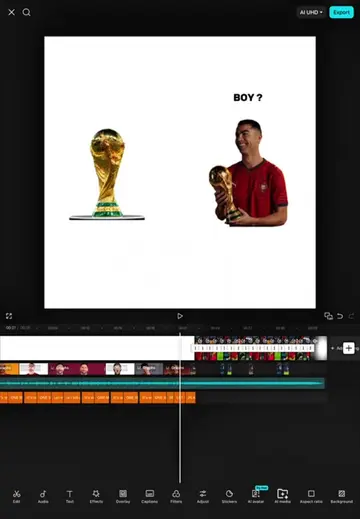
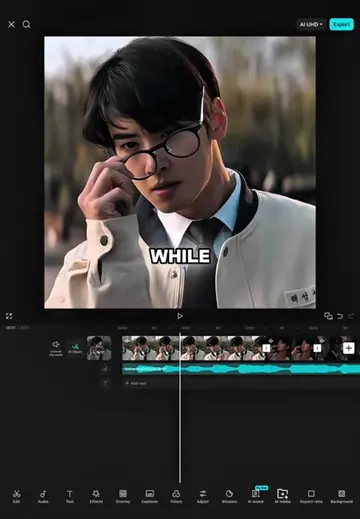
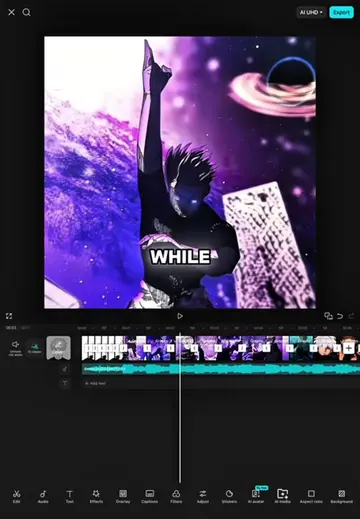
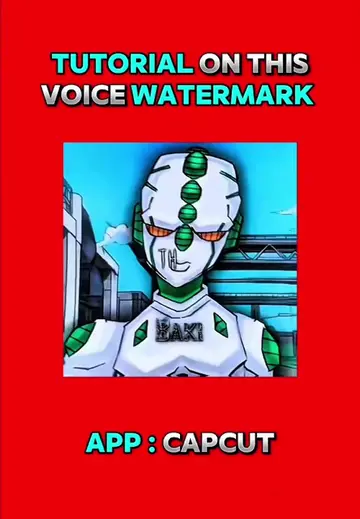
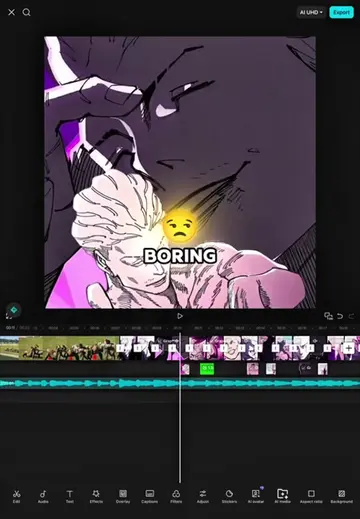
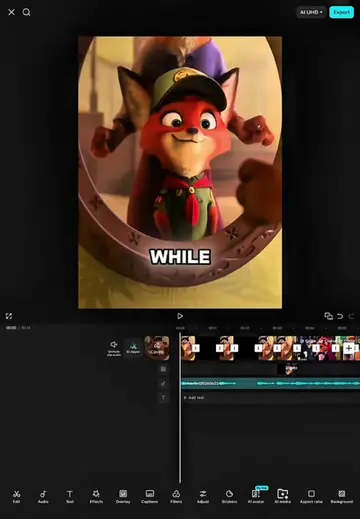
The video likely performed well because it provided a clear, step-by-step tutorial for creating a popular editing style (anime edits) using a widely accessible tool (CapCut). The use of popular anime characters (Bachira) and trending editing techniques would also contribute to its reach.
Summary
This video demonstrates how to apply various editing effects and transitions in CapCut to create a dynamic anime-style edit. It walks through adding left, pull-in, down, and shake effects, along with keyframe adjustments for speed and intensity, to enhance the visual appeal of the video clips.
Structure
- 1Introduction and initial edit critique
- 2Applying 'Left' transition
- 3Applying 'Pull In' transition
- 4Applying 'Down' transition
- 5Applying 'Left' transition again
- 6Applying 'Pull In' transition again
Original caption
Tutorial Edit Capcut ( Bachira x La Cheyenne ) #capcut #capcutpioneer #capcuttutorial #tutorial
More from @hamproject016
Their other posts in the index, biggest breakout first.