Loading video…
Sound

original sound - ayamusicofc
AYA MUSIC OFC · Original audio
0:00–:––
Playing this video’s own audio, so you’ll hear the creator over the sound.
Hook
Posted Jun 27, 2026Video · 0:16by @nextgendigitaltools2.0
The video addresses a common pain point for HR professionals and business owners by offering a practical solution using a widely accessible tool (Google Sheets). The clear demonstration and direct call to action make it easy for viewers to understand the value proposition and take the next step.
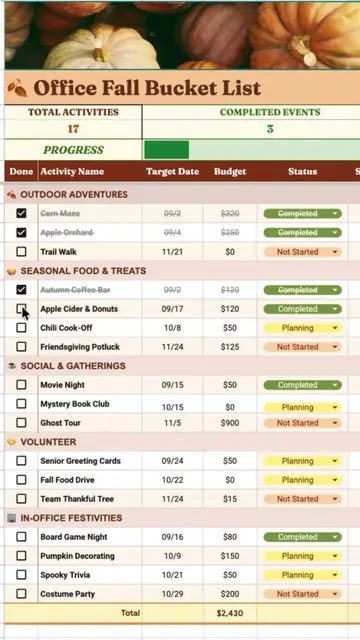
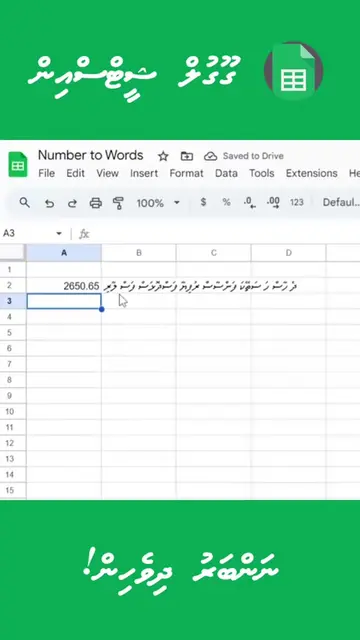
This video demonstrates how to use Google Sheets to create a centralized 201 file for employee records, aiming to reduce errors and improve HR efficiency. It offers a ready-made solution for businesses looking to streamline their HR processes.
A complete 201 File keeps employee information all in one place. Less searching, fewer mistakes, and faster HR work. Need a ready-made 201 File in Google Sheets? Message us today! #GoogleSheets #201File #HRTips #BusinessOwner #HRAdmin
Still keeping employee records in different folders?
Problem: Scattered employee records
Solution: Centralized 201 file in Google Sheets
Demonstration of employee profile details
Call to action: Message for a ready-made file
Google Sheets (ACTS - it is the software interface used to create and display employee records; removing it would change what happens in the video) Google Drive (APPEARS - it is the cloud storage service where the Google Sheet is saved; removing it would not change what happens in the video)
Message us today!
Playing this video’s own audio, so you’ll hear the creator over the sound.
Promotes 1 product. Create free account to see more.
Outliers and viral hits: their videos on Overshot, all time.
Online spreadsheet software for people organizing data, trackers, and plans
All time.