Loading video…
Sound

original sound - mommy.parttime
มามิ๊ Part-time · Original audio
0:00–:––
Playing this video’s own audio, so you’ll hear the creator over the sound.
The video provides a practical and efficient solution to a common pain point for users managing files in Google Drive, offering a time-saving script that automates a tedious manual process.
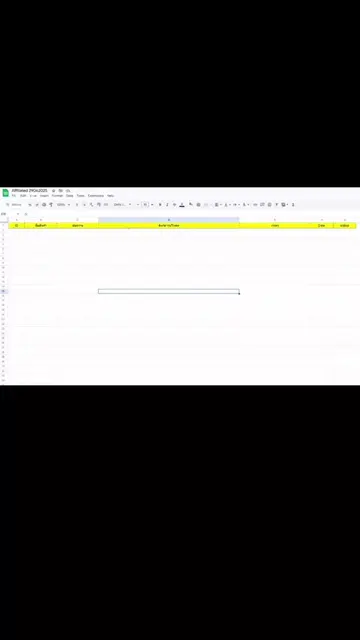
This video demonstrates how to use a Google Apps Script to automatically extract file names, view links, and download links from a Google Drive folder directly into a Google Sheet. The process involves copying the folder ID, pasting it into the script, and running the script to populate the spreadsheet.
@มามิ๊ Part-time ดึงลิงก์จาก Google Sheets กันค่ะ #GoogleDrive #GoogleSheets
วิธีการดึงลิ้งค์จาก
Introduction to the problem of manually copying links
Demonstration of using a Google Apps Script
Pasting the script into Google Sheets
Running the script to extract file information
Result: populated Google Sheet with file names and links
Google Drive: stores and organizes files. It ACTS by allowing the creator to access and manage files. Removing it would change what happens in the video. Google Sheets: a spreadsheet program. It ACTS by being used to organize and display links, and by running the script. Removing it would change what happens in the video.
Playing this video’s own audio, so you’ll hear the creator over the sound.
Promotes 2 products. Create free account to see more.
Outliers and viral hits: their videos on Overshot, all time.
Online spreadsheet software for people organizing data, trackers, and plans
All time.