Loading video…
Sound

original sound - profzoula
PROF ZOULA⚡️💡 · Original audio
0:00–:––
Playing this video’s own audio, so you’ll hear the creator over the sound.
We didn’t find a product being promoted in this video. Its hook, format and structure below still show why it took off.
Browse products winning on TikTokThe video provides a practical and actionable solution to a common user problem: understanding PC performance. By using a simple command-line tool, it offers a quick way to assess hardware capabilities, which appeals to a broad audience interested in optimizing their devices.
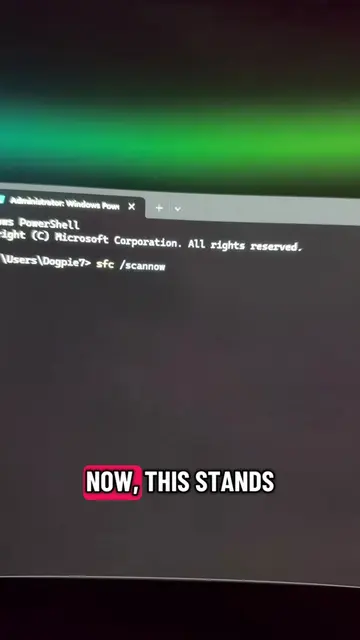
The video demonstrates how to check the performance score of a PC using Windows PowerShell. It shows how to run the "Get-CimInstance Win32_WinSat" command to obtain scores for CPU, disk, memory, and graphics, indicating the overall performance level of the computer.
VERIFYE PEFOMANS YON PC
Introduction to checking PC performance
Opening PowerShell
Running the performance check command
Interpreting the scores
Conclusion and call to action
Playing this video’s own audio, so you’ll hear the creator over the sound.
Promotes 2 products. Create free account to see more.
Outliers and viral hits: their videos on Overshot, all time.