Loading video…
All breakouts
8.1Talking HeadWarning hookConsumer Apps
Hook
These settings are killing your battery!
@tycotech.ca
148.9K followers · usually 23.0K views a post
Views
325.2K
Likes
8.2K
Comments
81
Shares
1.0K
Promoted product
iPhone
Why it worked
The video provides actionable tips for a common user pain point (battery life) on a popular device (iPhone), presented in a clear, step-by-step format that is easy to follow.
Summary
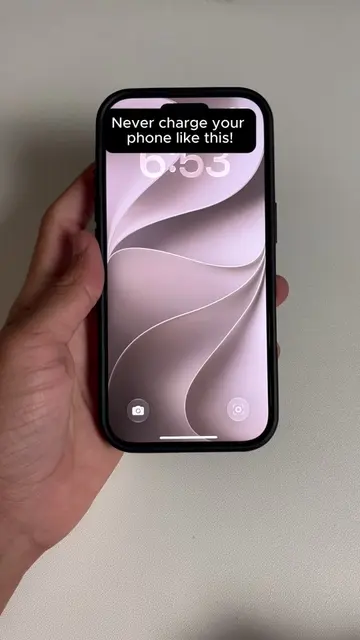
This video demonstrates how to optimize iPhone battery life by adjusting three key settings: setting the charge limit to 90%, disabling Always On Display, and turning off Background App Refresh. The creator guides viewers through the iPhone settings menu to make these changes.
Structure
- 1Introduce battery-draining settings
- 2Adjust charge limit
- 3Turn off Always On Display
- 4Disable Background App Refresh
- 5Explain the benefits
Product placement
iPhone (appears, but is the device being operated on, so removing it would change what happens in the video)
On-screen text
These settings are killing your battery!
Original caption
Most iPhone users are unknowingly destroying their battery every single day with these three settings. Set your Charge Limit to 90 percent, turn off Always On Display, and disable Background App Refresh completely. What do you think about this trick?🤔 #TechHacks #iPhoneTips #iPhoneTricks #iPhoneBattery #iPhoneHacks
More from @tycotech.ca
More breakout videos from this creator.