Loading video…
All breakouts
7.1Talking HeadContrarian hookConsumer Apps
Hook
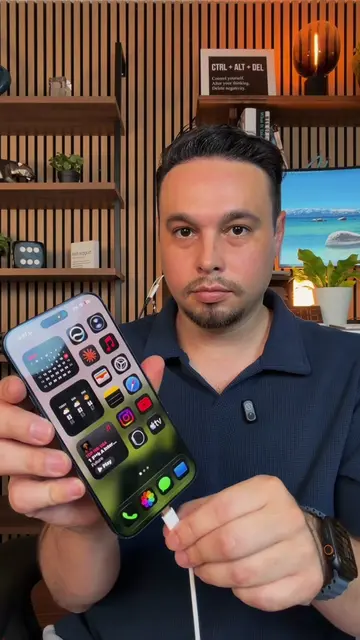
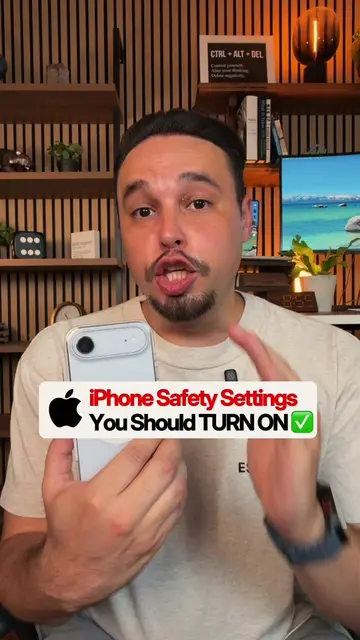
These iPhone buttons are lying to you
@alexeztechtips
344.7K followers · usually 45.7K views a post
Views
312.7K
Likes
9.6K
Comments
101
Shares
857
Promoted product
iPhone
Why it worked
The video addresses a common pain point for iPhone users by revealing a hidden functionality that improves battery life and privacy. The clear, step-by-step tutorial format makes it easy to follow and replicate, driving high engagement and shareability.
Summary
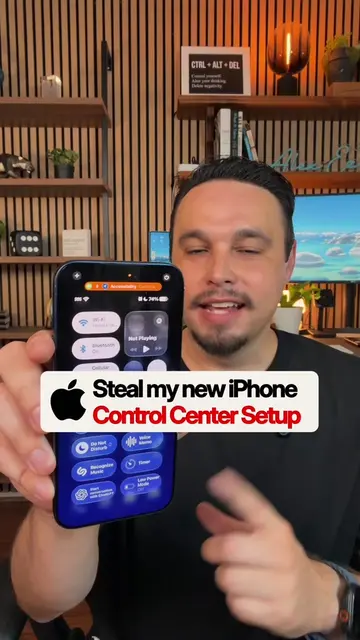
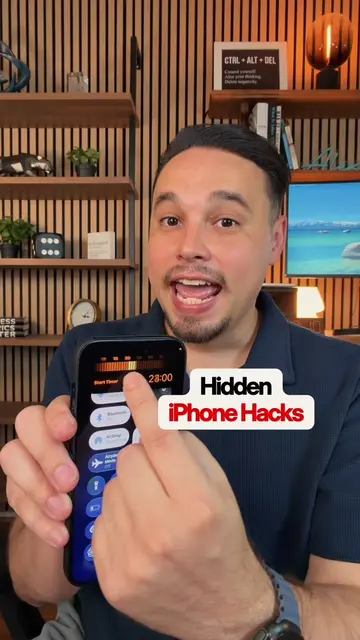
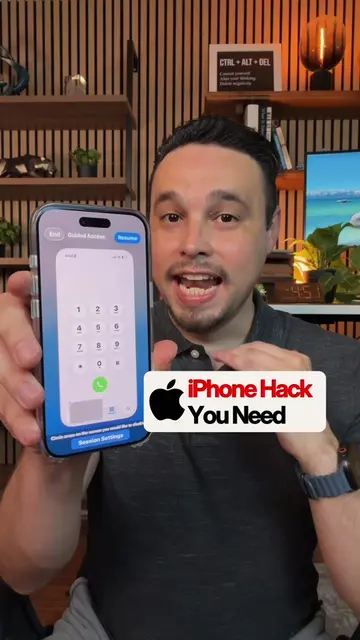
This video demonstrates how to create a custom shortcut on an iPhone to completely turn off both Wi-Fi and Bluetooth, as the standard control center buttons only temporarily disconnect them. The tutorial guides viewers through the Shortcuts app to set up this functionality and add it to their Control Center for instant access.
Structure
- 1Explain the problem with current Wi-Fi/Bluetooth controls
- 2Introduce the solution: custom shortcut
- 3Guide through creating the 'Turn Wi-Fi Off' action
- 4Guide through creating the 'Turn Bluetooth Off' action
- 5Name the shortcut
- 6Add the shortcut to Control Center and demonstrate its use
Product placement
Apple: ACTS - The iPhone's operating system is being manipulated to create a custom shortcut. Removing it would change what happens in the video. iPhone: ACTS - The device itself is being used to demonstrate the shortcut. Removing it would change what happens in the video.
Original caption
Your iPhone isn’t actually turning off Wi-Fi or Bluetooth… here’s how to fix it 👀📱 #iphonetips #iphonetricks #iphonehack #iphonetipsandtricks #iphone
More from @alexeztechtips
More breakout videos from this creator.