Loading video…
All breakouts
 CapCutseen in 576 videos →
3.8App DemoHow-To hookEducation
Hook
TODAY'S LESSON, AIRPLANE
@ezraed1t
207.0K followers · usually 191.0K views a post
Views
692.7K
Likes
40.5K
Comments
213
Shares
3.8K
Selling · SaaS › Other SaaS
Why it worked
The video provides a clear, step-by-step tutorial for a visually engaging animation effect, making it easy for viewers to follow along and replicate. The use of a popular editing app like CapCut and a common visual theme (airplanes) increases its relatability and shareability.
Summary
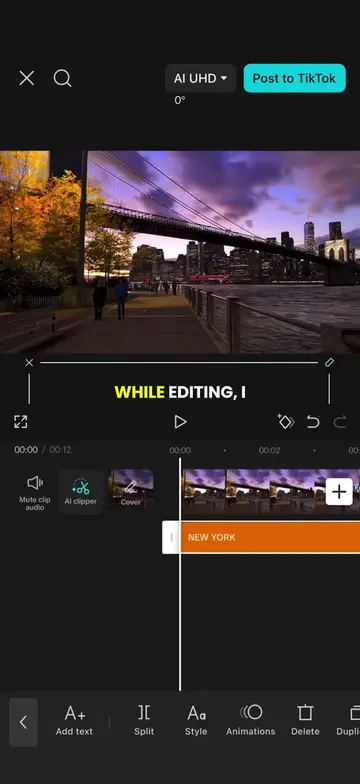
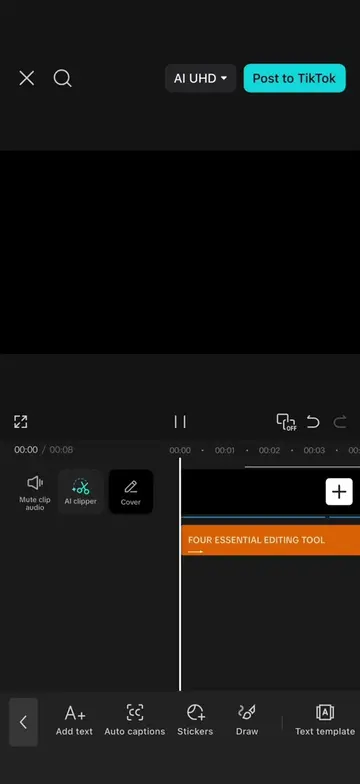
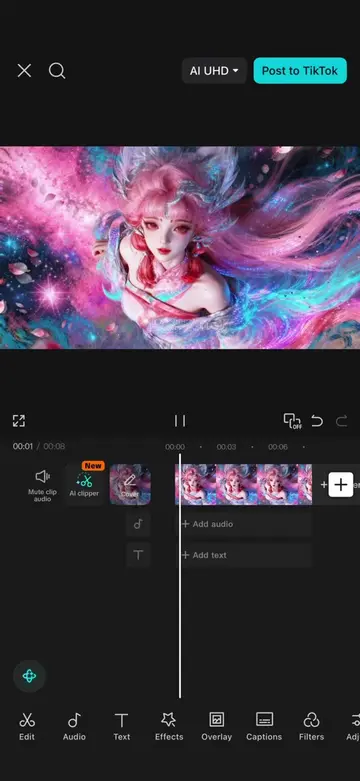
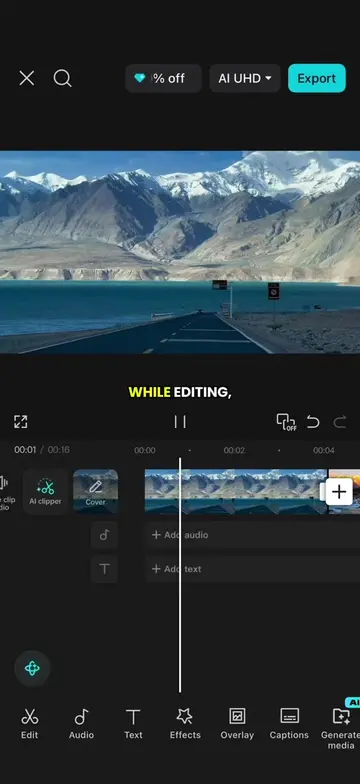
This video demonstrates how to create an airplane opening animation using CapCut. It involves importing a background, adding an airplane sticker with keyframe animation, adding text that follows the airplane, and applying masks and overlays to achieve a split-screen effect. Finally, a sound effect is added to complete the animation.
Structure
- 1Import black background and set duration.
- 2Add airplane sticker and animate its movement.
- 3Add text and animate it to follow the airplane.
- 4Apply masks and duplicate overlays for a split effect.
- 5Add sound effect and export.
Product placement
CapCut: Video editing software used to create the animation. It ACTS as the tool for editing. Removing it would change what happens in the video.
Sound of flying airplane (airliner) 3: Sound effect used in the video. It ACTS as an audio element. Removing it would change what happens in the video.
Original caption
Episode 57 | Airplane opening animation #CapCut #capcutpioneer #tiktoktips #tutorial #editingtips
More from @ezraed1t
Their other posts in the index, biggest breakout first.