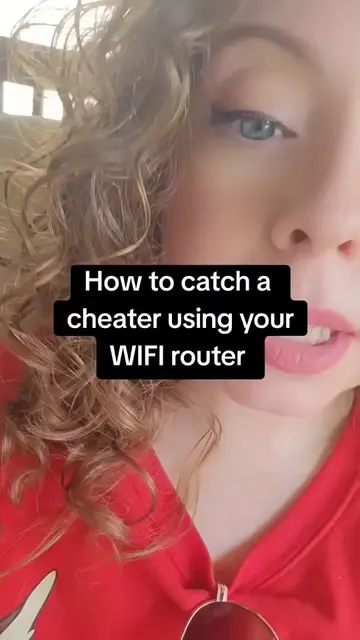
Loading video…
Sound

original sound - yesak_ak
Yesak Aklog · Original audio
0:00–:––
Playing this video’s own audio, so you’ll hear the creator over the sound.
The video addresses a common and relatable problem (slow Wi-Fi) and offers a practical, easy-to-follow solution using a specific app. The clear demonstration and direct instructions make it highly shareable and useful.
This video demonstrates how to use the "Spy TV" app to scan your Wi-Fi network for connected devices and remove unauthorized users. It shows the app's interface for scanning and identifying devices, offering a solution to slow Wi-Fi issues.
🚨 Is your Wi-Fi slower than usual? Someone you don’t know might be connected to your network. Here’s how to check every device using your home Wi-Fi and remove any unauthorized users in just a few steps. 🔒📶 #WiFiTips #HomeWiFi #NetworkSecurity #TechTips #yesak_ak
Is your Wi-Fi slower than usual?
Introduction to slow Wi-Fi problem
Introducing the Spy TV app
Demonstrating app download and interface
Scanning for connected devices
Identifying and removing unauthorized users
Concluding with Wi-Fi management
K logo: appears, does not act, removing it would not change the video. Spy TV: acts, it scans networks and identifies devices connected to the Wi-Fi, removing it would change the video.
Dm for paid promotions.📩
Playing this video’s own audio, so you’ll hear the creator over the sound.
Promotes 1 product. Create free account to see more.
Outliers and viral hits: their videos on Overshot, all time.
Wi-Fi network utility app for identifying devices connected to your network
All time.