Loading video…
Sound

original sound - tycotech.ca
tycotech · Original audio
0:00–:––
Playing this video’s own audio, so you’ll hear the creator over the sound.
This video promotes it, but we haven’t matched it to a product page yet, so there are no product figures.
The video addresses a common security concern for iPhone users, providing a clear and actionable solution to a potential vulnerability. The use of a direct demonstration and a concise explanation makes the information easily digestible and shareable, driving engagement.
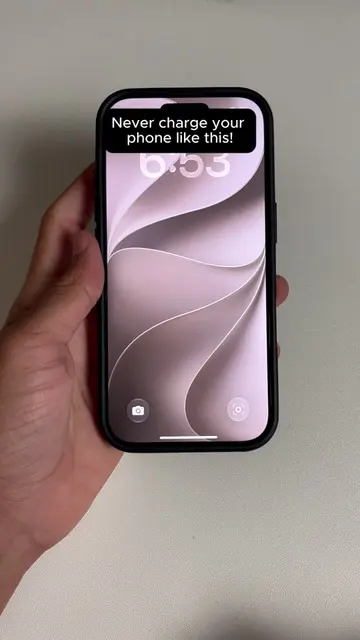
This video demonstrates how to prevent unauthorized access to your iPhone through AirPlay by disabling automatic AirPlay connections in the settings. The creator explains that anyone on the same Wi-Fi network can potentially access your device via AirPlay if the setting is left on automatic, and provides a step-by-step guide to change it to 'Never' for increased security.
Anyone connected to the same WiFi as you can access your iPhone through AirPlay and most people leave this completely open without knowing it. Share this with someone to stay protected. 👌 #TechHacks #iPhoneTips #iPhoneTricks #apple #ios27
Anyone can hack you through Airplay!
Introduction to AirPlay vulnerability
Demonstration of accessing settings
Navigation to AirPlay & Continuity
Changing 'Automatically AirPlay' to 'Never'
Conclusion on enhanced security
iPhone (device): appears, removing it would not change what happens in the video. AirPlay (feature): acts, removing it would change what happens in the video.
Share this with someone to stay protected.
Playing this video’s own audio, so you’ll hear the creator over the sound.
Promotes 2 products. Create free account to see more.
Outliers and viral hits: their videos on Overshot, all time.