Loading video…
Sound

original sound - vxcarmodification
J. Digital Creator · Original audio
0:00–:––
Playing this video’s own audio, so you’ll hear the creator over the sound.
The video provides practical and useful information about managing Wi-Fi, which is a common concern for many users. The clear demonstrations of each app's functionality and the promise of providing links in the DM encourage engagement and sharing.
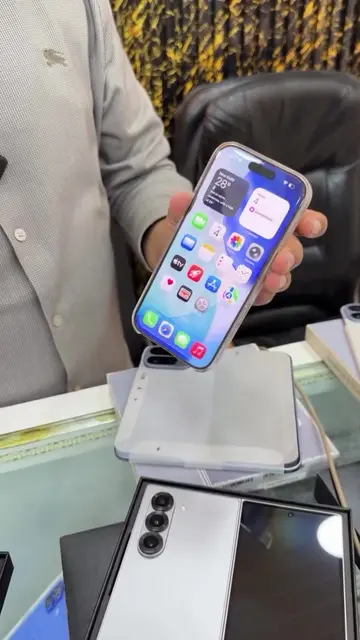
The video showcases three mobile applications that help users manage and optimize their Wi-Fi experience. It demonstrates how to find the strongest Wi-Fi signal, identify and manage connected devices, and discover nearby Wi-Fi passwords.
Try these useful wifi tricks #freewifi #wifi #Tech #instgram #explore
Simmer
Introduction to Wi-Fi apps
Demonstration of WiFi AR for signal strength
Demonstration of Fing - Network Tools for device management
Demonstration of WiFi Map for finding Wi-Fi passwords
Call to action to follow and comment
WiFi AR (Acts: Shows Wi-Fi signal strength in augmented reality, helping users find the best signal spots. Removing it would change the video's demonstration of Wi-Fi signal strength.) Fing - Network Tools (Acts: Scans the network to show connected devices, their details, and allows for device management like blocking or pausing internet. Removing it would change the video's demonstration of network management.) WiFi Map (Acts: Shows nearby Wi-Fi hotspots on a map and reveals their passwords. Removing it would change the video's demonstration of finding and connecting to Wi-Fi networks.)
Follow
Playing this video’s own audio, so you’ll hear the creator over the sound.
Promotes 4 products. Create free account to see more.
Outliers and viral hits: their videos on Overshot, all time.
Mobile Wi-Fi tools for finding signal strength, managing devices, and locating hotspots
All time.