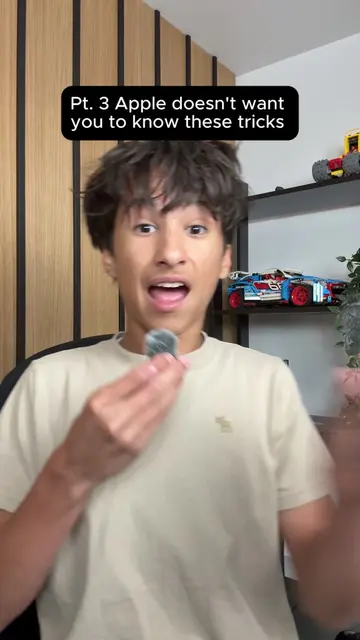
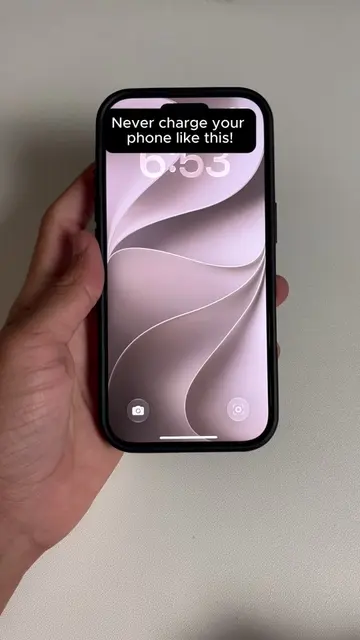
Loading video…
All breakouts
8.0Talking HeadWarning hookConsumer Apps
Hook
Stop people from spying on your iPhone!
@tycotech.ca
148.9K followers · usually 23.0K views a post
Views
325.9K
Likes
9.4K
Comments
116
Shares
681
Promoted product
iPhone
Why it worked
The video addresses a common privacy concern for iPhone users, offering a simple and actionable solution that can be easily implemented. The 'hack' nature of the tip appeals to users looking for quick and effective ways to enhance their device's security.
Summary
This video demonstrates a privacy trick for iPhones. It shows viewers how to go into Settings, Accessibility, Display & Text Size, and then max out 'Reduce White Point' to make the screen visible only to the user.
Structure
- 1Introduce the problem: people can see your iPhone screen.
- 2Instruct to go to Settings > Accessibility > Display & Text Size.
- 3Instruct to find and max out 'Reduce White Point'.
- 4Explain the result: screen is only visible to the user.
- 5Ask for viewer opinion.
Product placement
iPhone: a smartphone made by Apple. It ACTS as the device on which the tutorial is performed. Removing it would change what happens in the video.
Settings: the native iOS application for configuring the iPhone. It ACTS as the interface for changing phone settings. Removing it would change what happens in the video.
Accessibility: a section within the iPhone Settings app. It ACTS as a menu to access features for users with disabilities. Removing it would change what happens in the video.
Display & Text Size: a section within the Accessibility menu. It ACTS as a menu to adjust display settings. Removing it would change what happens in the video.
Reduce White Point: a setting within Display & Text Size. It ACTS to reduce the intensity of bright colors on the screen. Removing it would change what happens in the video.
Original caption
Most people have no idea strangers can see their iPhone screen from any angle in public. Head to Settings, Accessibility, Display and Text Size, find Reduce White Point and max it out to 100 percent. Your screen dims just enough that only you can see it. What do you think about this trick? #TechHacks #iPhoneTips #iPhoneTricks #iPhonePrivacy #ios
More from @tycotech.ca
More breakout videos from this creator.