Loading video…
All breakouts
52.3App DemoHow-To hookConsumer Apps
Hook
Apple doesn't tell you this trick!
@tycotech.ca
148.9K followers · usually 23.0K views a post
Views
1.2M
Likes
37.1K
Comments
400
Shares
15.1K
Promoted product
iPhone
Why it worked
The video taps into a common user pain point (limited phone storage) and offers a simple, actionable solution that is not widely known, making it highly shareable and valuable.
Summary
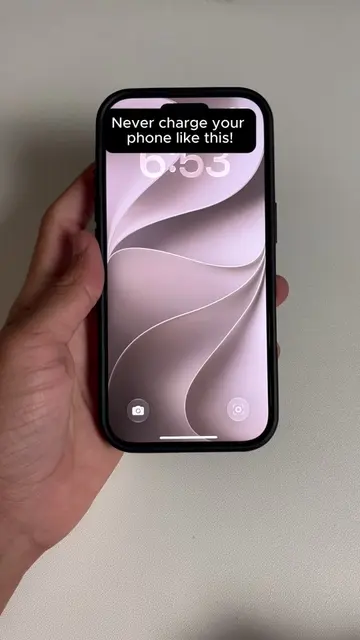
This video demonstrates a hidden iPhone setting within Safari that allows users to clear accumulated website data, freeing up storage space without deleting important files. The creator shows how to navigate to the 'Website Data' section and remove it, highlighting the significant amount of space that can be reclaimed.
Structure
- 1Introduce the trick
- 2Navigate to Safari settings
- 3Access Website Data
- 4Remove Website Data
- 5Show results and ask for engagement
Product placement
Apple: ACTS - the operating system for the iPhone, which is being operated on to show a hidden setting. Removing it would change what happens in the video.
Safari: ACTS - the web browser on the iPhone, which is being operated on to show a hidden setting. Removing it would change what happens in the video.
TycoTech: APPEARS - the creator's name is visible on screen at the end of the video. Removing it would not change what happens in the video.
On-screen text
Apple doesn't tell you this trick!
Original caption
Your iPhone has been quietly hoarding hundreds of megabytes of hidden website data that most people never even think to clear out. How much storage did this save you? 🤔 #TechHacks #iPhoneTips #iPhoneTricks #iphonestorage #icloud
More from @tycotech.ca
More breakout videos from this creator.