Loading video…
All breakouts
12.1Talking HeadWarning hookConsumer Apps
Hook
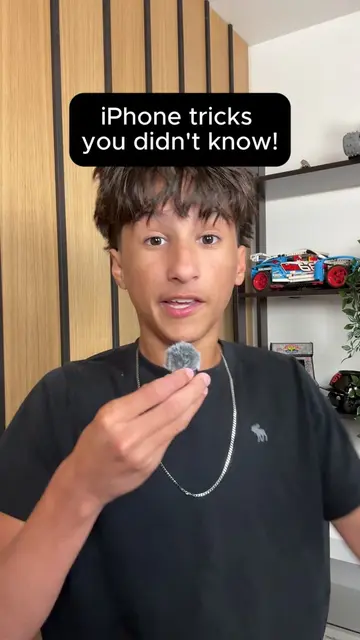
Pt. 3 Apple doesn't want you to know these tricks
@tycotech.ca
148.9K followers · usually 23.0K views a post
Views
374.2K
Likes
16.0K
Comments
164
Shares
1.2K
Promoted product
iPhone
Why it worked
The video leverages curiosity by promising 'hidden tricks' from Apple, a brand with a large and engaged user base. It also provides a practical, easily demonstrable feature that users can try immediately, increasing its shareability.
Summary
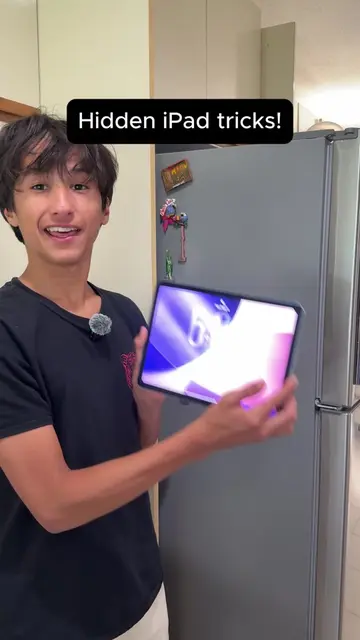
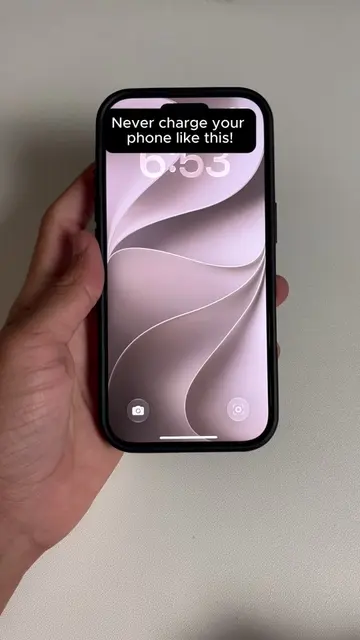
This video demonstrates a hidden feature on iPhones (specifically iPhone 15 Pro or newer) that allows the Action Button to be customized for more than just silencing the phone. The creator shows how to set it to 'Visual Intelligence' which can identify objects and foods by scanning them.
Structure
- 1Intro with title card
- 2Explaining the common use of the Action Button
- 3Introducing a better use: Visual Intelligence
- 4Demonstrating scanning an object
- 5Demonstrating scanning food
- 6Asking if the viewer knew about this feature
Product placement
Apple (company): appears as the manufacturer of the iPhone being demonstrated. Removing it would not change what happens in the video.
iPhone (product): is the device being used to demonstrate the tricks. Removing it would change what happens in the video.
TikTok (app): appears as an icon on the iPhone's home screen. Removing it would not change what happens in the video.
Instagram (app): appears as an icon on the iPhone's home screen. Removing it would not change what happens in the video.
Google (app): appears as an icon on the iPhone's home screen. Removing it would not change what happens in the video.
Clock (app): appears as a widget on the iPhone's home screen. Removing it would not change what happens in the video.
Find My (app): appears as an icon on the iPhone's home screen. Removing it would not change what happens in the video.
GarageBand (app): appears as an icon on the iPhone's home screen. Removing it would not change what happens in the video.
Camera (app): appears as an icon on the iPhone's home screen. Removing it would not change what happens in the video.
App Store (app): appears as an icon on the iPhone's home screen. Removing it would not change what happens in the video.
Settings (app): is the app being used to demonstrate the tricks. Removing it would change what happens in the video.
Fitness (app): appears as an icon on the iPhone's home screen. Removing it would not change what happens in the video.
Phone (app): appears as an icon on the iPhone's home screen. Removing it would not change what happens in the video.
Messages (app): appears as an icon on the iPhone's home screen. Removing it would not change what happens in the video.
Siri (app): is demonstrated as a feature of the iPhone. Removing it would change what happens in the video.
Original caption
Apple doesn’t want you to know these tricks part 3. Your Action Button can do so much more than silence your phone and most people have no idea they are wasting it. iPhone 15 Pro or newer require! Did you know about this?🤔 #TechHacks #iPhoneTips #iphonetricks #ios27 #apple
More from @tycotech.ca
More breakout videos from this creator.