Loading video…
All breakouts

4.5App DemoResult / Flex hookEducation
Hook
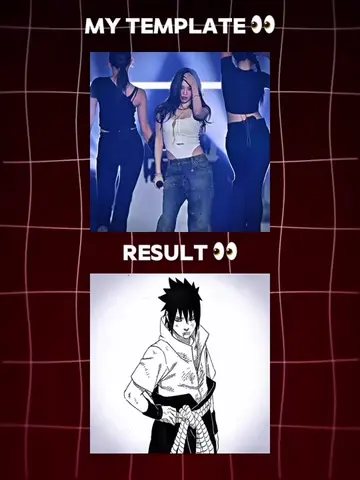
MY TEMPLATE RESULT
@wanzenn
863.7K followers · usually 16.7K views a post
Views
73.5K
Likes
5.5K
Comments
49
Shares
315
Why it worked
The video effectively uses a 'template vs. result' format to showcase the creative potential of CapCut, appealing to users interested in anime edits and visual transformations.
Summary
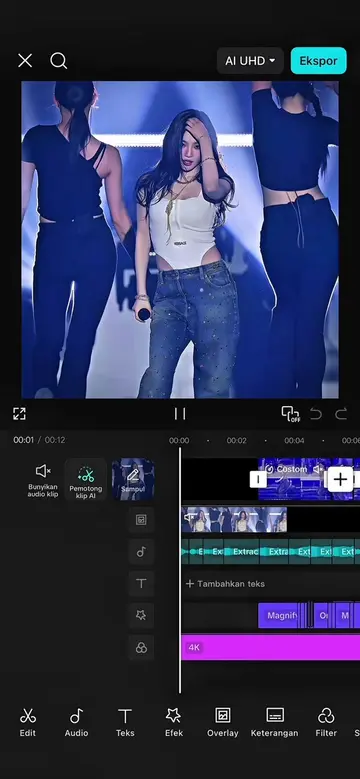
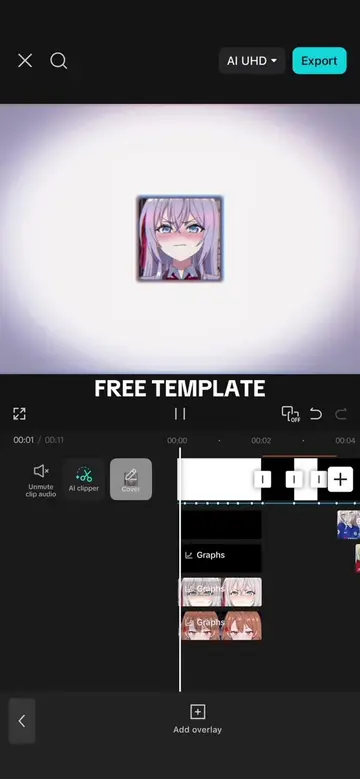
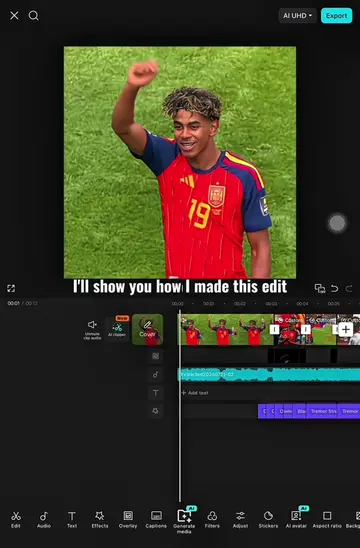
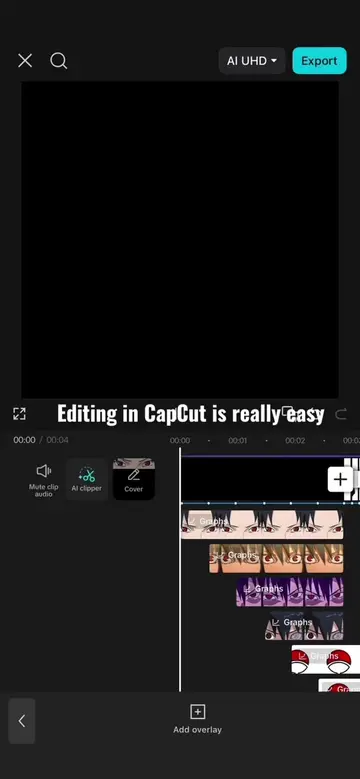
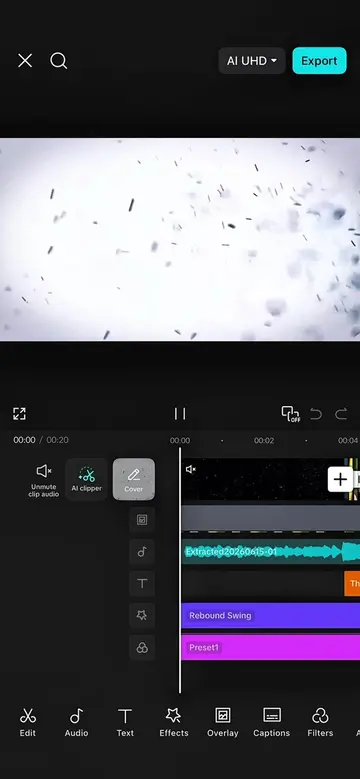
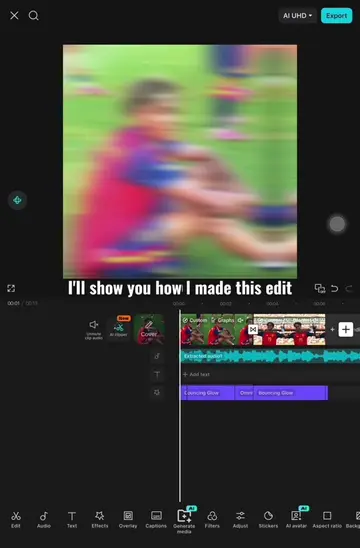
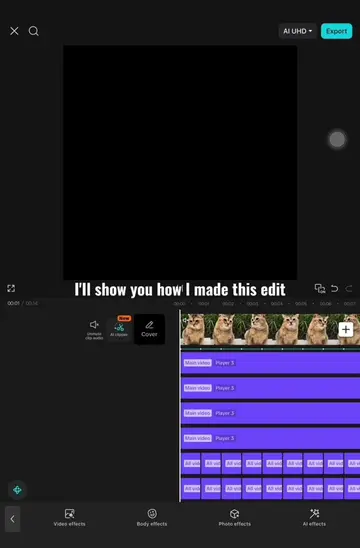
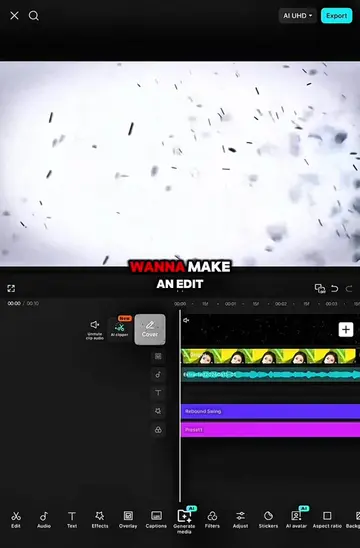
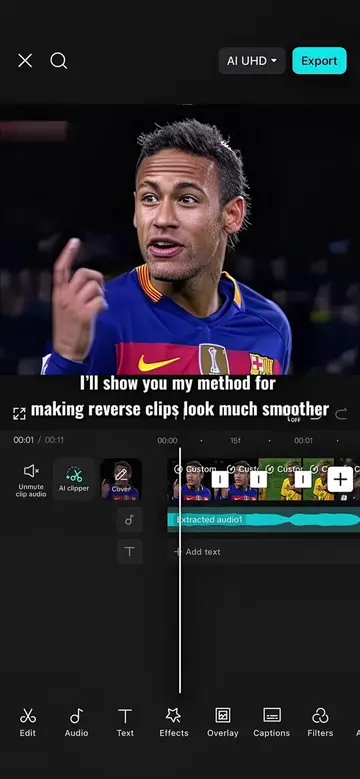
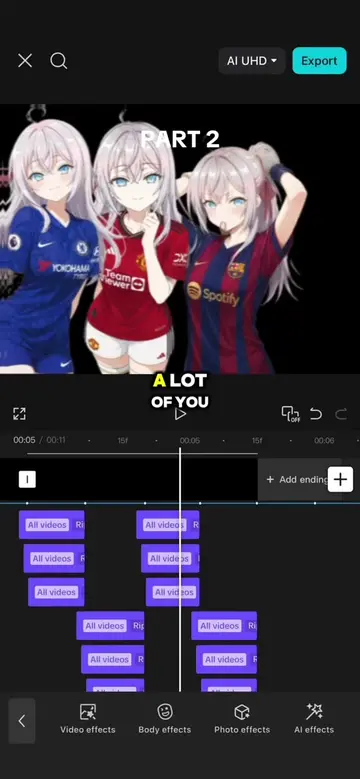
The video showcases a template for creating anime-themed video edits using CapCut. It presents a "My Template" version and a "Result" version, demonstrating how the template can be applied to transform different anime characters and scenes.
Structure
- 1Introduction of template vs. result concept
- 2Demonstration with character name edits
- 3Demonstration with title edits
- 4Demonstration with character image edits
- 5Demonstration with full character scene edits
- 6Demonstration with close-up character edits
Original caption
Create your favorite fandom edits faster with this template | Enjoy 🙌 #CapCut #capcutpioneer #pioneertemplate #capcut_edit #animes
More from @wanzenn
Their other posts in the index, biggest breakout first.