Loading video…
Sound

original sound - cinchgaming
Cinch Gaming 🎮 · Original audio
0:00–:––
Playing this video’s own audio, so you’ll hear the creator over the sound.
The video addresses a common and frustrating problem for a specific gaming hardware audience, offering a practical, DIY solution that saves them money on repairs or replacements.
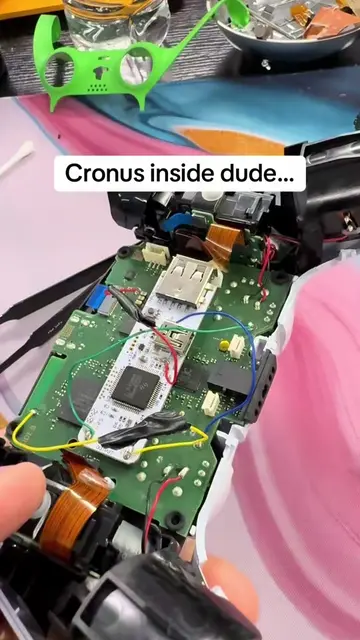
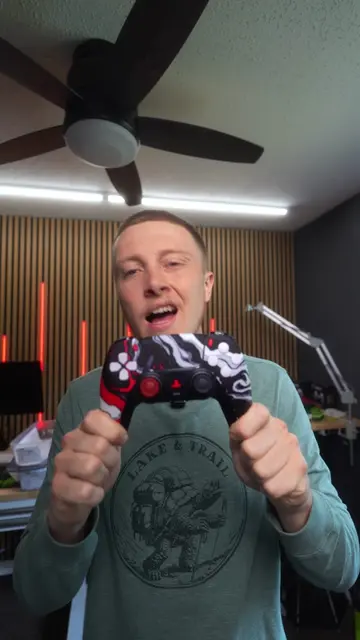
This video demonstrates how to fix stick drift on an Xbox Elite Wireless Controller Series 2 using the Xbox Accessories app. The process involves recalibrating the left stick through the app's interface to resolve centering issues.
Fix Xbox Elite Stick Drift at home. #battlefield #customcontroller #blackops #xboxelite #stickdriftfix
Fix Xbox Elite Stick Drift at home.
Introduce the problem: stick drift on Xbox Elite controller
Show the Xbox Accessories app interface
Select recalibration for the left stick
Perform the calibration steps (rotate, hold, release)
Confirm stick drift is fixed
Xbox Elite Wireless Controller Series 2 by Xbox: ACTS - it is the device being calibrated and used in the demo. Removing it would change the video. Xbox Accessories app: ACTS - it is the software interface used to calibrate the controller. Removing it would change the video.
Playing this video’s own audio, so you’ll hear the creator over the sound.
Promotes 2 products. Create free account to see more.
Outliers and viral hits: their videos on Overshot, all time.
Customizable wireless game controller for Xbox players
All time.