Loading video…
Sound

coffee date maliabeats
Malia · Original audio
0:00–:––
- Videos using it
- 79
- Creators
- 72
- Views on those videos
- 23.0M
The video taps into the common desire to maximize the utility of an expensive device like an iPad, offering practical tips and showcasing diverse applications beyond basic consumption. The "101" series format suggests a structured learning experience, appealing to users who want to unlock their device's full potential.
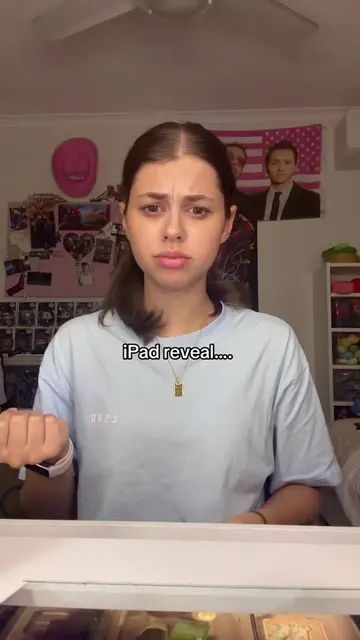
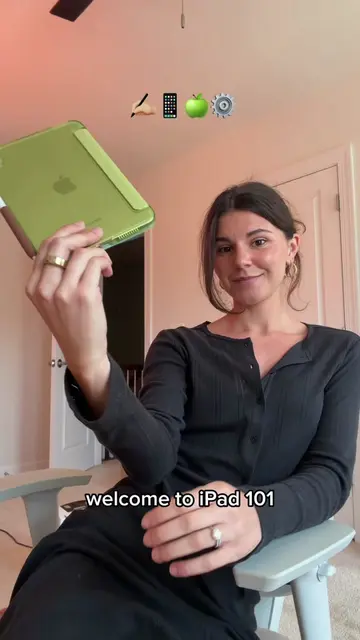
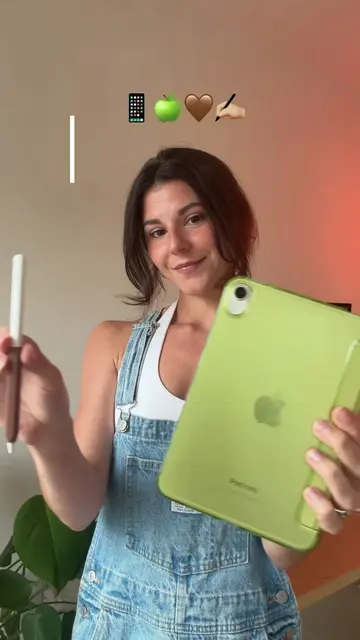
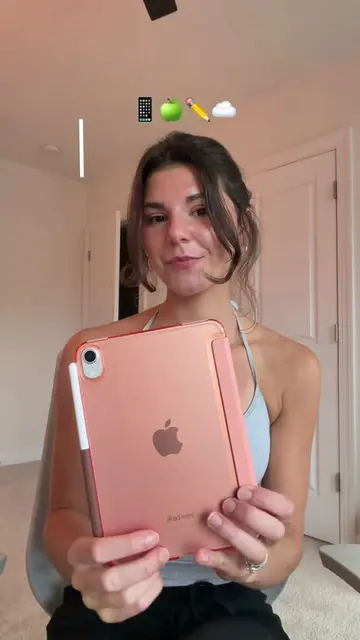
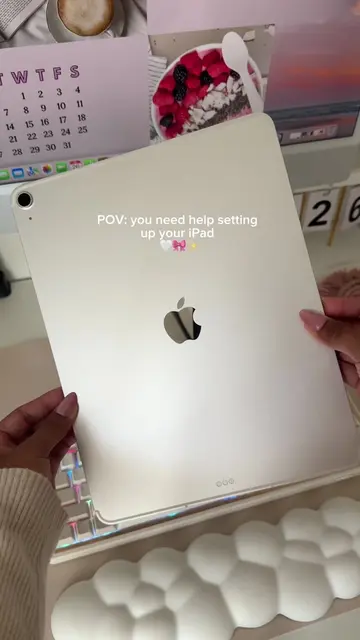
This video introduces an "iPad 101" series, promising to show viewers the best ways to use their iPads beyond just entertainment. The creator highlights various applications for digital planning, note-taking, art, video editing, and gaming, aiming to help viewers be more productive and creative.
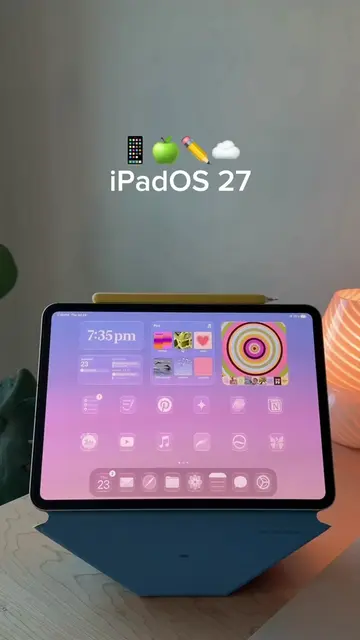
iPad 101 Series 📱🍏✍🏼⚙️🧚🏼♀️ follow along for Part 1: Homescreen Tips & Tricks 💗 #ipad #ipadmini #ipadkid #ipadpro
iPad 101
Introduction to iPad 101 series
Demonstration of various iPad uses (planning, art, editing, gaming)
Highlighting creative and productivity apps
Mentioning accessories to enhance the iPad experience
Call to action to follow along
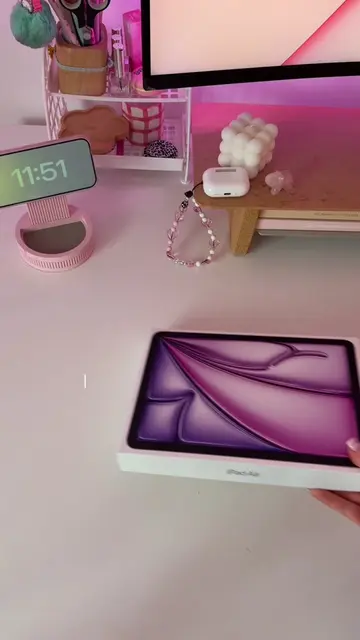
iPad (acts: used to display digital art, plans, notes, and games, and to edit videos; removing it would change what happens in the video) iPad mini (appears: a specific model of iPad shown; removing it would not change what happens in the video) iPad Air (appears: a specific model of iPad shown; removing it would not change what happens in the video) Apple Pencil (acts: used to interact with the iPad for drawing, note-taking, and planning; removing it would change what happens in the video) Procreate (acts: an app shown being used for drawing and art creation; removing it would change what happens in the video) Netflix (appears: an app shown on the iPad screen; removing it would not change what happens in the video) Apple (appears: logo on shopping bag and iPad; removing it would not change what happens in the video)
follow along
iPad - Apple
All time.
Promotes 3 products. Create free account to see more.
Outliers and viral hits: their videos on Overshot, all time.