Loading video…
All breakouts
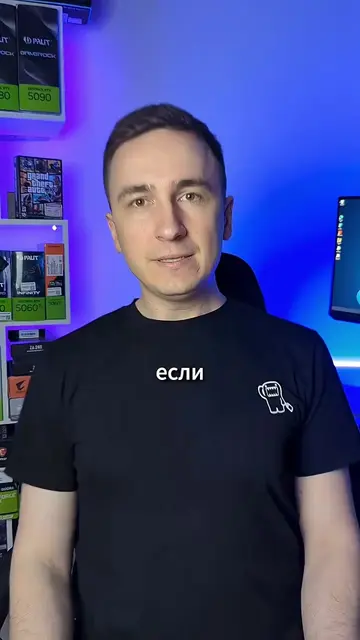
11.4Talking HeadDirect Question hookConsumer Apps
Hook
СОБРАЛ ПК?
@makstechno
16.8K followers · usually 18.9K views a post
Views
191.9K
Likes
9.7K
Comments
126
Shares
623
Promoted product
—
Why it worked
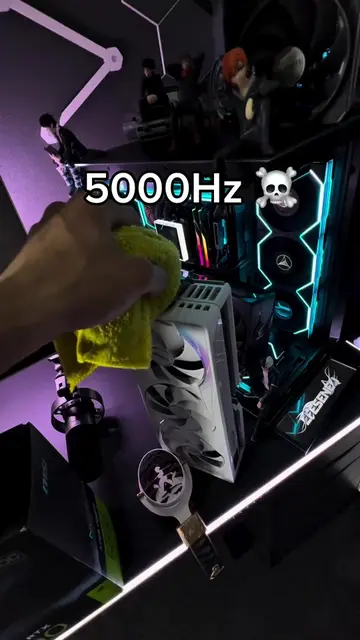
The video offers practical, actionable advice for PC builders, addressing common mistakes and ensuring system stability. The fast-paced, visual format with clear on-screen text makes it easy to follow and digest.
Summary
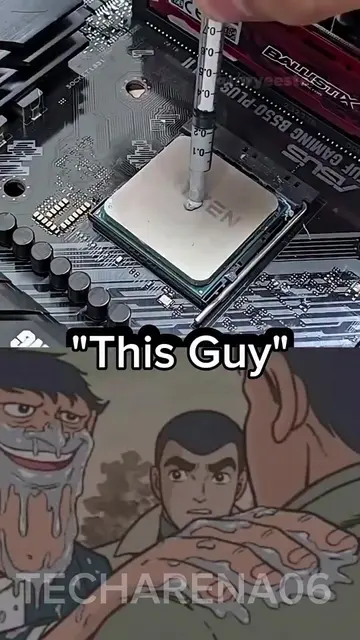
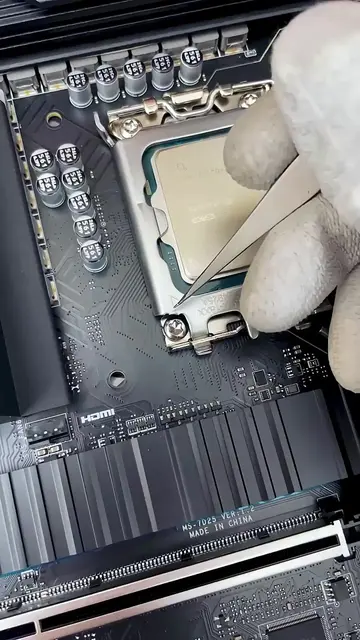
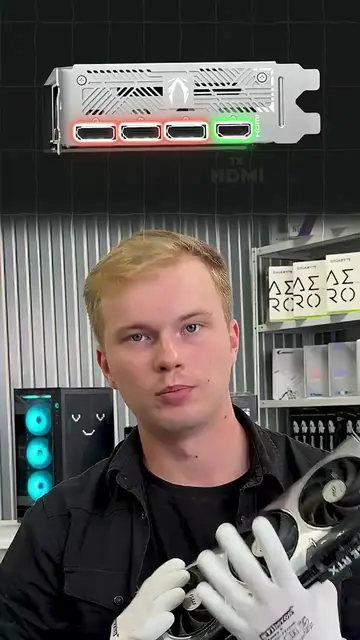
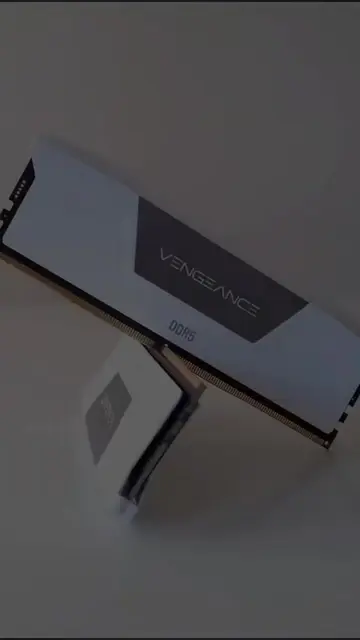
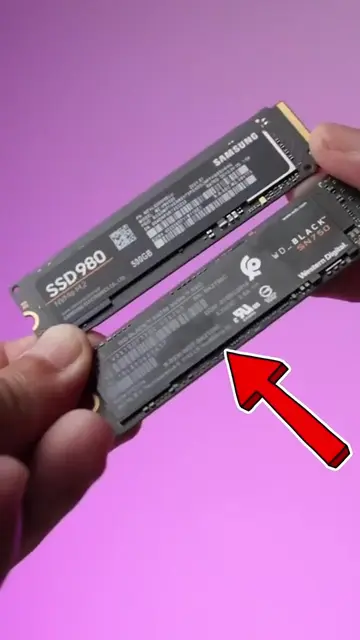
The video provides a quick guide on essential checks after building a PC. It covers ensuring RAM is fully seated, correctly installing RAM sticks in specific slots, connecting the CPU power, applying thermal paste, enabling XMP/EXPO profiles in the BIOS, and running stress tests like Prime95 and FurMark to ensure stability.
Structure
- 1Check RAM seating
- 2Install RAM in correct slots
- 3Connect CPU power
- 4Apply thermal paste
- 5Enable XMP/EXPO
- 6Run stress tests
Product placement
Corsair Vengeance RGB DDR5 (appears, does not act, removing it would not change what happens in the video); AMD Ryzen 7 3700X (appears, does not act, removing it would not change what happens in the video); Intel Core i7 (appears, does not act, removing it would not change what happens in the video); MSI (appears, does not act, removing it would not change what happens in the video); NVIDIA GeForce RTX 3060 Ti (appears, does not act, removing it would not change what happens in the video); Prime95 (acts, it is used to stress test the CPU, removing it would change what happens in the video); FurMark (acts, it is used to stress test the GPU, removing it would change what happens in the video); Arctic MX-6 (acts, it is used as thermal paste, removing it would change what happens in the video)
More from @makstechno
More breakout videos from this creator.