Loading video…
All breakouts
22.5Talking HeadSocial Proof hookLifestyle
Hook
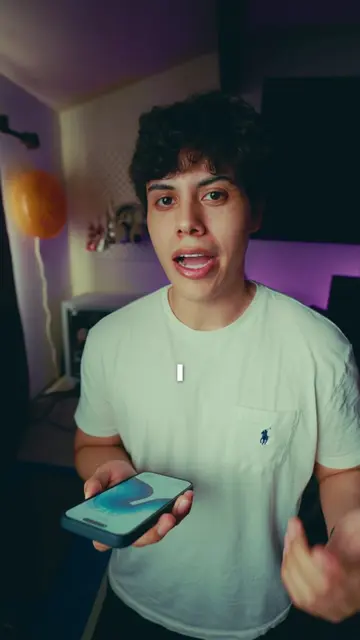
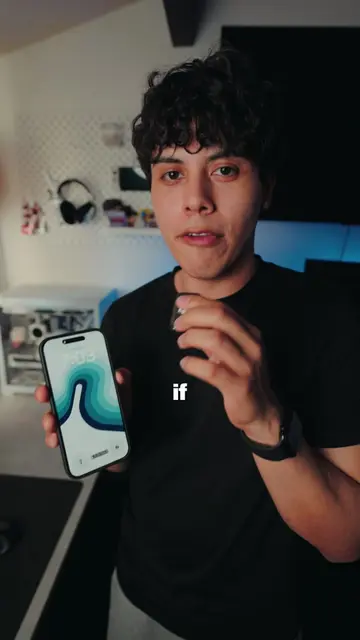
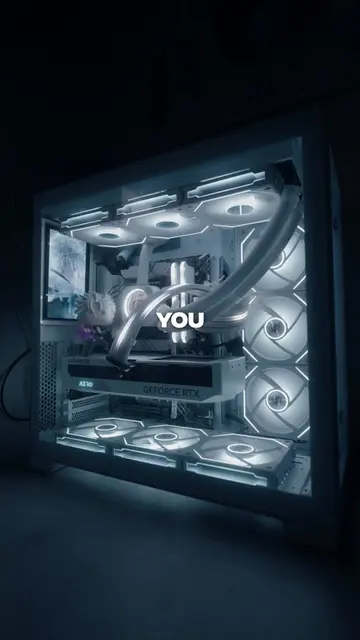
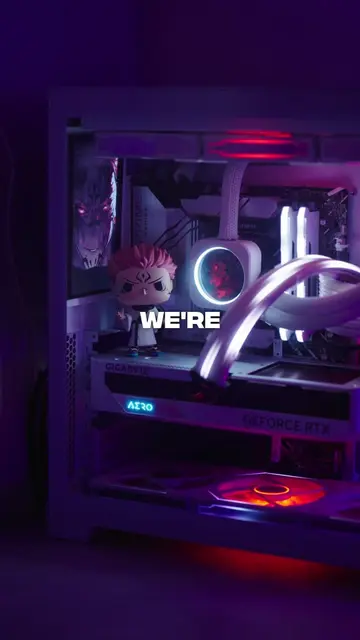
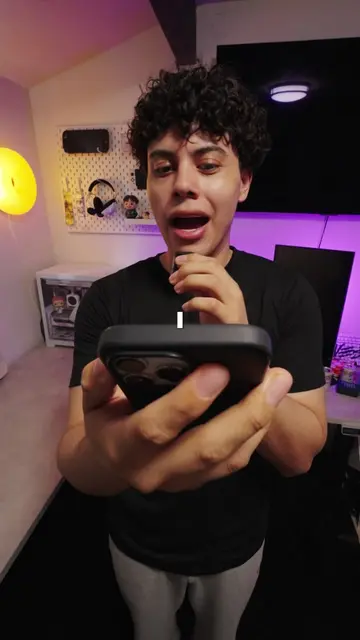
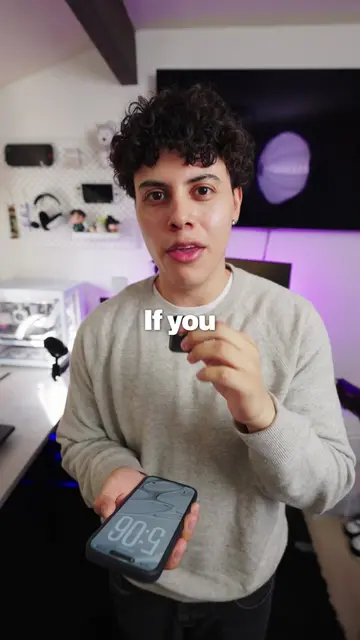
If you just got your first PC, there's a 90% chance you're using one of these three things wrong.
@juboo14
24.6K followers · usually 5.3K views a post
Views
218.3K
Likes
16.2K
Comments
124
Shares
824
Why it worked
The video provides high-value, actionable technical advice that solves common pain points for a specific, growing audience (new PC owners), making it highly shareable and saveable.
Summary
The creator provides three essential tips for new PC owners to ensure their hardware is performing correctly. He covers updating graphics drivers, setting the correct monitor refresh rate, and ensuring the monitor cable is connected to the GPU.
Structure
- 1Introduction to common PC setup mistakes
- 2Tip 1: Updating graphics drivers
- 3Tip 2: Adjusting monitor refresh rate settings
- 4Tip 3: Correcting monitor cable connection
- 5Outro and call to follow
Call to action
follow for more PC and gaming tips
On-screen text
If you just got your first PC, there's a 90% chance you're using one of these three things wrong.
90% CHANCE
Right
Wrong
1
update graphics drivers
Nvidia GeForce
2
refresh rate
144Hz
3
Correct
Wrong
GPU
Motherboard
Original caption
if you just got a PC watch this first #pcgaming #GamingSetup #firstpc
More from @juboo14
More breakout videos from this creator.