Loading video…
Sound

original sound - makstechno
MaksTechno · Original audio
0:00–:––
Playing this video’s own audio, so you’ll hear the creator over the sound.
The video effectively uses clear on-screen text and visual highlights to explain complex hardware components in an easy-to-understand format. This makes it highly valuable for PC builders and enthusiasts seeking to identify and understand motherboard connections.
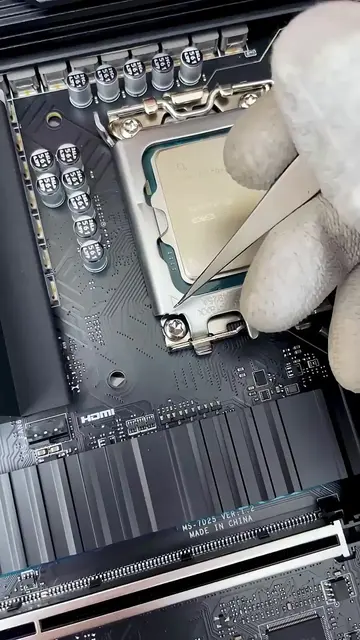
This video provides a comprehensive guide to the various connectors and slots found on a motherboard. It visually identifies and explains the purpose of components like the CPU socket, RAM slots, PCIe slots, M.2 slots, SATA ports, fan headers, USB ports, and front panel connectors.
ГАЙД ПО ВСЕМ РАЗЪЁМАМ МАТЕРИНСКОЙ ПЛАТЫ
Introduction to motherboard connectors
CPU socket and power connectors
RAM and PCIe slots
Storage and fan connectors
USB and front panel connectors
RGB headers and other specific ports
ASUS ROG STRIX Z390-E GAMING motherboard: it is the central subject of the video, with its various connectors and slots being identified and explained. Removing it would change what happens in the video. Intel CPU: it appears in the CPU socket, demonstrating where the processor is installed. Removing it would change what happens in the video. Gamer Storm power supply: it appears in a small inset, demonstrating the power connectors for the motherboard. Removing it would change what happens in the video. ROG Strix logo: appears on the motherboard, identifying the product line. Removing it would change what happens in the video.
Playing this video’s own audio, so you’ll hear the creator over the sound.
Gaming motherboard for people building Intel-based desktop PCs
All time.
Promotes 3 products. Create free account to see more.
Outliers and viral hits: their videos on Overshot, all time.