Loading video…
All breakouts
11.4Text-HeavyDirect Question hookConsumer Apps
Hook
ПОЧЕМУ??? SSD 1ТБ → 931ГБ
@makstechno
16.8K followers · usually 18.9K views a post
Views
192.5K
Likes
5.6K
Comments
111
Shares
346
Promoted product
SSD
Why it worked
The video addresses a common user confusion about storage capacity, providing a clear and concise explanation with visual aids. The use of relatable memes and a direct, problem-solution format makes the technical information accessible and engaging.
Summary
The video explains why a 1TB SSD appears as 931GB in Windows. It details that manufacturers use a decimal system (1TB = 1 trillion bytes), while Windows uses a binary system, leading to the discrepancy when converting.
Structure
- 1Introduction of the problem: 1TB SSD shows as 931GB
- 2Questioning where the missing space went
- 3Explanation of decimal vs. binary systems
- 4Demonstration of the calculation
- 5Conclusion: the difference is due to system calculation methods
Product placement
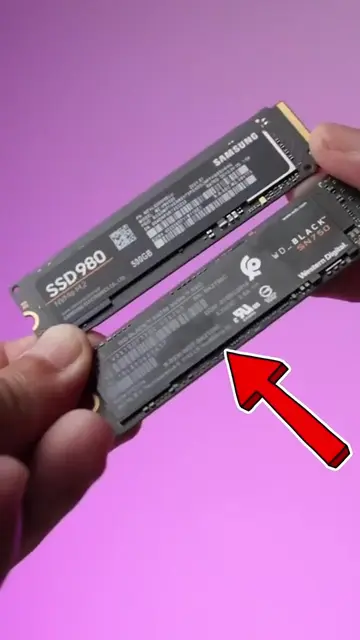
WD_BLACK SN750: ACTS - it is a storage device whose capacity is being discussed and measured. Removing it would change the video's topic. WD Green SATA SSD: ACTS - it is a storage device whose capacity is being discussed and measured. Removing it would change the video's topic. Samsung T5: ACTS - it is a storage device whose capacity is being discussed and measured. Removing it would change the video's topic. Samsung: APPEARS - it is a logo on an SSD. Removing it would not change what happens in the video. WD: APPEARS - it is a logo on an SSD. Removing it would not change what happens in the video. ADATA: APPEARS - it is a logo on an SSD. Removing it would not change what happens in the video.
More from @makstechno
More breakout videos from this creator.