Loading video…
Sound

Famous Mozart's Turkish March(872150)
East Valley Music
0:00–:––
- Videos using it
- 114
- Creators
- 39
- Views on those videos
- 32.5M
The video provides a practical solution to a common user problem (boring ringtones) by leveraging popular platforms like TikTok and a user-friendly app, making it highly shareable and useful.
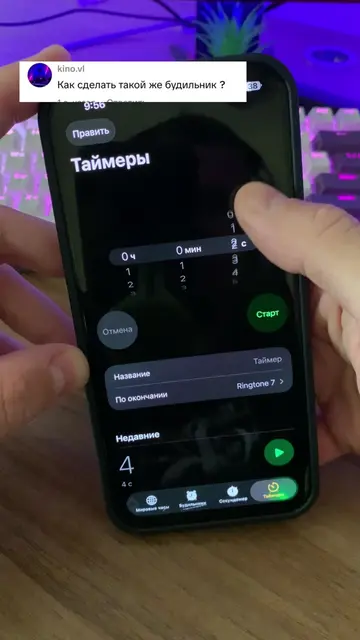
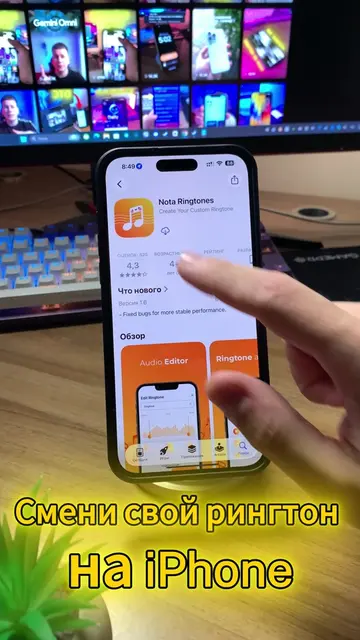
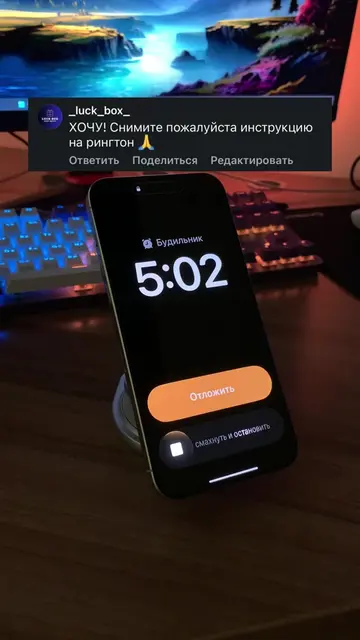
This video demonstrates how to change your iPhone's ringtone using TikTok and a third-party app called "Nota Ringtones". It guides viewers through downloading a sound from TikTok, importing it into the app, editing it, and setting it as a custom ringtone.
Cómo cambiar el tono de llamada de tu teléfono iPhone #tono #iphone #tonodellamada #ios #notaringtones
CÓMO CAMBIAR TU TONO DE LLAMADA
Introduce the problem of a boring ringtone
Search for ringtones on TikTok
Download a chosen ringtone video
Import the video into Nota Ringtones app
Edit and set the ringtone
Confirm the new ringtone is set
TikTok (app): Used to search for ringtones. Its interface is operated. Removing it would change what happens in the video. Nota Ringtones (app): Used to create and set custom ringtones. Its interface is operated. Removing it would change what happens in the video.
Promotes 3 products. Create free account to see more.
Outliers and viral hits: their videos on Overshot, all time.
IPhone app for creating custom ringtones from audio and video
All time.