Loading video…
Sound

Famous Mozart's Turkish March(872150)
East Valley Music
0:00–:––
- Videos using it
- 114
- Creators
- 39
- Views on those videos
- 32.5M
The video addresses a common desire among iPhone users to personalize their devices with custom ringtones, providing a clear, step-by-step tutorial using readily available apps like TikTok and a specific ringtone app.
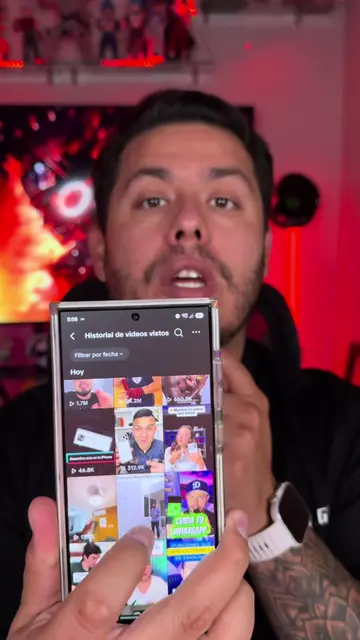
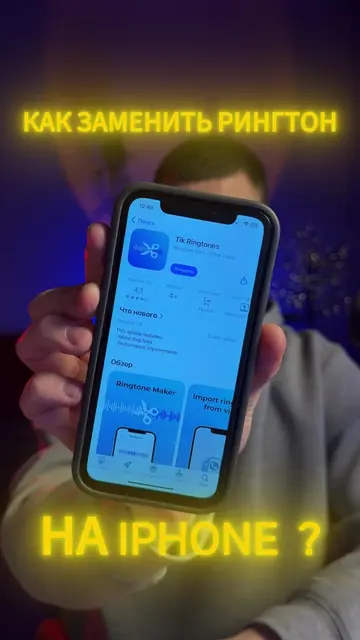
This video demonstrates how to set a favorite song or video as a ringtone on an iPhone. It guides viewers through finding a sound on TikTok, downloading it, and then using the Snap Ringtones app to convert it into a custom ringtone.
Cómo cambiar tu tono de llamada en un teléfono iPhone con esta aplicaciones llamada Snapringtones #tonodellamada #tono #ringtone #iphone #tips
TU CANCIÓN FAVORITA COMO TONO DE LLAMADA
Introduce the problem: setting custom ringtones on iPhone.
Show how to find and download a sound from TikTok.
Introduce and demonstrate the Snap Ringtones app.
Explain how to edit and set the downloaded sound as a ringtone.
Show the final result: the custom ringtone playing.
iPhone (device) - appears on screen, used to demonstrate the process. Removing it would change the video. TikTok (app) - appears on screen, used to find ringtones. Removing it would change the video. Snap Ringtones (app) - appears on screen, is operated to create a ringtone. Removing it would change the video.
Regálame un like, guarda este video
Promotes 3 products. Create free account to see more.
Outliers and viral hits: their videos on Overshot, all time.
IPhone app that converts video audio into custom ringtones
All time.