Loading video…
Sound

BETA 777
beaty
0:00–:––
- Videos using it
- 202
- Creators
- 118
- Views on those videos
- 46.1M
The video provides a practical, step-by-step solution to a common user desire (customizing iPhone ringtones) using readily available tools (TikTok and a free app), making it highly shareable and useful.
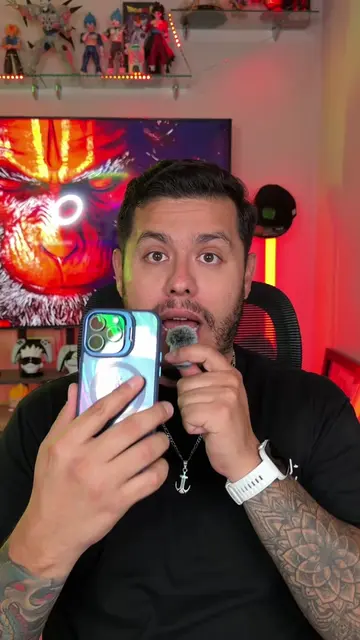
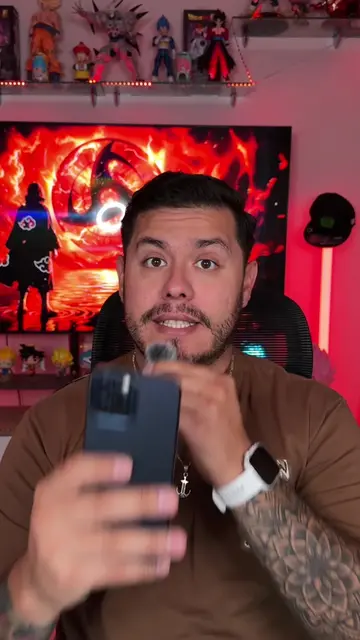
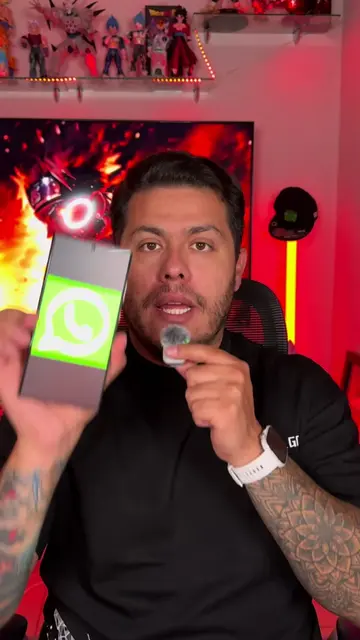
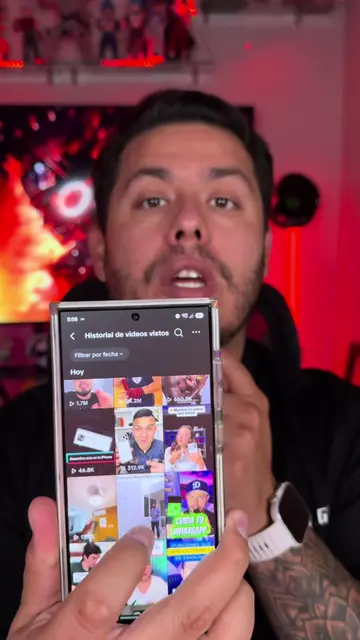
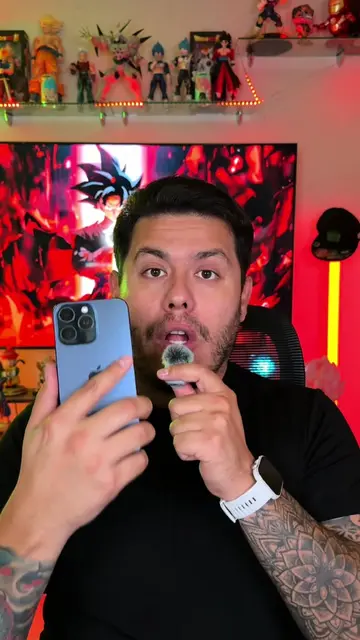
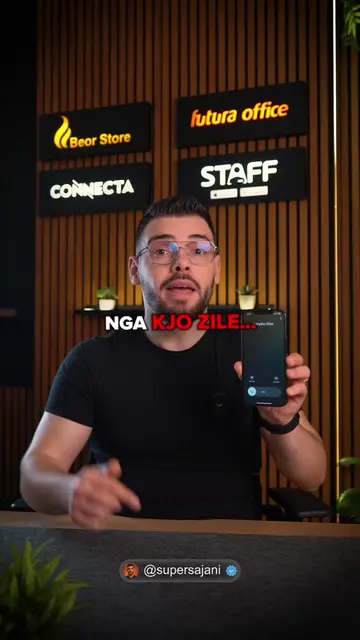
This video demonstrates how to change your iPhone's ringtone using a video downloaded from TikTok and the "Snap Ringtones" app. It guides viewers through searching for ringtones on TikTok, downloading a video, and then using the app to convert that video's audio into a custom ringtone.
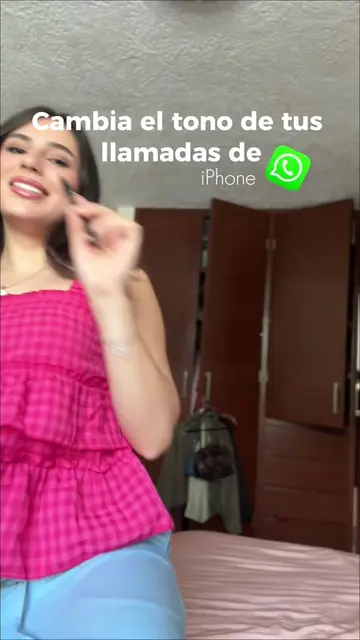
Cómo cambiar el tono de llamada a tu teléfono iPhone #tono #llamada #iphone #ios #snapringtones
CÁMBIALE EL TONO A TU IPHONE
Introduce the goal: changing iPhone ringtones.
Instruct to search TikTok for ringtones and download a video.
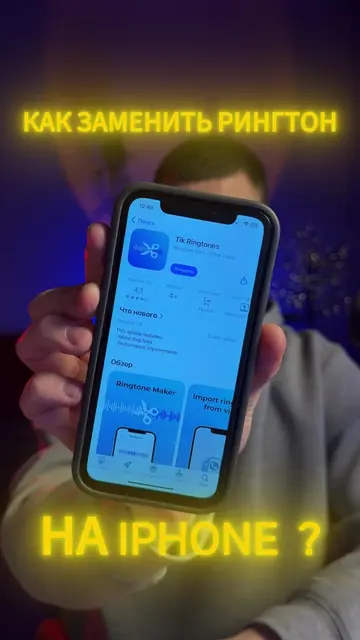
Guide to download and use the "Snap Ringtones" app.
Show how to import the video and set it as a ringtone.
Demonstrate the custom ringtone playing on a call.
iPhone (ACTS - used to demonstrate changing ringtones, removing it would change the video's purpose) iPhone (APPEARS - on-screen text, removing it would not change the video) iOS (APPEARS - on-screen text, removing it would not change the video) Snap Ringtones (ACTS - an app used to create and set ringtones, removing it would change the video's purpose) Omar Prado Tips (APPEARS - creator's name/handle, removing it would not change the video) Canva (APPEARS - creator's bio link destination, removing it would not change the video)
Descargar
Promotes 3 products. Create free account to see more.
Outliers and viral hits: their videos on Overshot, all time.
IPhone app that converts video audio into custom ringtones
All time.