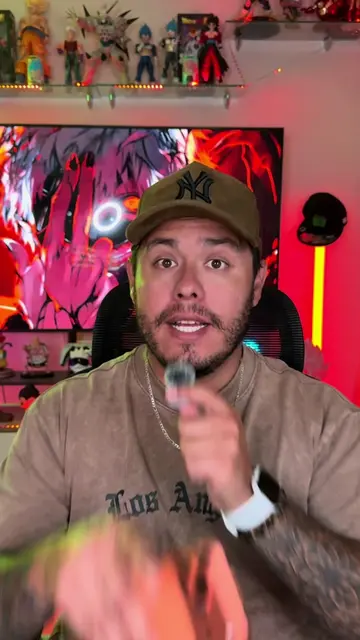
Loading video…
All breakouts
12.6Talking HeadWarning hookConsumer Apps
Hook
CUIDA TU WHATSAPP
@omarprado_tips
404.8K followers · usually 202.1K views a post
Views
2.3M
Likes
58.3K
Comments
850
Shares
37.6K
Promoted product
WhatsApp
Why it worked
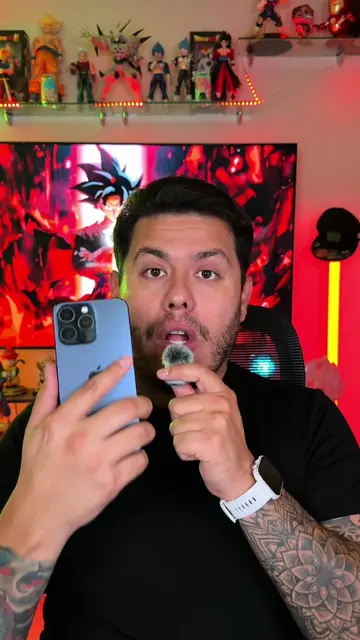
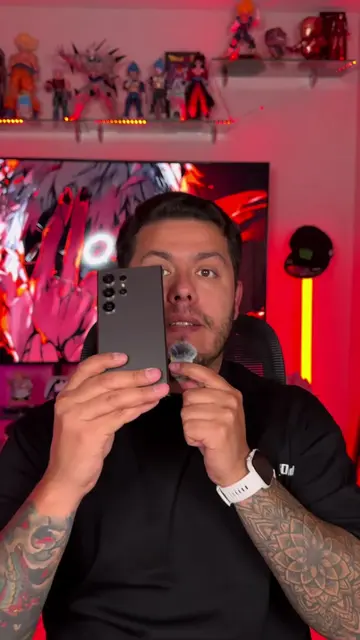
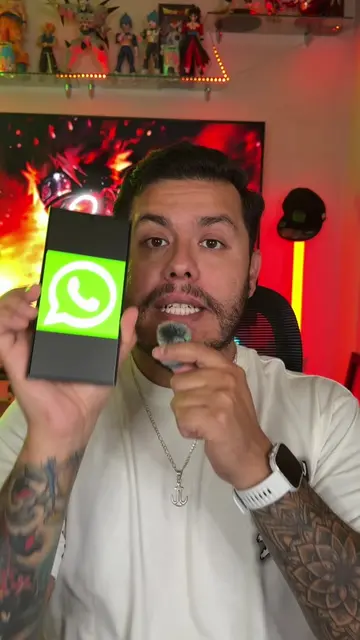
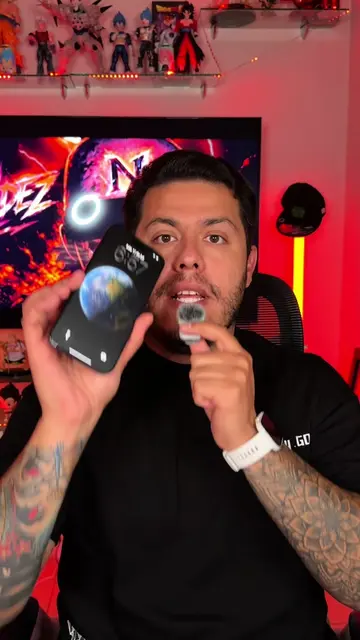
The video addresses a common user concern about WhatsApp security and privacy, offering actionable steps that are easy to follow. The use of on-screen text and clear visual demonstrations makes the tutorial accessible and engaging.
Summary
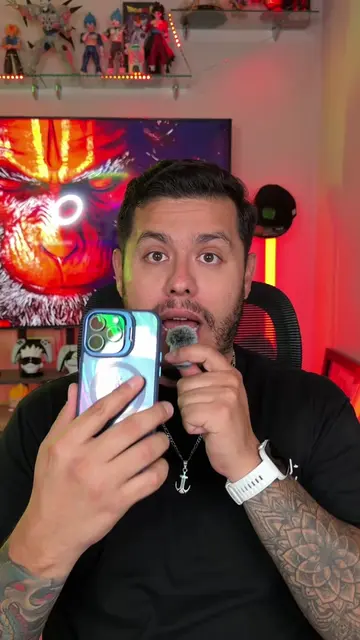
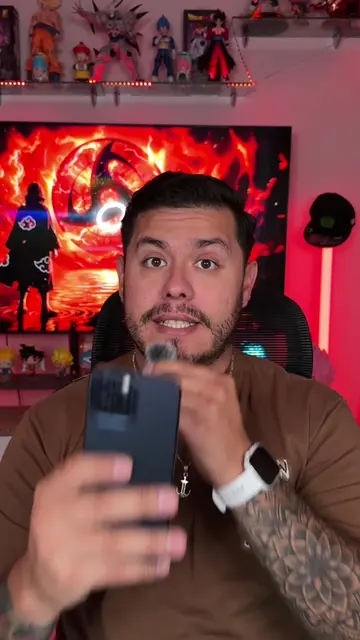
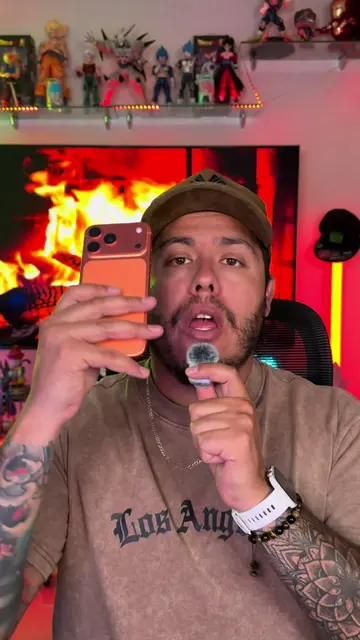
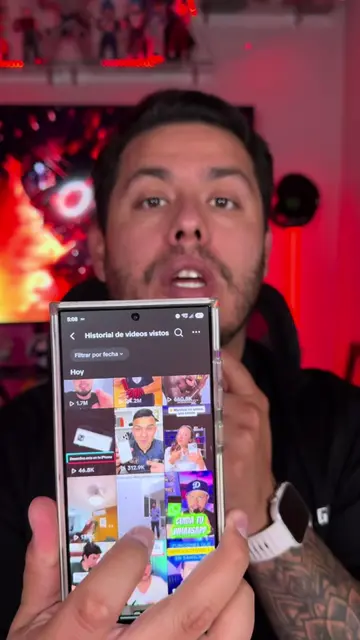
This video demonstrates how to enhance WhatsApp security by adjusting privacy and account settings. It guides viewers through disabling message previews for unknown contacts, protecting IP direction during calls, and activating security notifications to prevent unauthorized access to their chats and calls.
Structure
- 1Introduction to WhatsApp security concerns
- 2Adjusting privacy settings (blocking unknown contacts, IP protection, disabling link previews)
- 3Enabling security notifications in account settings
- 4Explanation of how these settings protect the user
- 5Call to action (like, share, subscribe)
Product placement
WhatsApp (ACTS - messaging app, used to demonstrate security features, removing it would change what happens in the video)
Call to action
Regálame un me gusta, compártelo
Original caption
🚨🚫Cuida tu WhatsApp y evita que alguien te espíe o lea tus mensajes #whatsapp #chats #mensajes #iphone #android
More from @omarprado_tips
More breakout videos from this creator.