Loading video…
Sound

original sound - trucs_astuces5
Trucs | Astuces · Original audio
0:00–:––
- Videos using it
- 7
- Views on those videos
- 2.5M
Hook
Posted Jul 10, 2026Video · 1:03by @france.tech96
This video promotes it, but we haven’t matched it to a product page yet, so there are no product figures.
The video taps into user curiosity about hidden features and provides practical, actionable information for improving a common pain point (Wi-Fi connection). The step-by-step demonstration makes it easy to follow.
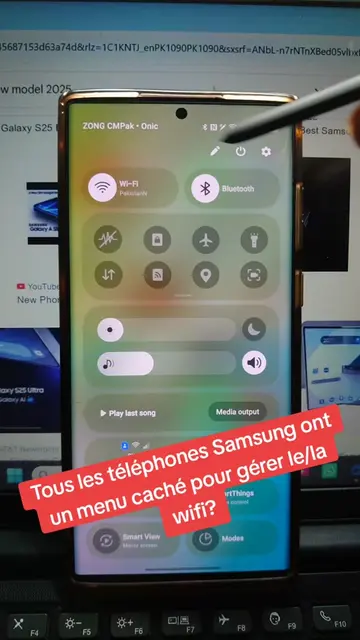
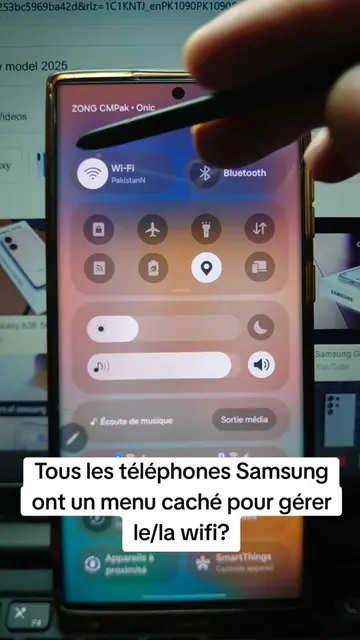
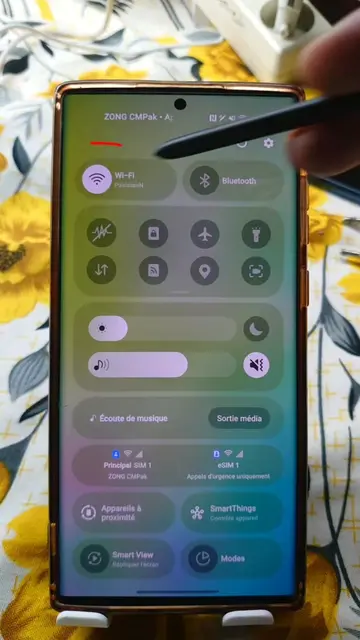
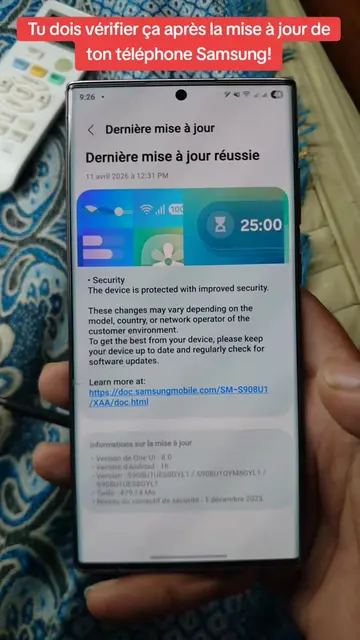
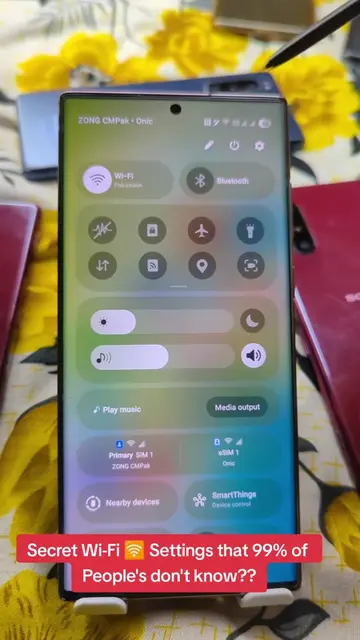
This video demonstrates how to access a hidden Wi-Fi menu on Samsung phones to improve connection quality. It guides viewers through settings to find advanced Wi-Fi options and network information.
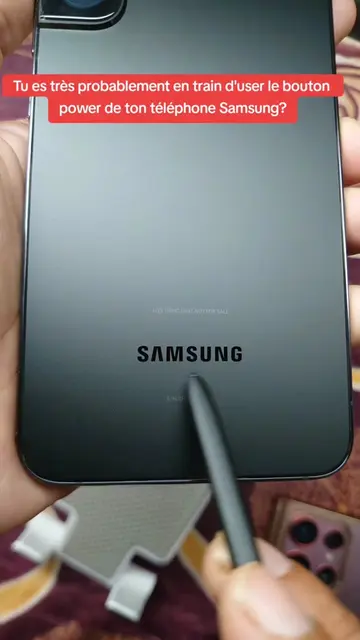
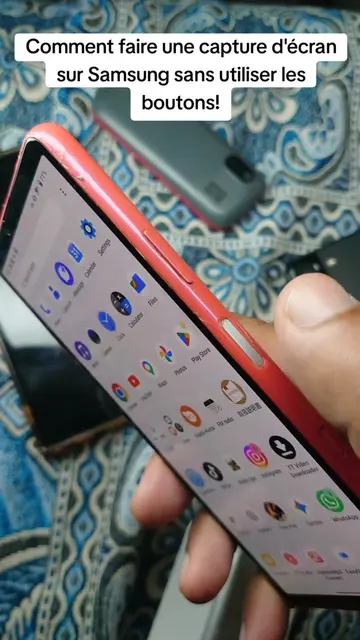
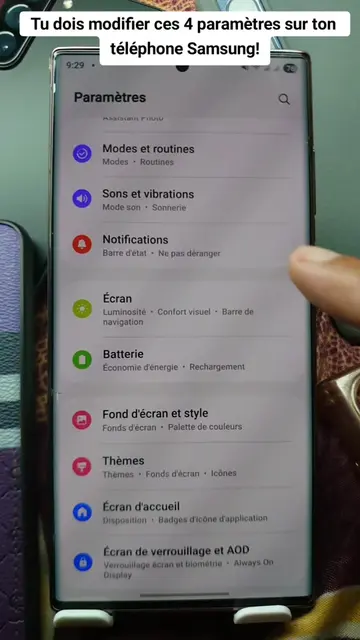
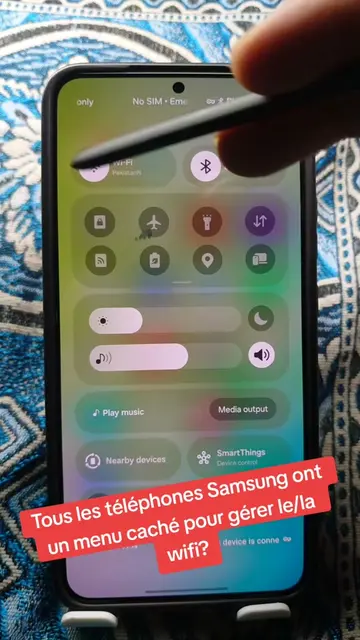
Tous les téléphones Samsung ont un menu caché pour gérer le/la wifi? #wifi #settings #samsung #android #tipsandtricks
Est-ce que tu savais que tous les téléphones Samsung ont un menu caché pour gérer le/la wifi?
Introduce hidden Wi-Fi menu on Samsung phones
Navigate to Settings > Connections > Wi-Fi
Access Intelligent Wi-Fi and tap multiple times
Open Connectivity Labs and Wi-Fi developer options
View nearby networks and channel utilization
Samsung: (a) it ACTS - the phone's interface is operated to show a hidden menu for Wi-Fi settings. Removing it would change what happens in the video. (b) it merely APPEARS - the phone itself is the subject of the video, but the interface is being operated, so it ACTS. The brand name appears on the phone's screen multiple times.
Promotes 2 products. Create free account to see more.
Outliers and viral hits: their videos on Overshot, all time.