Loading video…
Sound

original sound - techandroid42
tech-android · Original audio
0:00–:––
Playing this video’s own audio, so you’ll hear the creator over the sound.
Hook
Posted Jul 25, 2026Video · 1:04by @france.tech96
This video promotes it, but we haven’t matched it to a product page yet, so there are no product figures.
The video addresses a common user concern after software updates, providing actionable steps to regain control over privacy settings. The clear, step-by-step demonstration on a popular device like a Samsung phone makes the information accessible and valuable to a wide audience.
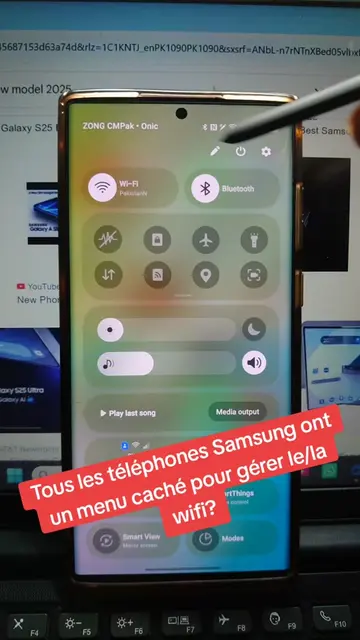
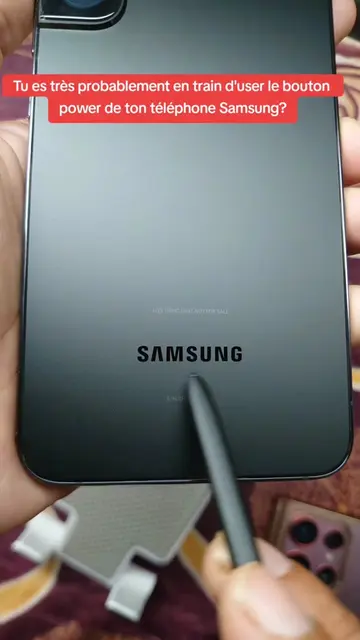
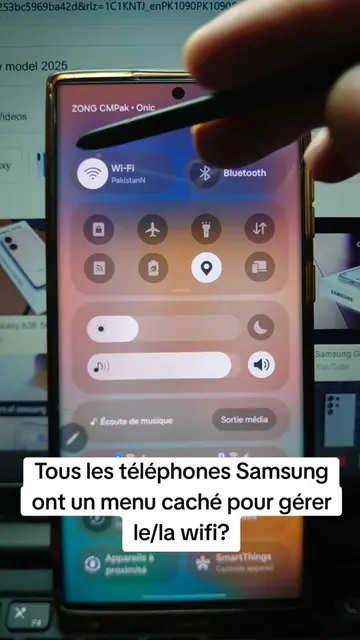
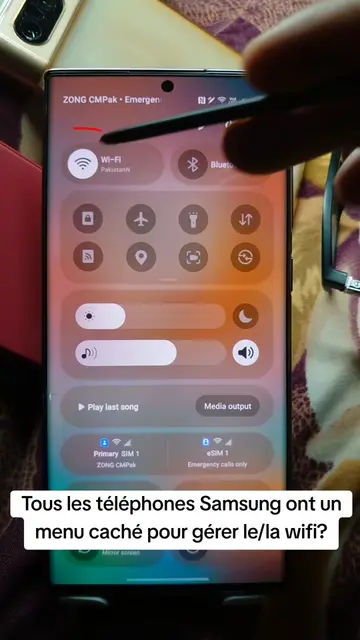
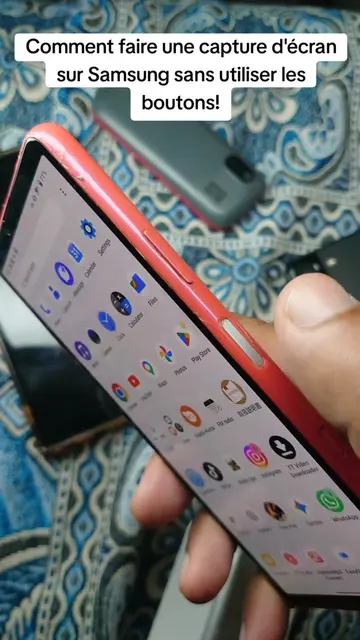
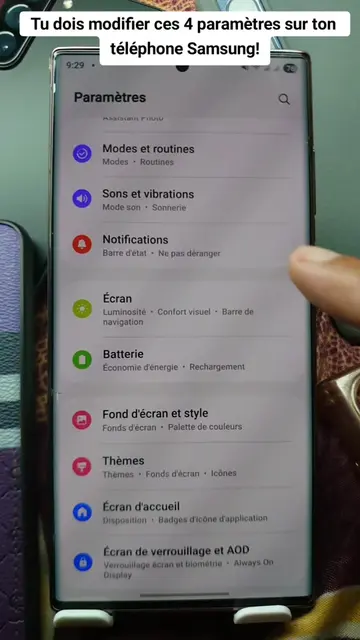
This video demonstrates how to re-enable certain settings on a Samsung phone after a software update. It guides the viewer through the phone's settings menu to access Google services and then specifically to the 'Personalize with shared data' and 'Automatic blocker' options, advising to disable them for enhanced privacy and security.
Tu dois vérifier ça après la mise à jour de ton téléphone Samsung! #update #samsung #secret #settings #LearnOnTikTok
Tu dois vérifier ça après la mise à jour de ton téléphone Samsung!
Introduction to checking settings after a Samsung update
Navigating to Google settings
Disabling personalized data sharing
Enabling the automatic blocker for enhanced security
Concluding with increased privacy
Samsung: ACTS - The video demonstrates settings on a Samsung phone, implying it is the device being updated and configured. Removing it would change the context of the video. Samsung Mobile: APPEARS - A URL for Samsung Mobile is displayed on screen. Removing it would not change what happens in the video. Google: ACTS - The video navigates through Google services on the phone. Removing it would change the video's flow.
Playing this video’s own audio, so you’ll hear the creator over the sound.
Promotes 2 products. Create free account to see more.
Outliers and viral hits: their videos on Overshot, all time.