Loading video…
Sound

original sound - trucs_astuces5
Trucs | Astuces · Original audio
0:00–:––
Playing this video’s own audio, so you’ll hear the creator over the sound.
- Videos using it
- 2
- Views on those videos
- 751.3K
Hook
Posted Jul 6, 2026Video · 1:00by @france.tech96
The video addresses a common pain point for smartphone users by offering a practical and easy-to-implement solution. The clear, step-by-step demonstration and the benefit of extending the phone's lifespan make it highly shareable and useful.
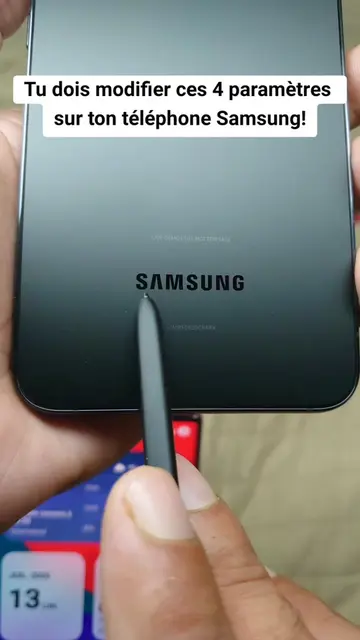
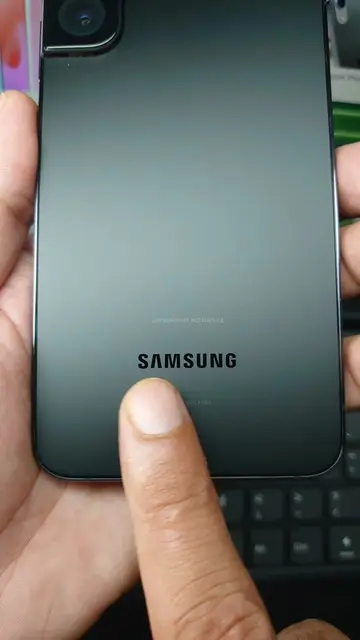
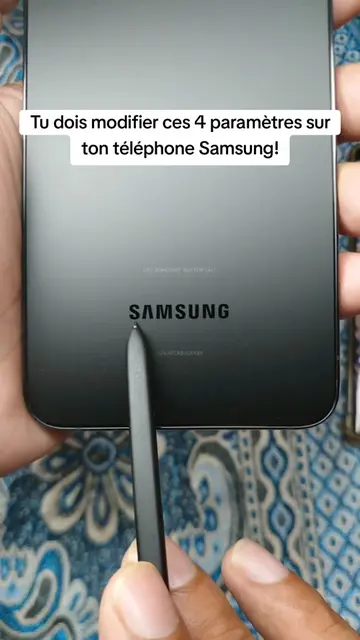
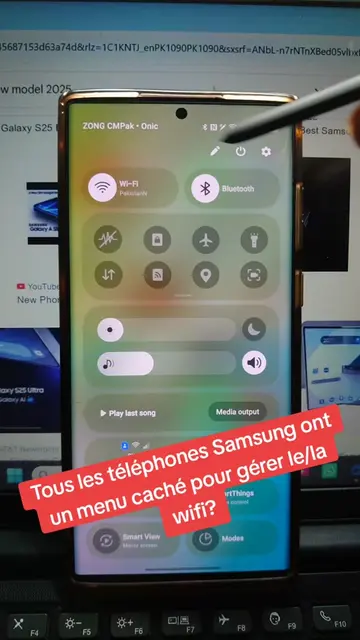
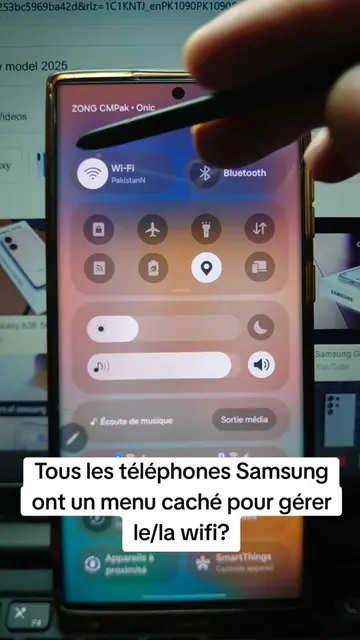
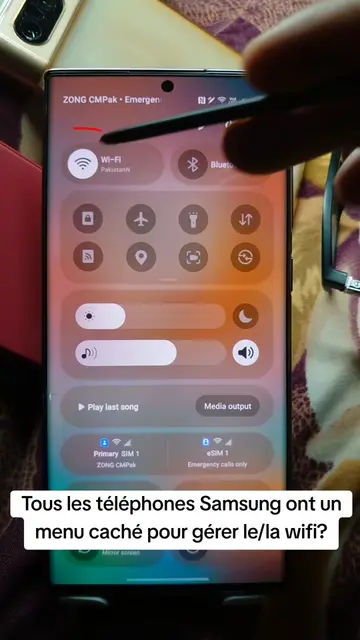
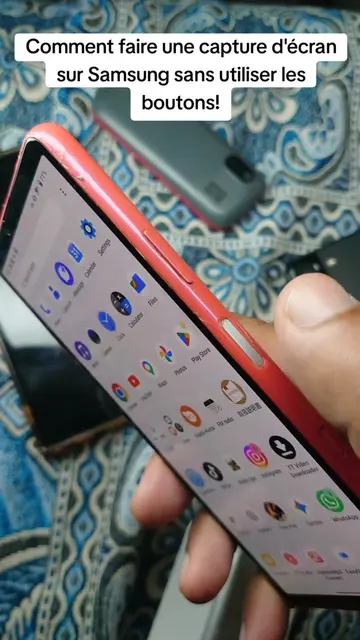
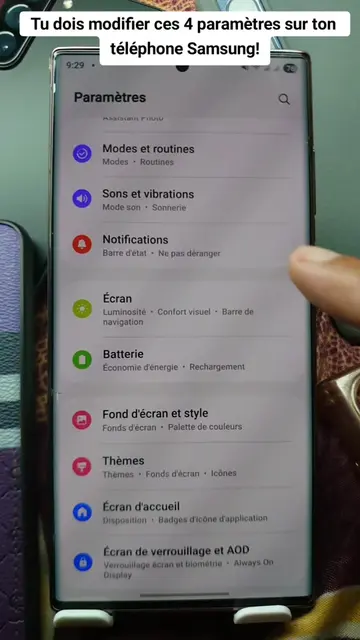
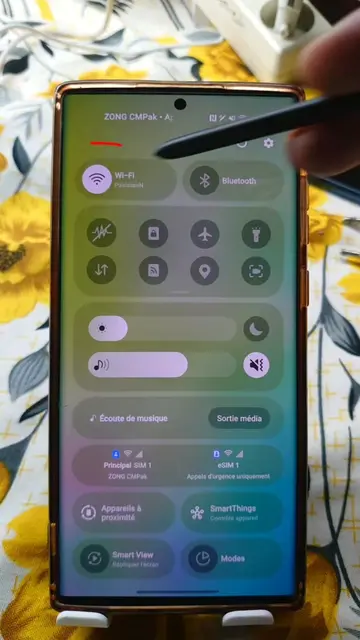
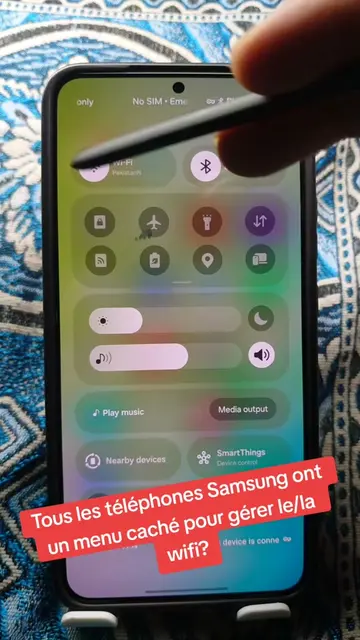
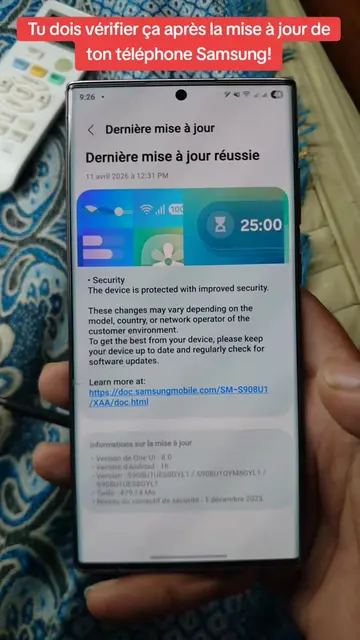
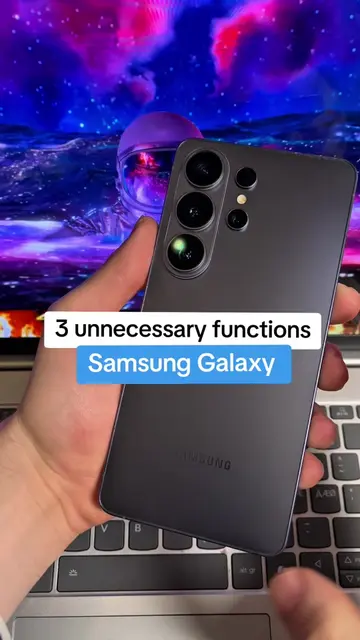
This video demonstrates how to avoid overusing your Samsung phone's power button by enabling double-tap gestures. It guides viewers through the settings menu to activate options for turning the screen on and off with a double-tap, thereby reducing wear on the physical button.
Tu es très probablement en train d'user le bouton power de ton téléphone Samsung? #samsung #button #settings #LearnOnTikTok #tipsandtricks
Tu es très probablement en train d'user le bouton power de ton téléphone Samsung?
Introduce the problem of overusing the power button
Explain the consequence of button wear
Navigate to settings
Enable double-tap to turn on/off screen
Demonstrate the new functionality
Samsung: (a) it ACTS - it is the phone being operated, its power button is the subject of the tutorial. Removing it would change what happens in the video. (b) it merely APPEARS - the Samsung logo is visible on the back of the phone. Removing it would not change what happens in the video.
Playing this video’s own audio, so you’ll hear the creator over the sound.
Promotes 2 products. Create free account to see more.
Outliers and viral hits: their videos on Overshot, all time.
Discover the latest in electronic & smart appliance technology with Samsung. Find the next big thing from smartphones & tablets to laptops & tvs & more.
All time.