Loading video…
Sound

original sound - techandroid42
tech-android · Original audio
0:00–:––
Playing this video’s own audio, so you’ll hear the creator over the sound.
- Videos using it
- 2
- Views on those videos
- 602.0K
Hook
Posted Jul 30, 2026Video · 1:05by @france.tech96
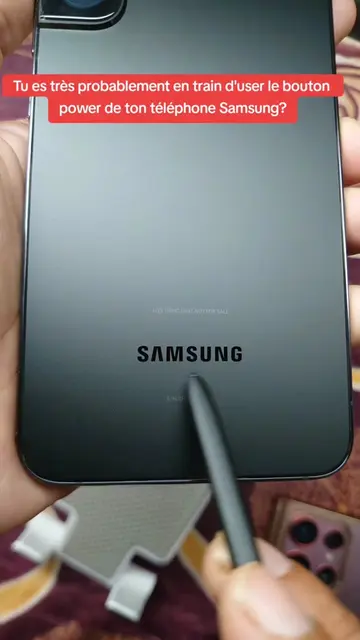
The video addresses a common pain point for smartphone users (button wear and tear) and offers a practical, easily implementable solution. The clear, step-by-step demonstration and the promise of a 'hidden' feature likely contributed to its shareability.
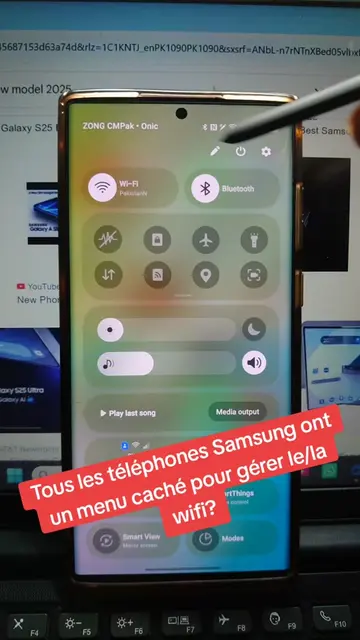
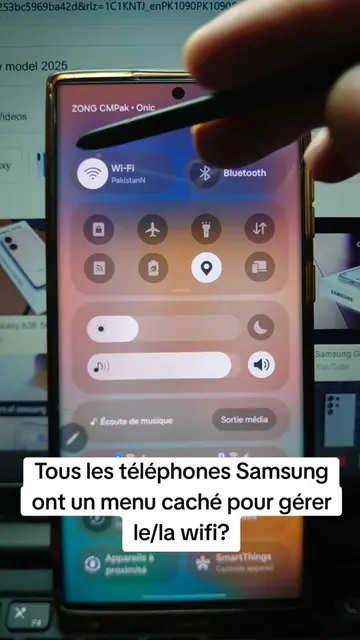
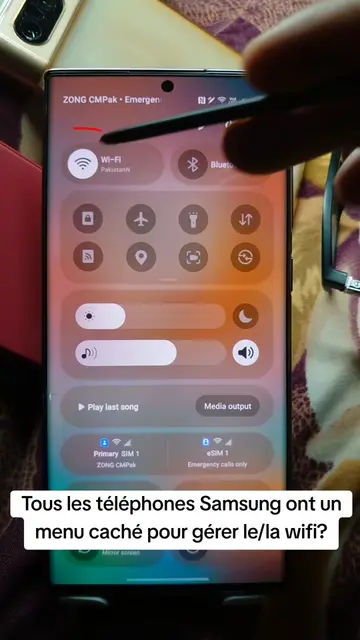
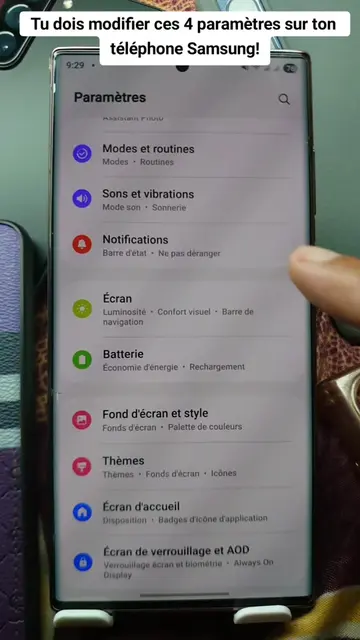
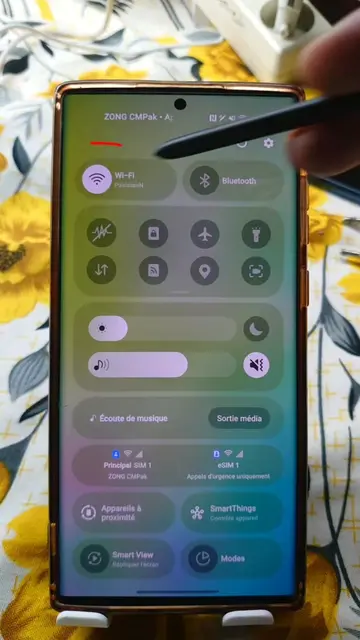
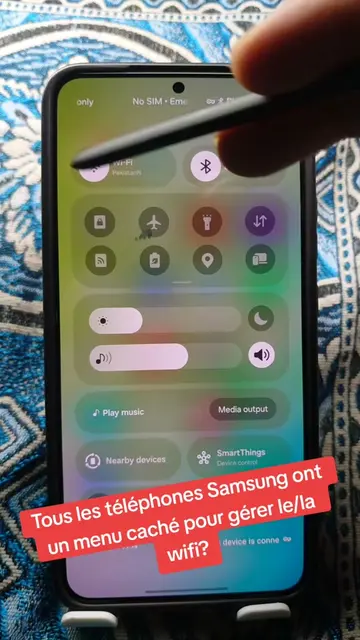
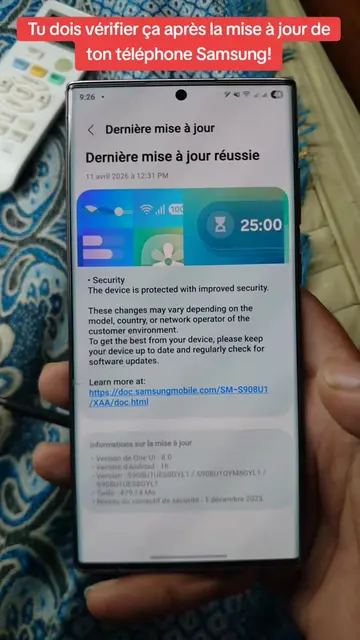
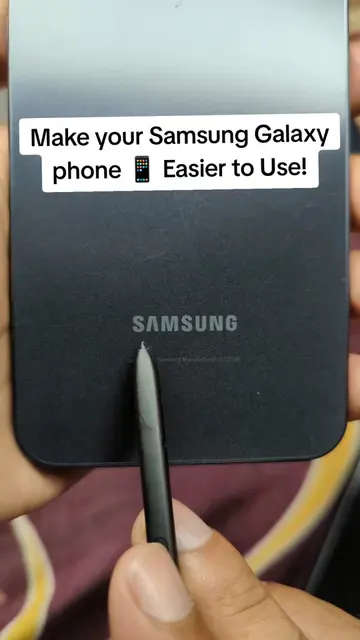
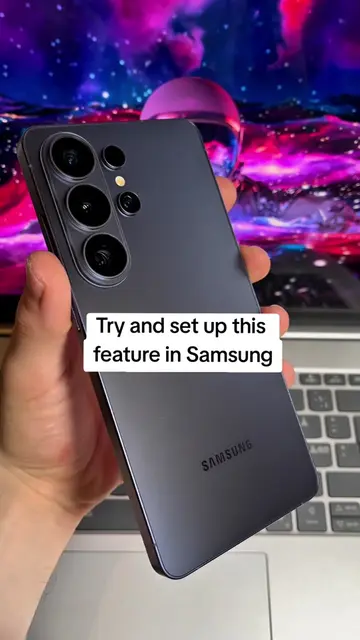
This video demonstrates how to enable a hidden 'Assistant menu' on Samsung phones to take screenshots without using physical buttons. It guides viewers through the phone's settings to activate this feature and customize its options.
Comment faire une capture d'écran sur Samsung sans utiliser les boutons! #screenshot #android #samsung #secret #LearnOnTikTok
Comment faire une capture d'écran sur Samsung sans utiliser les boutons!
Introduction to the problem of button wear
Demonstration of enabling the Assistant menu
Customization of the Assistant menu for screenshots
Final demonstration of the screenshot function
Mention of other Assistant menu capabilities
Samsung (phone): ACTS - the phone is operated to demonstrate a feature. Removing it would change what happens in the video. Samsung (app icon): APPEARS - an app icon on the home screen. Removing it would not change what happens in the video. Galaxy AI (feature): ACTS - mentioned as a feature of the phone. Removing it would change what happens in the video. Assistant menu (feature): ACTS - a feature of the phone that is enabled and demonstrated. Removing it would change what happens in the video.
Abonne-toi, mets la vidéo en favoris et regarde bien ça.
Playing this video’s own audio, so you’ll hear the creator over the sound.
Samsung phone accessibility feature for performing controls with on-screen shortcuts
All time.
Promotes 2 products. Create free account to see more.
Outliers and viral hits: their videos on Overshot, all time.