Loading video…
All breakouts

33.3App DemoProblem Callout hook
Hook
You probably can't use background auto removal
@awsalater
9.2K followers · usually 13.8K views a post
Views
460.8K
Likes
14.1K
Comments
884
Shares
1.1K
Why it worked
The video addresses a common pain point for users of free editing software, offering a workaround for a premium feature, which appeals to a broad audience seeking cost-effective solutions.
Summary
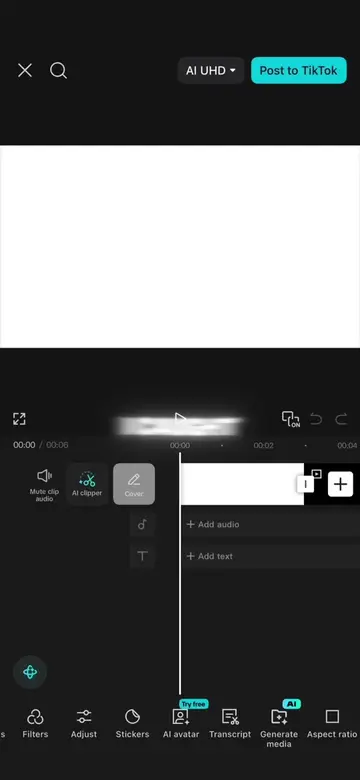
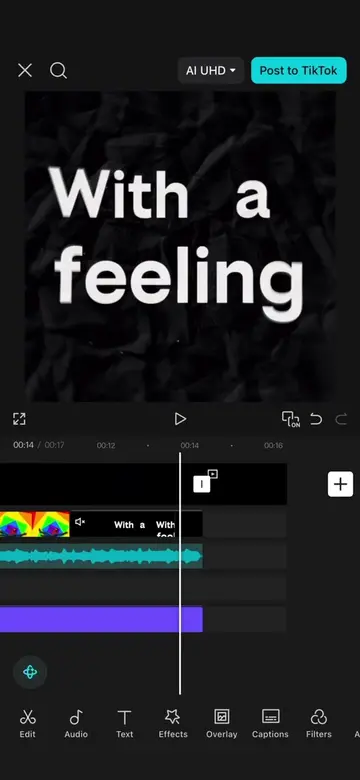
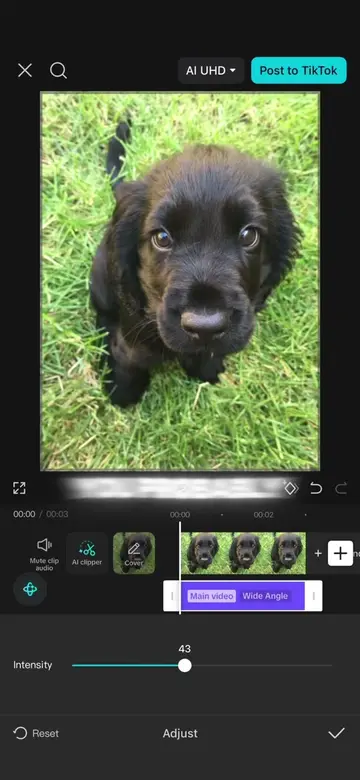
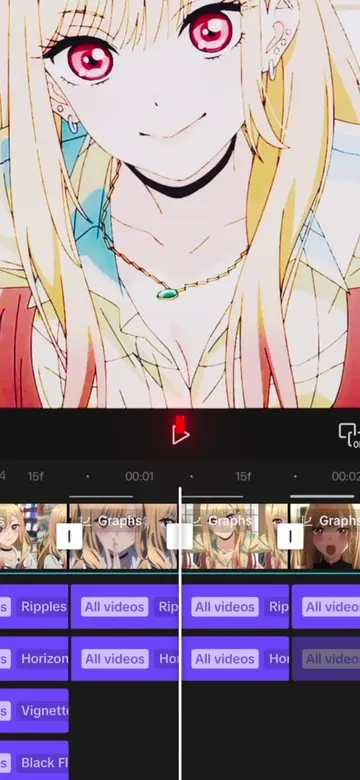
This video demonstrates how to remove the background of an image using CapCut without needing the Pro version. It guides viewers through using the AI edit feature with a specific prompt to achieve a similar result to the paid version.
Structure
- 1Introduce problem: inability to use background removal without Pro
- 2Introduce solution: free method using CapCut
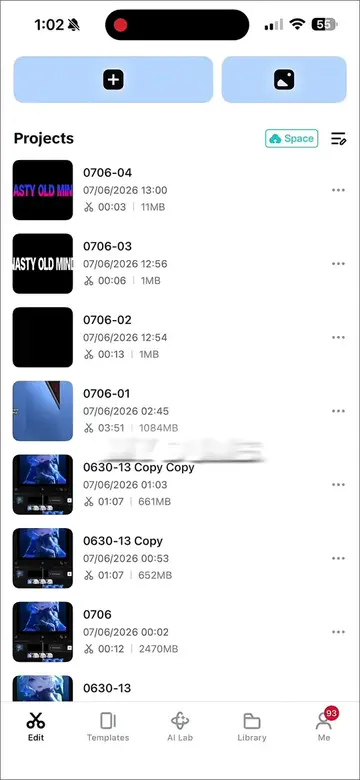
- 3Demonstrate photo import and AI edit prompt
- 4Show saving and re-importing the image
- 5Explain using Chroma key to remove background
Product placement
CapCut is shown as the primary tool for editing photos and removing backgrounds.
Call to action
Original caption
Background auto removal with no capcut pro | how to remove the background of an image no pro capcut tutorial #capcut #capcutpioneer #capcutphoto #capcuttutorial #edittutorial
More from @awsalater
Their other posts in the index, biggest breakout first.