Loading video…
All breakouts
 CapCutseen in 576 videos →
4.5App DemoHow-To hook
Hook
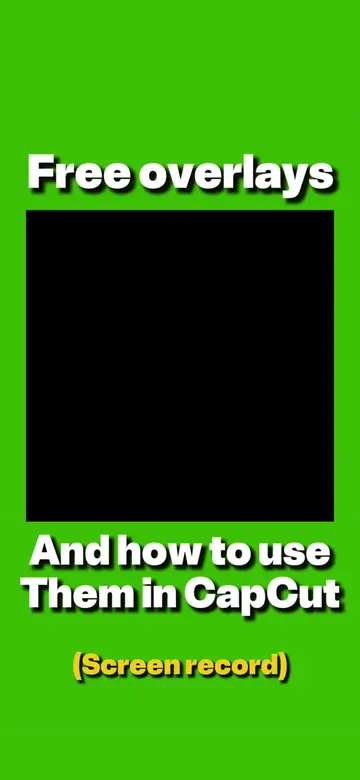
(Screen record) Free overlays
@awsalater
9.2K followers · usually 13.8K views a post
Views
60.4K
Likes
3.3K
Comments
43
Shares
615
Selling · SaaS › Other SaaS
Why it worked
The video provides a clear, concise tutorial on a popular video editing app, using readily available free assets. This combination of practical instruction and accessible resources likely appeals to a broad audience looking to enhance their video content.
Summary
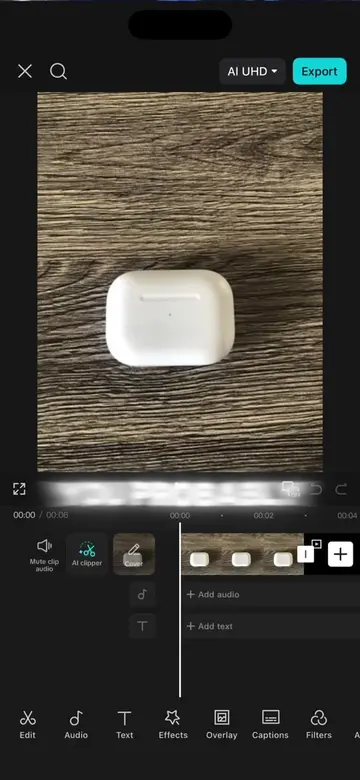
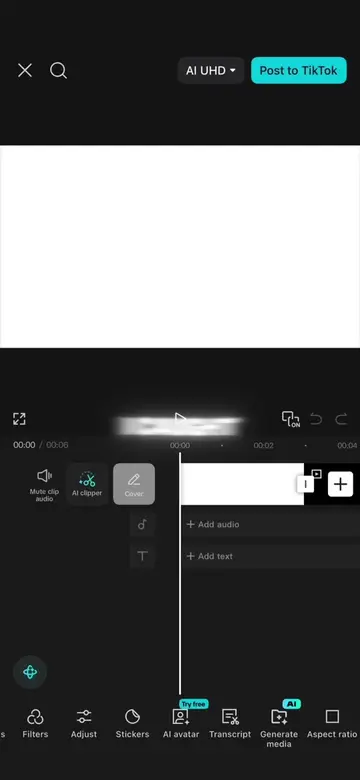
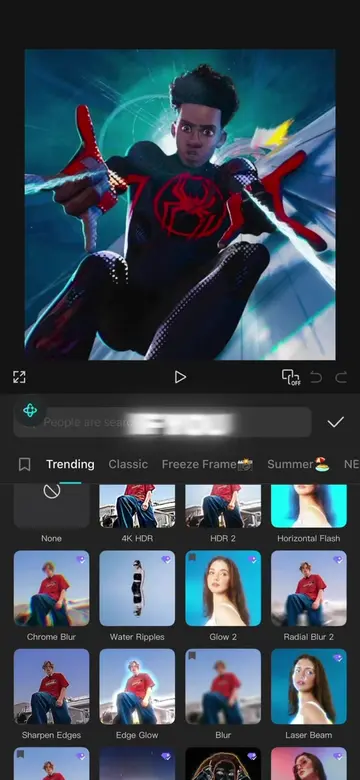
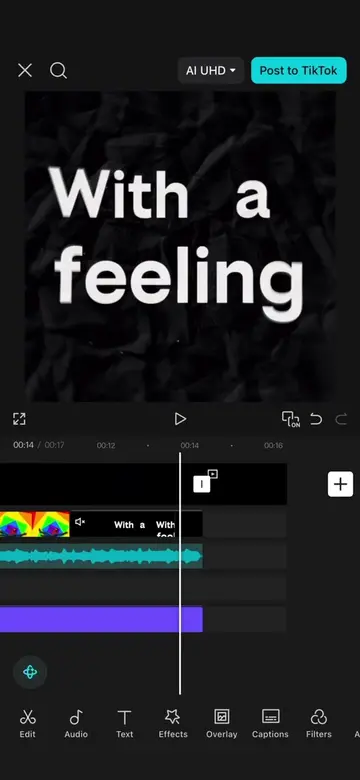
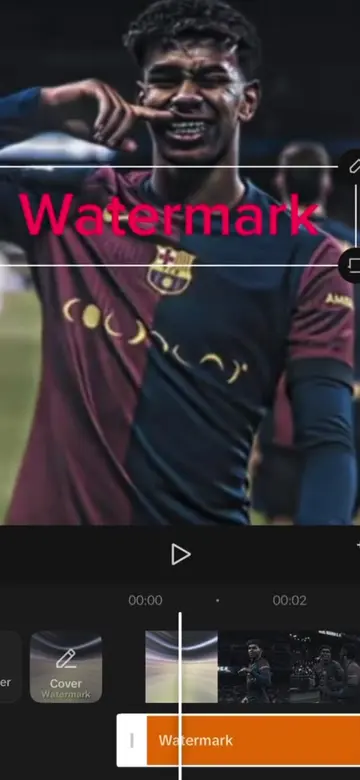
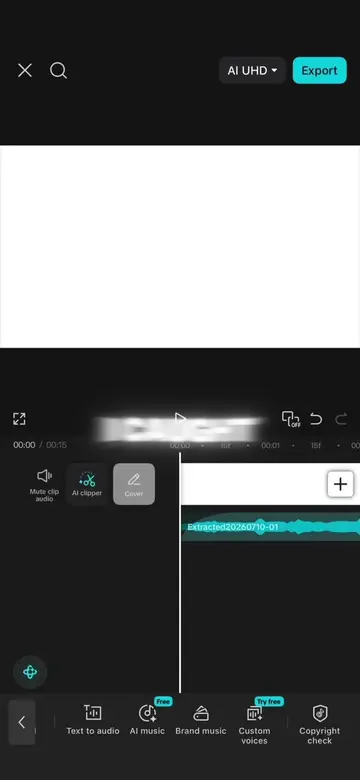
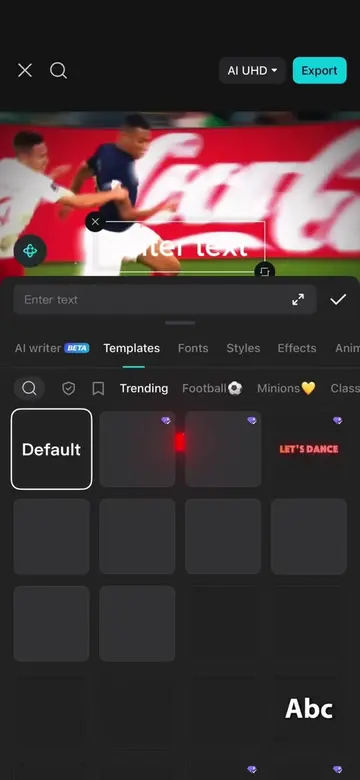
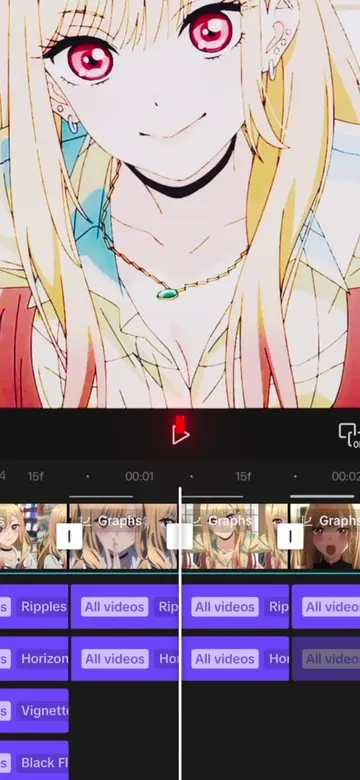
This video demonstrates how to use free overlays and animations within the CapCut video editing app. It guides viewers through adding overlays, adjusting their settings, and applying animations to enhance their video clips.
Structure
- 1Introduce free overlays and CapCut
- 2Add screen recording as an overlay
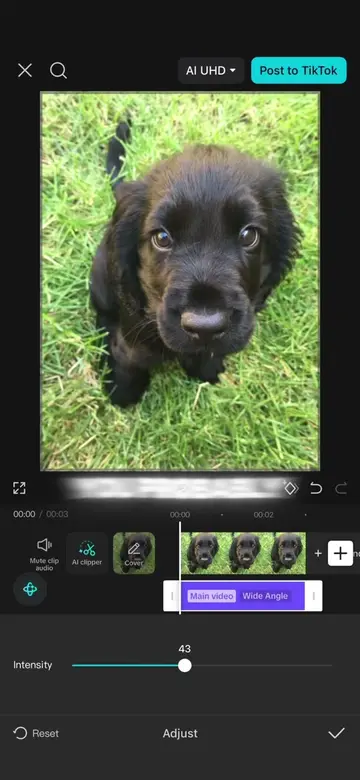
- 3Adjust overlay settings and trim
- 4Apply animation to the clip
- 5Finalize the edit
Product placement
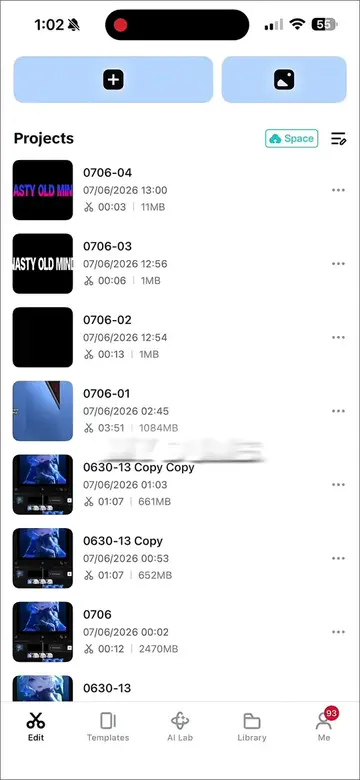
Capcut: video editing software. It ACTS as the tool used to apply overlays and animations. Removing it would change what happens in the video.
On-screen text
(Screen record)
Free overlays
And how to use
them in capcut
Original caption
Free black and white edit overlays and tutorial on how to use them in your capcut edits #CapCut #capcutpioneer #capcuttutorial #capcuttemplate #capcutedit
More from @awsalater
Their other posts in the index, biggest breakout first.