Loading video…
All breakouts
 CapCutseen in 576 videos →
4.1App DemoProblem Callout hook
Hook
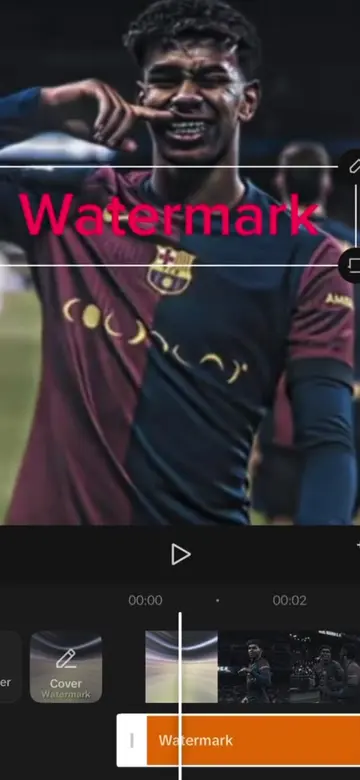
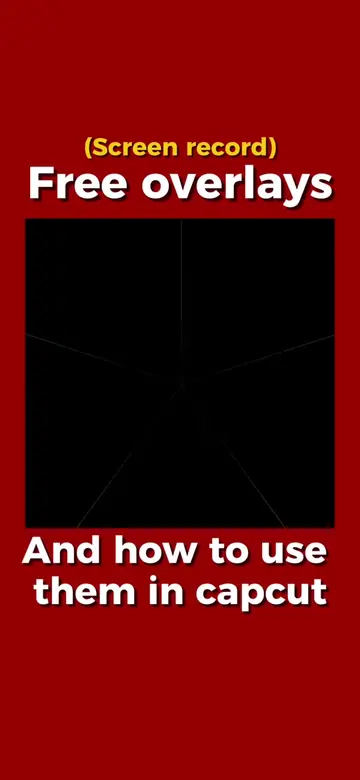
I see so many beginner editors make this mistake when creating a watermark.
@awsalater
9.2K followers · usually 13.8K views a post
Views
54.7K
Likes
1.2K
Comments
72
Shares
136
Selling · SaaS › AI Tool
Why it worked
The video provides a clear, step-by-step tutorial on a visually appealing editing technique that is relevant to content creators looking to enhance their videos and potentially increase engagement.
Summary
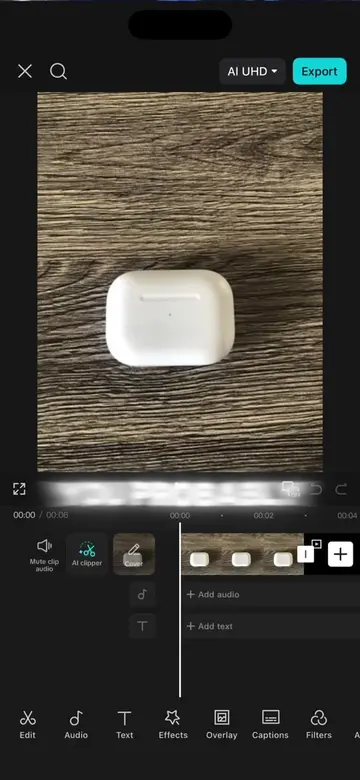
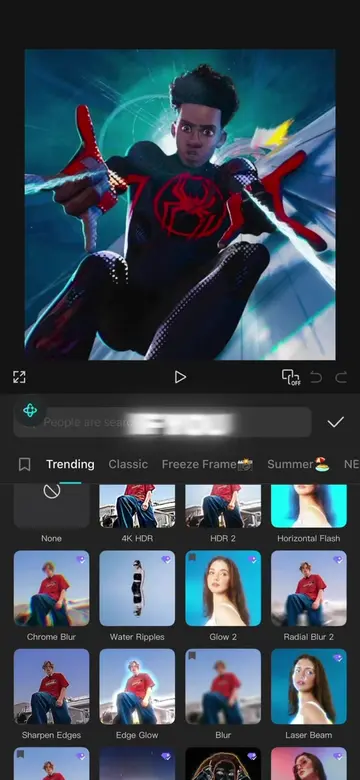
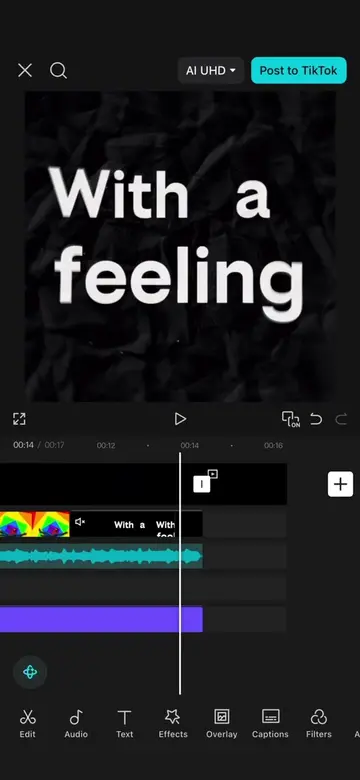
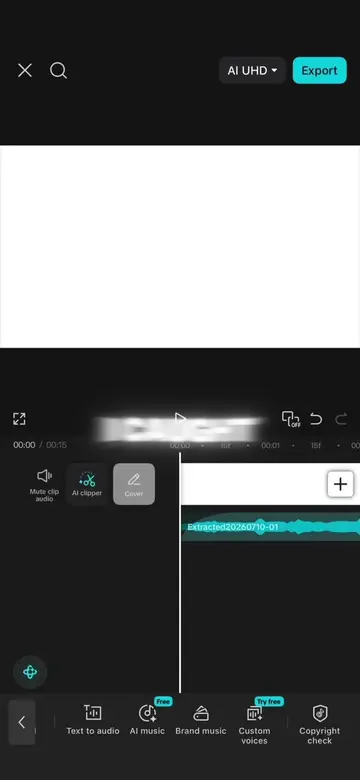
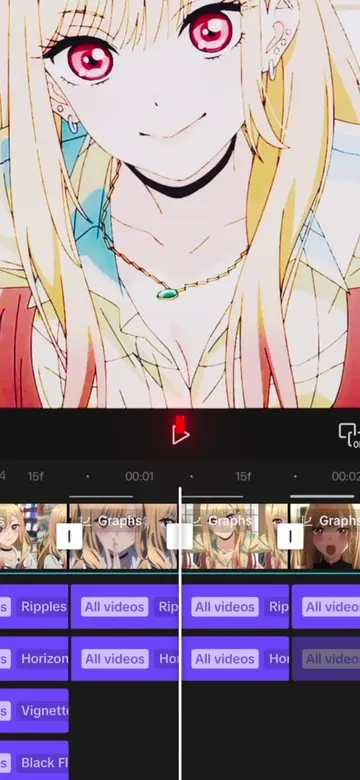
This video demonstrates how to create a 3D watermark effect using CapCut's AI editing tools. It guides viewers through replacing an existing watermark with their own and then animating it to be used as a video element.
Structure
- 1Introduce the common mistake with watermarks.
- 2Show how to create a 3D watermark using CapCut's AI.
- 3Replace an existing watermark with a custom one.
- 4Animate the watermark using AI video generation.
- 5Incorporate the watermark into a project and remove its background.
- 6Finalize the watermark effect.
Product placement
CapCut: edits videos. ACTS. Removing it would change what happens in the video. Seedream 5.0 Pro: AI model for photo editing. ACTS. Removing it would change what happens in the video. GPT Image 2: AI model for photo editing. ACTS. Removing it would change what happens in the video. Nano Banana 2 Lite: AI model for photo editing. ACTS. Removing it would change what happens in the video. Dreamina Seedance 2.0: AI model for video generation. ACTS. Removing it would change what happens in the video. Dreamina Seedance 1.0 Fast: AI model for video generation. ACTS. Removing it would change what happens in the video. Dreamina Seedance 2.0 Mini: AI model for video generation. ACTS. Removing it would change what happens in the video. Dreamina Seedance 1.5 Pro: AI model for video generation. ACTS. Removing it would change what happens in the video. Veo 3: AI model for video generation. ACTS. Removing it would change what happens in the video.
Original caption
How to make this viral 3d moon watermark effect in capcut Watermark by @zup #capcut #capcutpioneer #capcutphoto #seedream5pro #edittutorial
More from @awsalater
Their other posts in the index, biggest breakout first.