Loading video…
All breakouts
 CapCutseen in 576 videos →
16.9App DemoContrarian hook
Hook
Most beginner editors waste their time cutting their clips to the beat of the song
@awsalater
9.2K followers · usually 13.8K views a post
Views
225.4K
Likes
7.5K
Comments
432
Shares
797
Selling · SaaS › Other SaaS
Why it worked
The video provides a clear and concise solution to a common pain point for video editors (manually syncing clips to music), offering a "shortcut" that saves time and effort. The use of a popular editing app and a visually appealing anime aesthetic likely contributed to its reach.
Summary
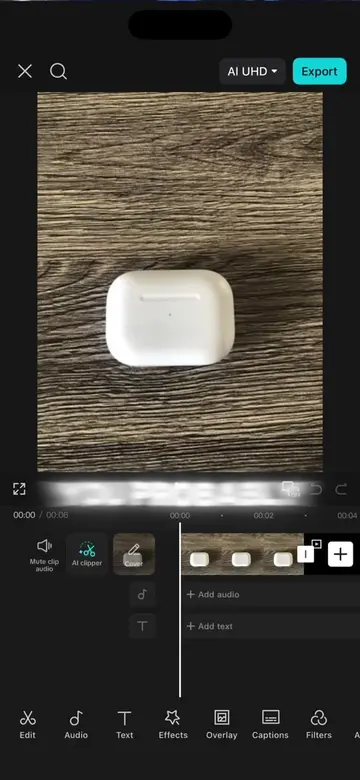
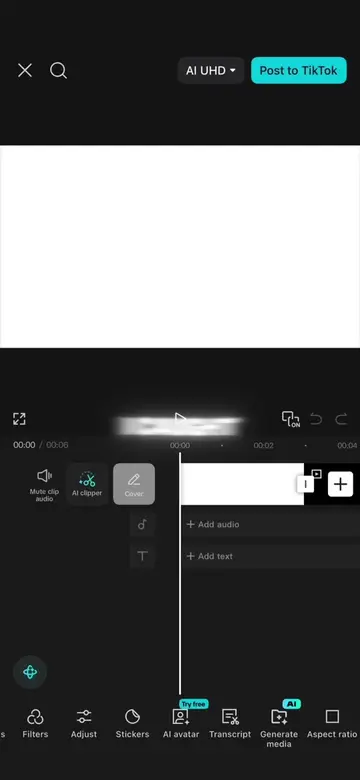
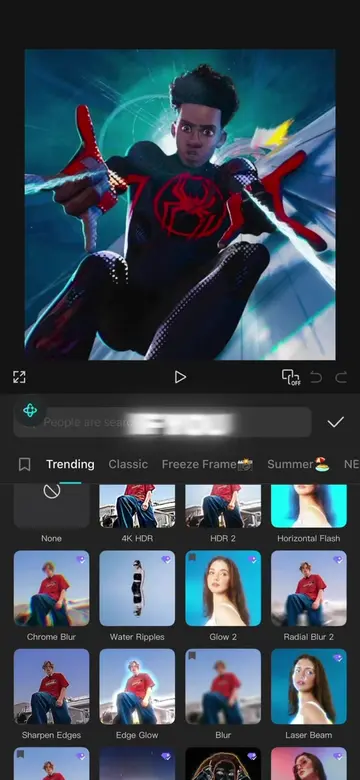
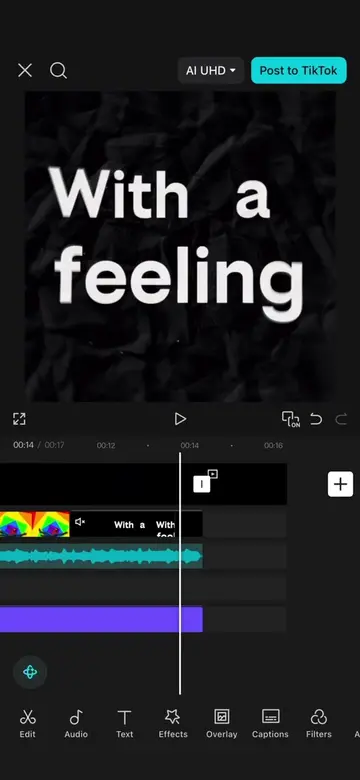
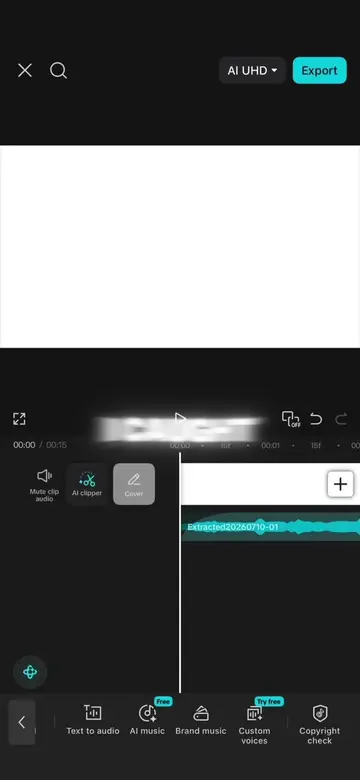
This video demonstrates a shortcut in CapCut for automatically syncing video clips to the beat of a song. It guides users to use the audio feature to auto-generate beats and then instructs the AI to cut clips accordingly, saving editing time.
Structure
- 1Introduce the problem of manual beat syncing
- 2Introduce the CapCut auto-beat generation feature
- 3Explain how to use the AI to cut clips to beats
- 4Highlight the time-saving benefit
Product placement
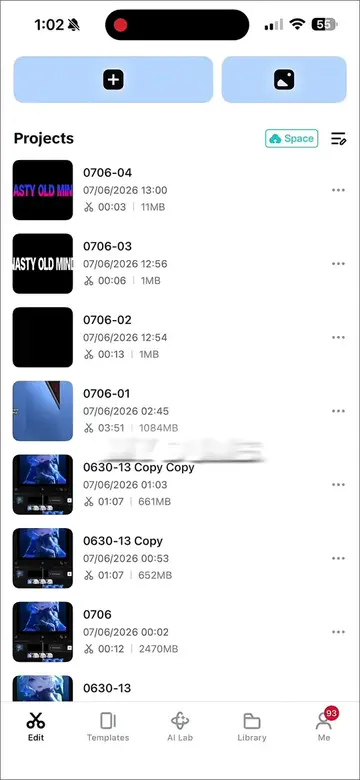
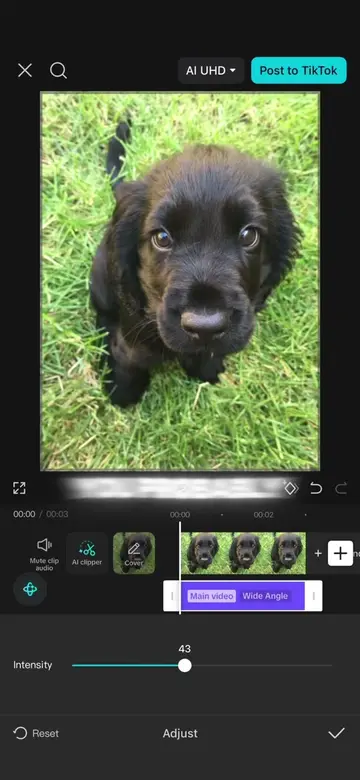
The video is a screen recording demonstrating how to use the CapCut video editing application.
On-screen text
BEGINNER
TIME
THE
THERE'S
EASIER
THIS
AUDIO
GENERATE
THE
TELL
GENERATED
SAVED
TIME
SHORTCUT
Original caption
How to make it easier to cut your clips to the beat of a song in capcut tutorial #CapCut #capcutpioneer #capcuttutorial #capcuttemplate #capcutedit
More from @awsalater
Their other posts in the index, biggest breakout first.