Loading video…
All breakouts
 CapCutseen in 576 videos →
5.8App DemoWarning hook
Hook
Stop making buns out watermarks
@awsalater
9.2K followers · usually 13.8K views a post
Views
78.1K
Likes
2.3K
Comments
90
Shares
304
Selling · SaaS › Other SaaS
Why it worked
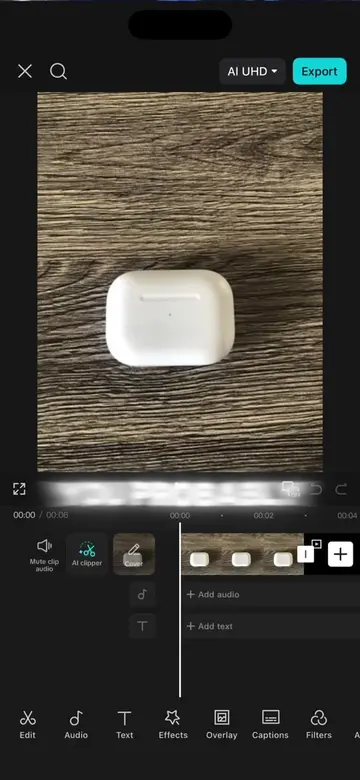
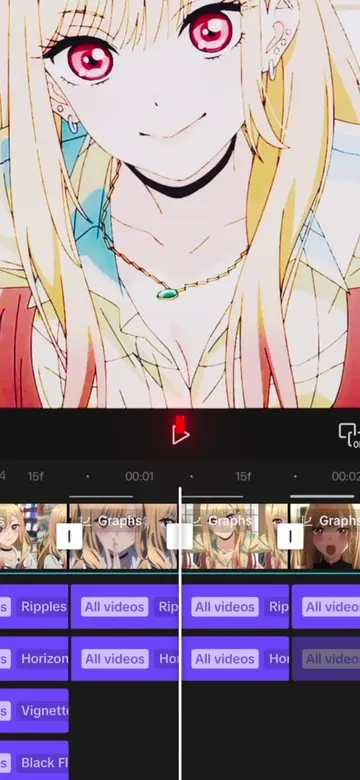
The video provides a quick and easy tutorial for a common video editing need (watermarking), using a popular and accessible app (CapCut). The clear, step-by-step demonstration with on-screen text and voiceover makes it easy to follow.
Summary
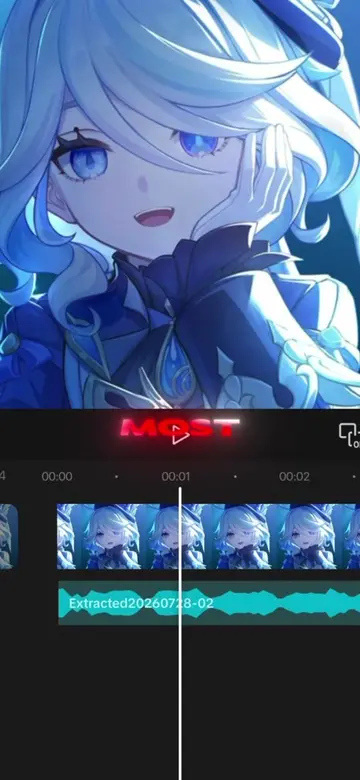
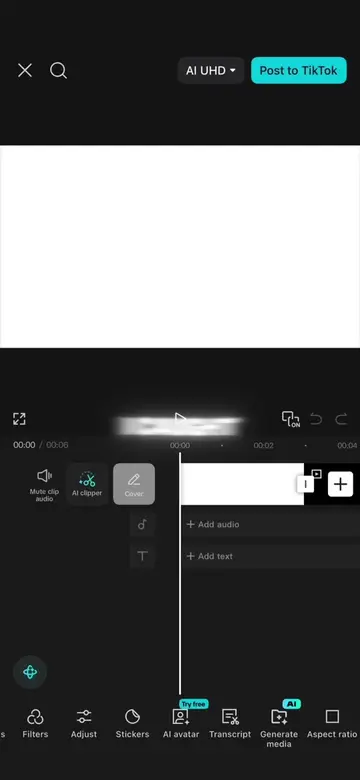
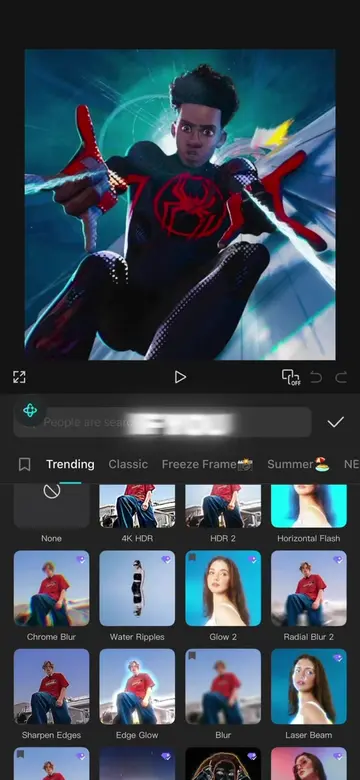
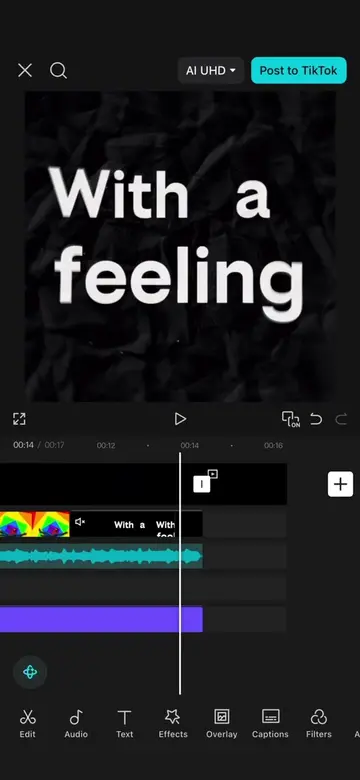
This video demonstrates how to create a custom watermark effect using the CapCut video editing app. It shows the steps involved in adding text, applying styles and shadows, and using the chroma key feature to remove the background.
Structure
- 1Start with a base image and text
- 2Add text and style it
- 3Use chroma key to remove background
- 4Finalize watermark
Product placement
CapCut: Video editing software. It ACTS as the tool used to create the watermark effect. Removing it would change what happens in the video.
On-screen text
AI UHD
Post to TikTok
MAKING
WATERMARKS
WATERMARK
WATERMARK
SCREENSHOT
EDITING
OVERLAY
REMOVE
CHROMA
GREEN
DONE
Original caption
How to make a tuff watermark in capcut in 20 seconds #CapCut #capcutpioneer #capcuttutorial #capcuttemplate #capcutedit
More from @awsalater
Their other posts in the index, biggest breakout first.