Loading video…
All breakouts
5.4Talking HeadHow-To hookConsumer Apps
Hook
من گوشی رو به شارژ وصل میکنم
@newtech1580
134.6K followers · usually 52.4K views a post
Views
209.5K
Likes
4.6K
Comments
95
Shares
345
Why it worked
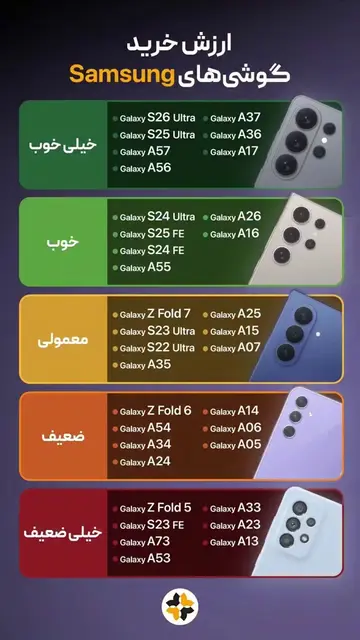
The video provides a practical and visually appealing customization tip for Samsung phones, leveraging the popular 'on this day' format to create a sense of nostalgia or a look back at a useful feature. The clear, step-by-step demonstration makes it easy for viewers to replicate the effect.
Summary
The video demonstrates how to set up a custom routine on a Samsung phone that changes the lock screen wallpaper when the phone is charging. It guides the viewer through the settings menu to create a new routine, select 'charging status' as the trigger, and then choose a wallpaper from the gallery to be applied when the phone is plugged in.
Structure
- 1Connect phone to charger
- 2Navigate to Settings > Modes and Routines
- 3Create a new routine
Original caption
#onthisday #mobile #fyp #samsung #oneui
More from @newtech1580
More breakout videos from this creator.