Loading video…
All breakouts
7.1Talking HeadHow-To hookConsumer Apps
Hook
Turn Any Samsung Into an Anti-Spy Phone
@technoskil
1.1M followers · usually 119.7K views a post
Views
842.2K
Likes
50.2K
Comments
441
Shares
2.6K
Why it worked
The video addresses a common privacy concern (screen peeking) with a simple, actionable solution using a built-in phone feature. The "anti-spy" framing and the visual demonstration of the screen becoming unreadable from the side create intrigue and perceived value.
Summary
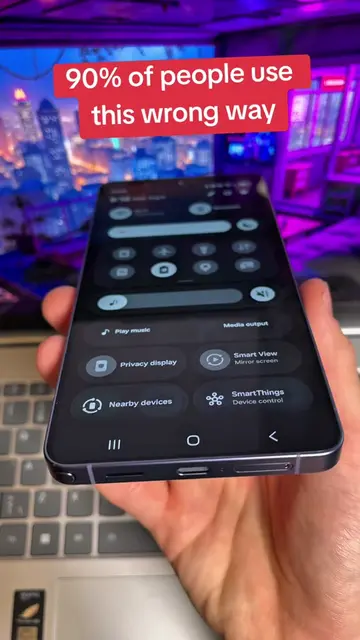
This video demonstrates how to create a custom routine on Samsung phones to make the screen invisible from side angles. The routine is triggered by a double press of the side key and reduces screen brightness to a very low level, effectively acting as an anti-spy measure.
Structure
- 1Introduction to the anti-spy feature
- 2Demonstration of someone trying to peek at the screen
- 3Explaining the 'Modes and Routines' setup
- 4
Original caption
Turn Any Samsung Into an Anti-Spy Phone #setting #android #samsung #display
More from @technoskil
More breakout videos from this creator.