Loading video…
All breakouts
14.4Talking HeadHow-To hookConsumer Apps
Hook
Stop Charging your Samsung Galaxy phone Everyday ⚡ 🪫💥??
@herrytech8
725.0K followers · usually 77.4K views a post
Views
1.1M
Likes
22.3K
Comments
220
Shares
5.0K
Promoted product
Samsung Galaxy phone
Why it worked
The video offers practical, actionable advice for a common user pain point (battery life) on a popular device (Samsung Galaxy phones), presented in a concise and easy-to-follow manner, making it highly shareable and useful.
Summary
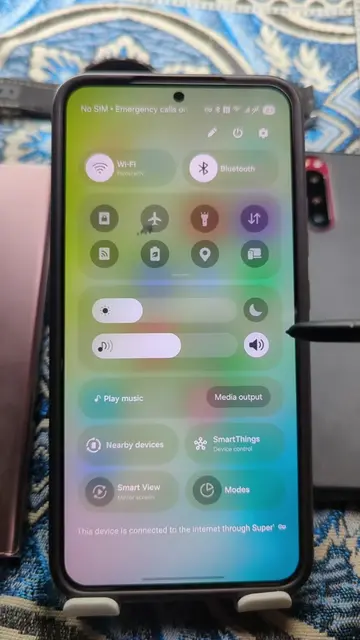
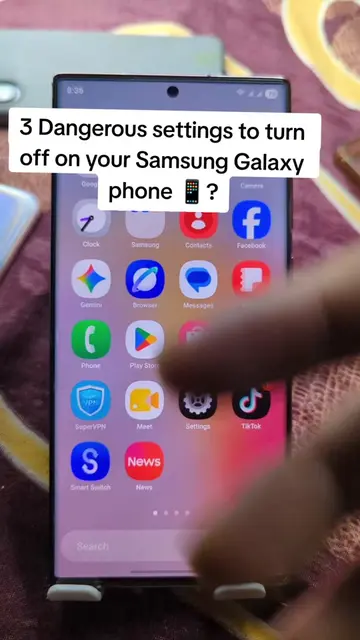
This video explains how to extend the battery life of a Samsung Galaxy phone by adjusting three settings. It guides viewers through disabling customization services and usage data access, and changing the processing speed to optimize battery performance.
Structure
- 1Introduction: Stop charging daily
- 2Navigate to Digital Wellbeing settings
- 3Disable Customization Service and Usage Data Access
- 4Adjust Device Care processing speed
- 5Conclusion: Battery life improvement
Product placement
Samsung Galaxy phone: acts - the phone is operated to demonstrate settings that affect battery life. Removing it would change what happens in the video.
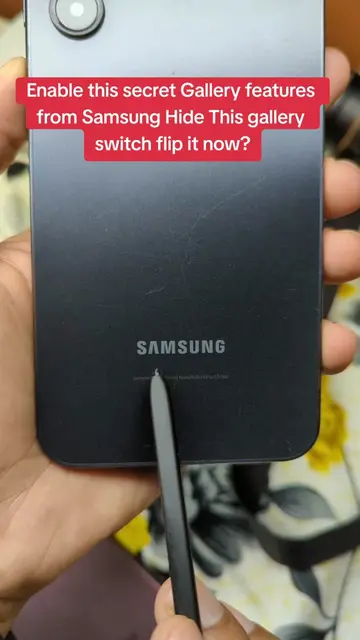
Samsung: appears - logo on the back of the phone. Removing it would not change what happens in the video.
On-screen text
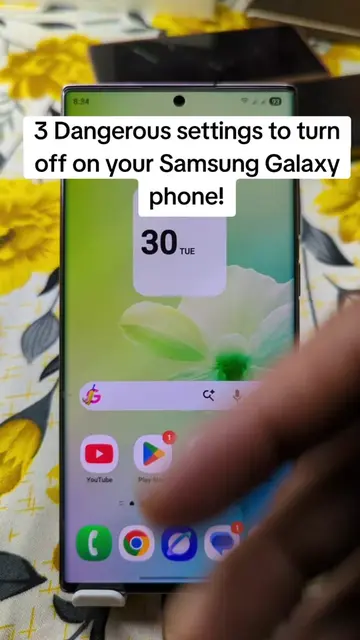
Stop Charging your Samsung
Galaxy phone Everyday ⚡
🪫💥??
Original caption
Stop Charging your Samsung Galaxy phone Everyday ⚡ 🪫💥?? #battery #secret #settings #samsung #LearnOnTikTok
More from @herrytech8
More breakout videos from this creator.