Loading video…
Sound

original sound - kawalu.id
Kawalu.id | Cek Plagiasi & AI · Original audio
0:00–:––
Playing this video’s own audio, so you’ll hear the creator over the sound.
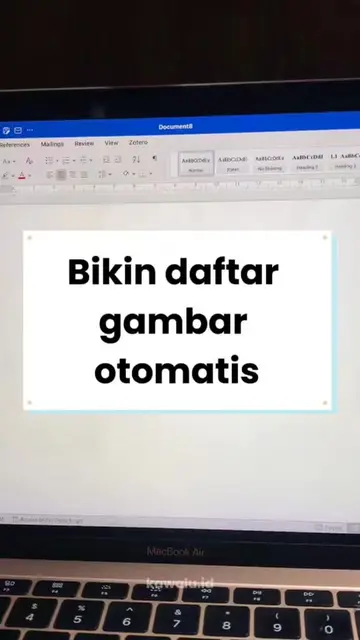
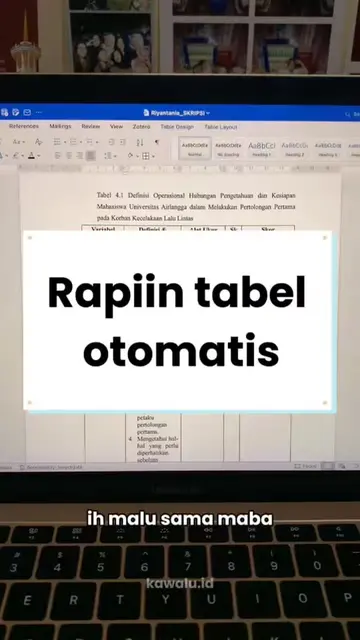
The video taps into a common pain point for students and professionals: the tediousness of navigating and editing long documents like theses. By offering a practical, easily applicable hack for Microsoft Word, it provides immediate value and resonates with a target audience likely to share such helpful content.
The creator shares a Microsoft Word hack for easily navigating and editing documents using the 'Navigation Pane' feature. This hack is presented as a way to avoid the regret of not knowing it sooner, especially after completing a thesis.
Nyesel banget baru tahu hacks ini setelah selese skripsi! 😭📚 #mahasiswa #kuliah #skripsi #tugasakhir #microsoftword
Sumpah nyesel banget deh.
Expressing regret about not knowing a hack sooner
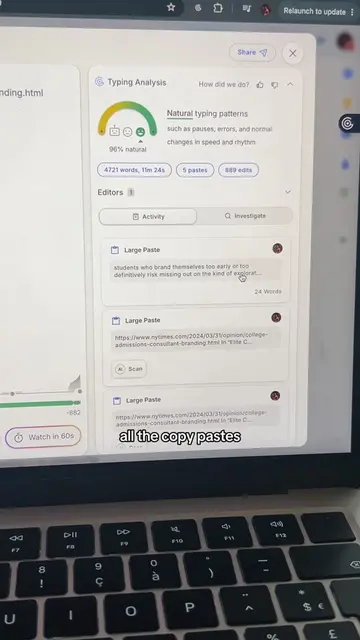
Introducing the hack for checking AI text
Explaining how to use the Navigation Pane in Word
Demonstrating the Navigation Pane's utility for error checking and page navigation
GPTZero (ACTS - tool used to check for AI-generated text, its capability is demonstrated by the creator's explanation of how to use it. Removing it would change the video's purpose.) kawalu.id (ACTS - website/service used to check for AI-generated text, its URL is displayed and mentioned as the place to go. Removing it would make the call to action unclear.)
boleh langsung kepoinnya, check ya, dari kawalu.id
Playing this video’s own audio, so you’ll hear the creator over the sound.
Promotes 1 product. Create free account to see more.
Outliers and viral hits: their videos on Overshot, all time.
AI writing detector that checks text for signs it was generated by AI, for educators and students
All time.