Loading video…
Sound

original sound - kawalu.id
Kawalu.id | Cek Plagiasi & AI · Original audio
0:00–:––
Playing this video’s own audio, so you’ll hear the creator over the sound.
Hook
Posted Jul 18, 2026Video · 0:41by @kawalu.id
This video promotes it, but we haven’t matched it to a product page yet, so there are no product figures.
The video addresses a common pain point for students creating academic papers, offering a practical and easy-to-follow solution for formatting their table of contents. The clear demonstration and the promotion of a relevant service like plagiarism checking at the end likely contributed to its effectiveness.
The video demonstrates how to manually add dots to a table of contents in Microsoft Word without using multilevel lists. It shows how to set up tabs and leaders to create a neat and aligned table of contents. The creator also promotes kawalu.id for plagiarism checks.
Masih bikin daftar isi manual dan bingung nambahin titik-titiknya biar rapi? 😵 Coba simak video ini! #mahasiswa #kuliah #skripsi #tugasakhir #daftarisi
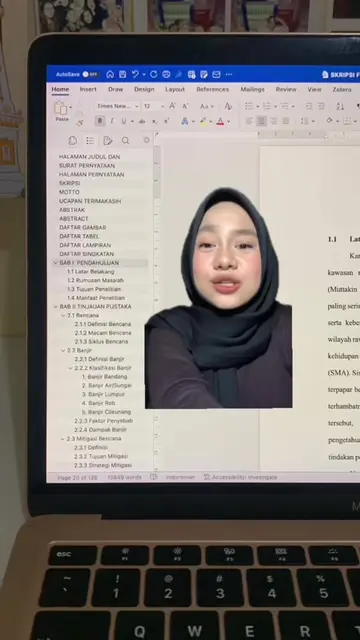
hmm gini nih kalau bikin hiding tapi nggak pakai multilevel list
Problem: Manual table of contents without proper formatting
Solution: Using tabs and leaders in Word
Step 1: Select all text
Step 2: Access Paragraph settings
Step 3: Configure Tabs (position, alignment, leader)
Step 4: Apply and see the result
Promotion: kawalu.id for plagiarism checks
kawalu.id (ACTS - website where users can check for plagiarism and AI content, offers various services like Turnitin checks, AI checks, and Drillbit checks. Removing it would mean the user cannot access these services.)
Jangan lupa kalau udah selesai skripsinya dicek plagiasi di kawalu.id
Playing this video’s own audio, so you’ll hear the creator over the sound.
Promotes 1 product. Create free account to see more.
Outliers and viral hits: their videos on Overshot, all time.