Loading video…
All breakouts
66.3App DemoStory Open hookEducation
Hook
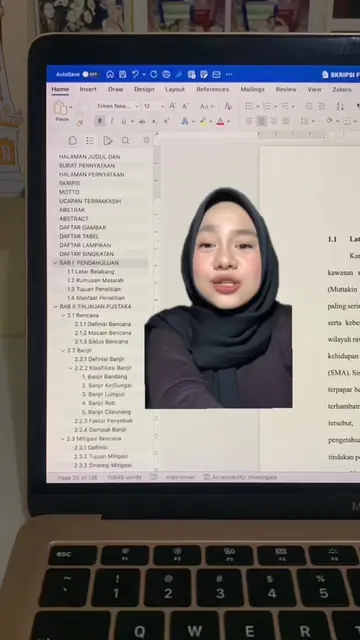
kuliah udah 4 tahun tapi
@kawalu.id
33.8K followers · usually 1.9K views a post
Views
125.8K
Likes
8.5K
Comments
5
Shares
1.2K
Promoted product
kawalu.idkawalu.id ↗
Why it worked
The video addresses a common pain point for students and professionals (manual data entry) and provides a practical, time-saving solution using readily available software (Microsoft Word). The clear, step-by-step demonstration makes it easy to follow and replicate.
Summary
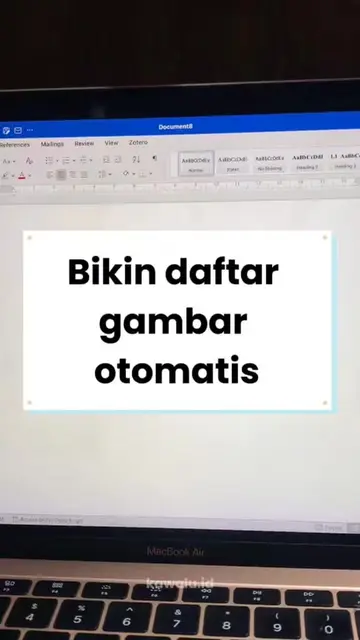
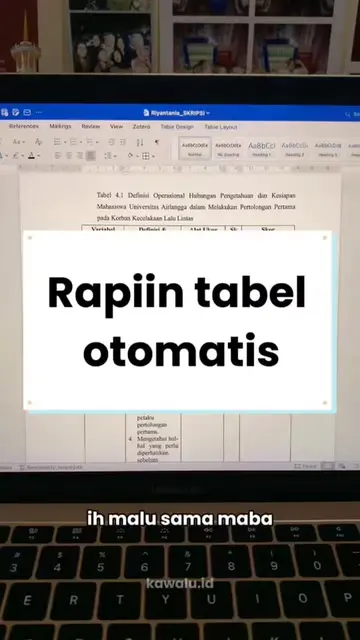
The video demonstrates a quick method to convert manually entered data in Microsoft Word into a table format. It shows how to block the data, use the 'Insert Table' and 'Convert Text to Table' features, and adjust settings to automatically populate the table.
Structure
- 1Introduce the problem of manual data entry
- 2Showcase the quick solution
- 3Demonstrate blocking data and inserting a table
- 4Explain converting text to a table
- 5Show how to adjust settings and finalize the table
Product placement
kawalu.id (ACTS - provides a service for checking plagiarism and AI detection, its website is shown as the destination for the tutorial. Removing it would change the video's purpose.)
Call to action
Original caption
Masih input data satu per satu? 😭 Padahal ada cara yang jauh lebih cepet dan praktis! #mahasiswa #kuliah #skripsi #tugasakhir #microsoftword
More from @kawalu.id
More breakout videos from this creator.