Loading video…
Sound

original sound - 🎶🎧
🎶🎧 · Original audio
0:00–:––
Playing this video’s own audio, so you’ll hear the creator over the sound.
- Videos using it
- 3
- Creators
- 2
- Views on those videos
- 403.8K
The video addresses a common pain point for students and new professionals (creating tables in Word) and offers a quick, actionable solution using a keyboard shortcut. The relatable "maba" (new student) context and the clear demonstration of efficiency likely resonated with the target audience.
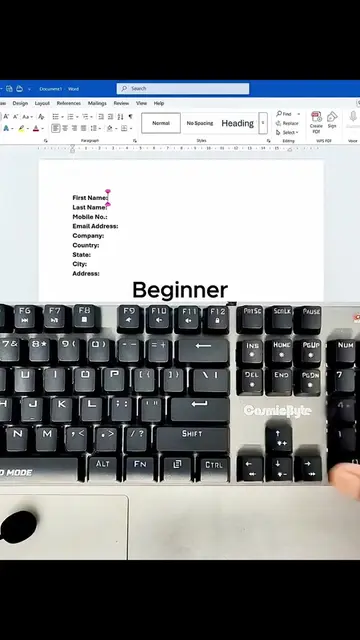
The video demonstrates a quick method to create a table in Microsoft Word from a list of text. It contrasts the manual, time-consuming method with a faster shortcut, showing the transformation from raw data to a formatted table.
Masih bikin tabel manual satu-satu? LAMA ❌ Jadi mahasiswa baru (maba) itu emang kagetnya kerasa banget di awal. Baru masuk, tugas udah numpuk, disuruh bikin laporan atau data di Word, tapi deadline-nya mepet. Kebanyakan orang kalau mau bikin tabel pasti pakai cara konvensional: Klik Insert, pilih Table, kira-kira butuh berapa kolom dan baris, baru deh ketik isinya satu-satu di dalam kotak. Cara ini nggak salah, tapi jujur aja, ini “pemborosan” waktu. Apalagi kalau datanya panjang, mindahin teks ke dalam tabel satu-satu itu capek banget. Sebenarnya ada hacks di Microsoft Word yang jarang orang tahu. Kamu bisa ngetik bebas dulu, baru diubah jadi tabel rapi belakangan cuma pakai tombol keyboard. Biar kerjamu sat-set, coba ikutin cara ini: 1. Tulis Datanya Dulu: Ketik data kamu seperti biasa ke bawah. Nah, ini poin kuncinya: gunakan tanda strip (-) sebagai pemisah antar kolom. • Contohnya: Nama - NIM - Jurusan. • Word butuh tanda ini buat ngenalin di mana dia harus bikin garis batas tabelnya nanti. 2. Select Semua: Blok semua tulisan yang udah kamu ketik tadi. Biar cepet, langsung tekan CTRL + A. 3. Jurus Rahasianya: Pengguna Windows: Tekan tombol ALT, lepas, lalu tekan huruf N, T, dan I secara berurutan. Nggak perlu ditekan barengan ya. Pengguna Mac: Bisa pakai kombinasi CMD + Shift + T. Word bakal otomatis ngebaca tanda strip (-) tadi sebagai garis pemisah, dan voila, tulisan kamu langsung berubah jadi tabel yang presisi. Nggak perlu lagi geser-geser garis manual. Trik receh gini bakal kerasa banget manfaatnya pas kamu lagi dikejar deadline tugas kuliah nanti. Save postingan ini sekarang, biar besok pas butuh nggak perlu bingung nyari tutorialnya lagi.
Day 1 jadi maba: "bikin tabel di MS word"
Introduction to the problem: creating tables in MS Word
Showing the manual and slow method
Introducing a faster method
Demonstrating the shortcut (ALT+N+T+I)
Showing the result: a quickly created table
Call to action: save and read caption for details
The video shows how to create a table in Microsoft Word using a keyboard shortcut.
LANGSUNG SAVE BIAR GA LUPA!
Playing this video’s own audio, so you’ll hear the creator over the sound.
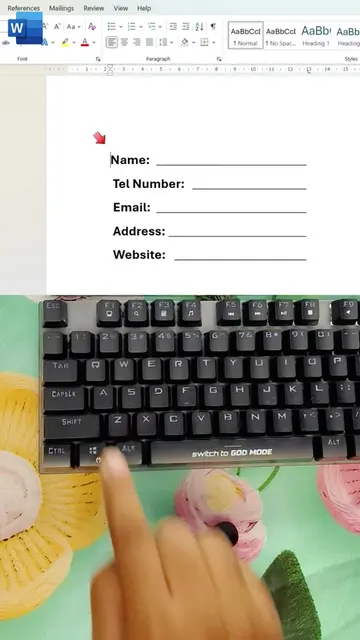
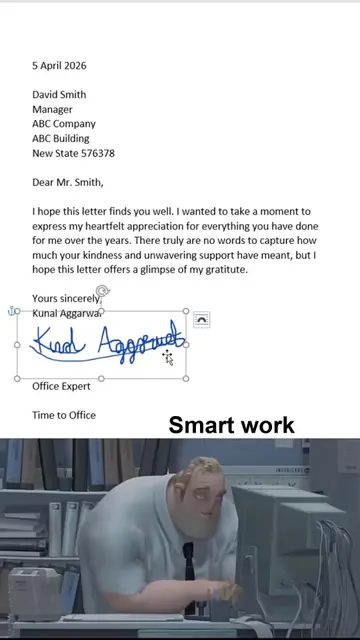
Microsoft Word is a word processing software used to add signatures, create fillable lines, format tables, and insert various line styles into documents.
Views and creators: posted in the last 30 days (English videos). Videos: all time.
Promotes 11 products. Create free account to see more.
Outliers and viral hits: their videos on Overshot, all time.