Loading video…
Sound

Grieg / Morning Mood 02 (Full Oke LP version)(899765)
Icy Light
0:00–:––
- Videos using it
- 46
- Creators
- 31
- Views on those videos
- 89.6M
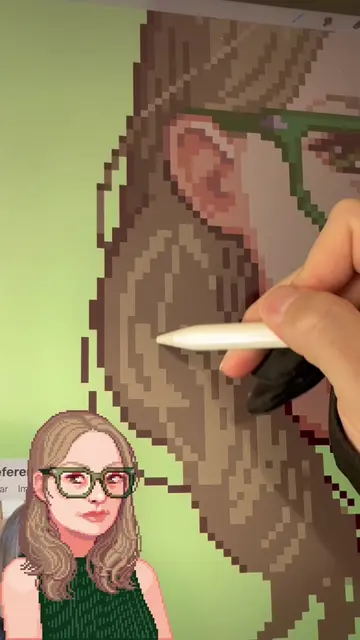
The video provides a concise and practical tutorial on a niche art style (pixel art) using a specific, well-known software (Clip Studio Paint). The creator's direct demonstration and clear instructions make it easy for viewers interested in pixel art to follow along and learn.
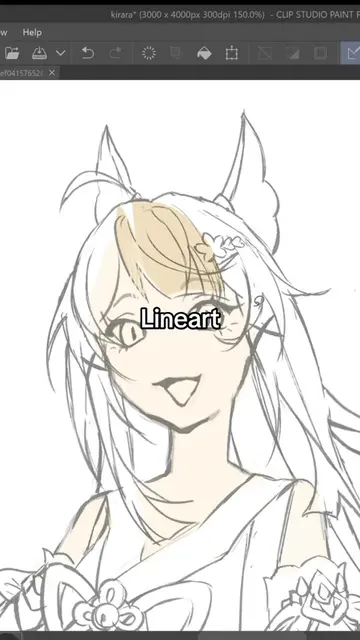
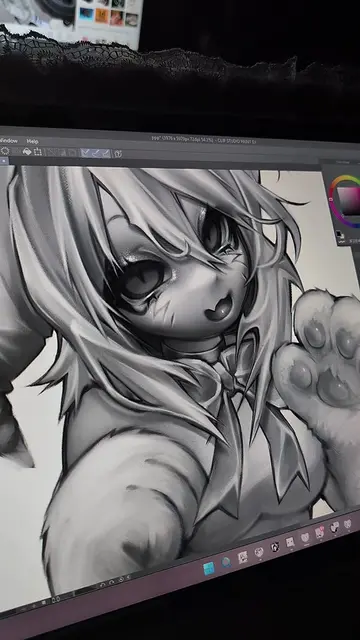
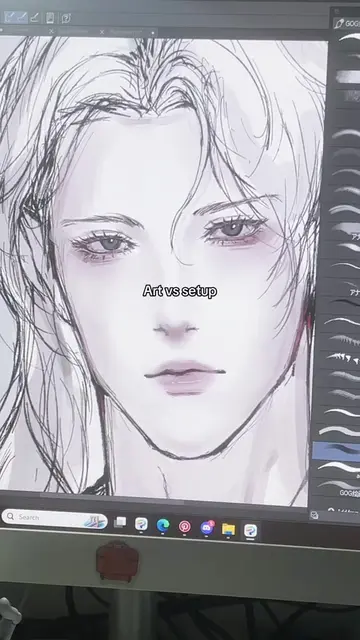
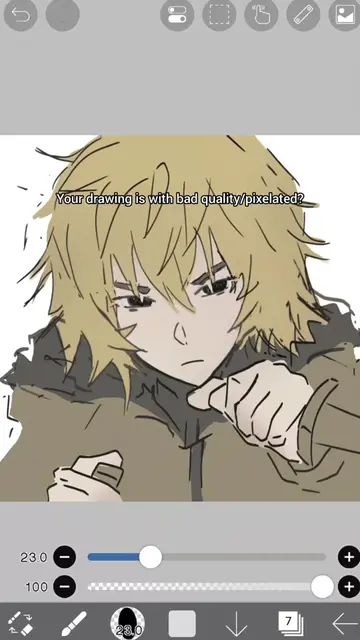
The creator demonstrates how to start making pixel art using Clip Studio Paint. They show how to set up a canvas, adjust grid settings, and use the dot pen tool, emphasizing economical line work.
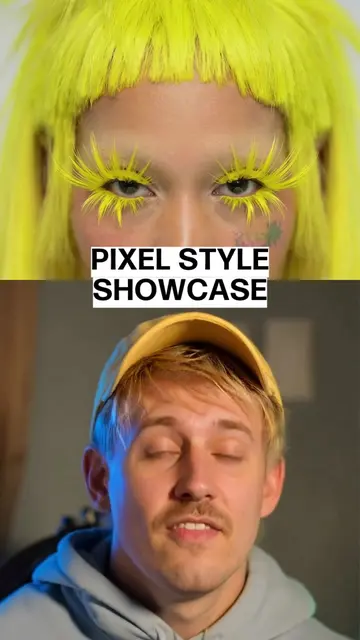
A misconception about pixel art is that it's easier just because it looks low-resolution. But the reality is that pixel art involves specific tools and skills, as I demonstrate here in Clip Studio Paint. #pixelart #artistsoftiktok #arttutorial #digitalart
Trying pixel art for the first time
Introduction to pixel art and its complexity
Setting up a new canvas in Clip Studio Paint
Adjusting grid settings for pixel art
Selecting and using the dot pen tool
Demonstrating economical line work for pixel art
Concluding with a question about resolution
Clip Studio Paint: ACTS - it is the software used to create the pixel art. Removing it would change what happens in the video. Wacom: APPEARS - it is the brand of the drawing tablet, visible in the corner of the screen. Removing it would not change what happens in the video.
Promotes 2 products. Create free account to see more.
Outliers and viral hits: their videos on Overshot, all time.
Digital drawing and painting software for illustrators, comic artists, and animators
All time.