Loading video…
All breakouts

81.1Talking HeadHow-To hookGames
Hook
Hello and welcome to 2 Minute Pixel Art Tutorials, episode 1.
@pixebo
95.9K followers · usually 4.0K views a post
Views
325.0K
Likes
23.0K
Comments
119
Shares
812
Promoted product
Pixebo's Pixel Art Brush Packko-fi.com
Why it worked
The video provides high-value, actionable educational content that solves a specific pain point for digital artists, making the product promotion feel like a helpful resource rather than an ad.
Summary
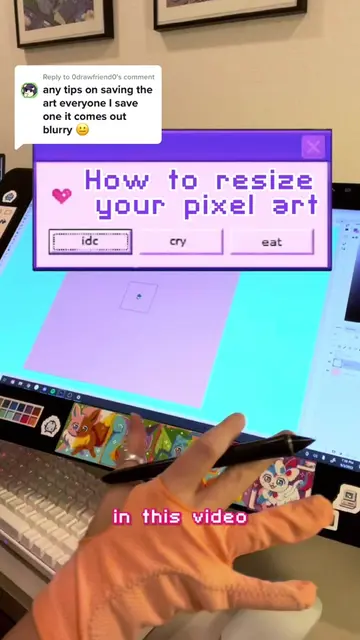
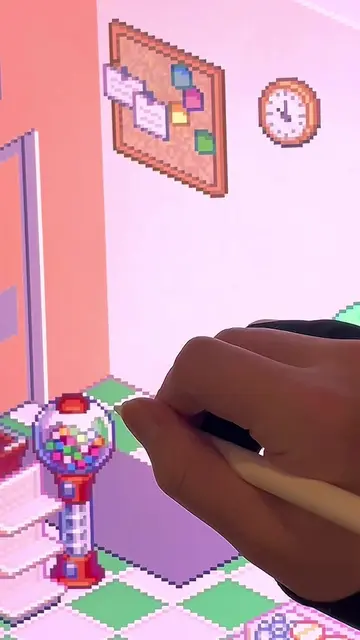
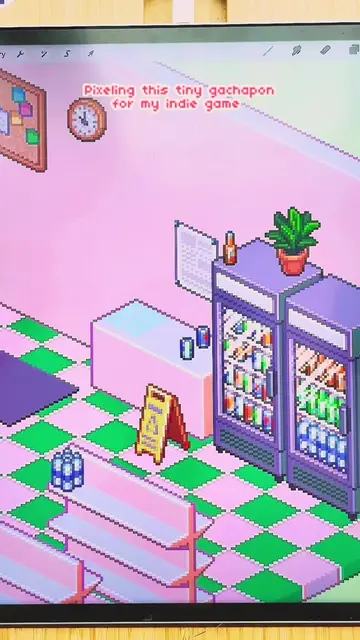
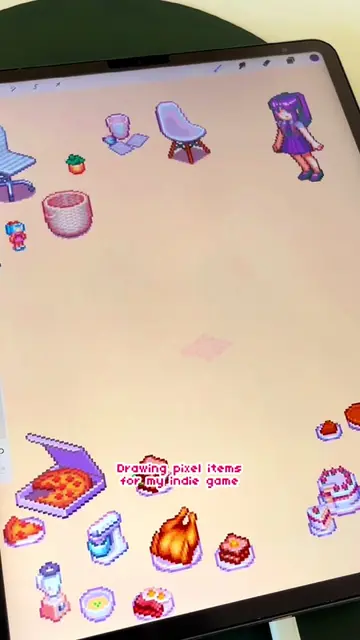
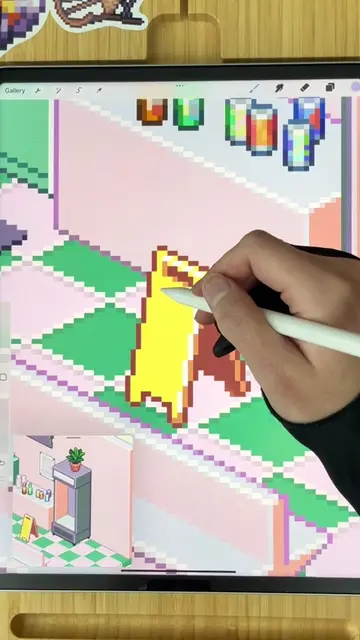
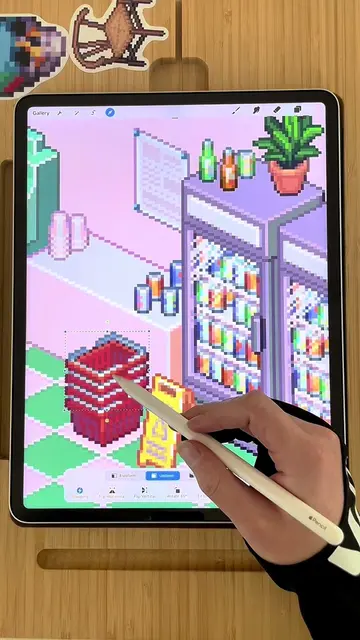
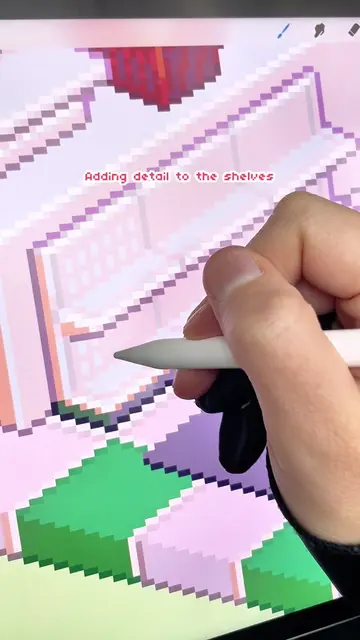
The creator provides a tutorial on setting up pixel art in Procreate, covering brush selection and canvas sizing. She promotes her own free pixel art brush pack available on her Kofi page as a solution for Procreate users.
Structure
- 1Introduction to pixel art tutorials
- 2Promoting free pixel art brush pack
- 3Explaining canvas size challenges
- 4Comparing sprite resolutions
- 5
Original caption
Ep 1: The two questions I get asked the MOST about my pixel art are: - What app? and - What canvas size? And y'all have been asking for more tutorial videos, so I figured these two questions would be the best place to start. On canvas size in particular, I think there is something that you really need to understand in order to understand pixel art: pixels are very small! They represent the smallest amount of visual data that a computer can convey! Creating visual graphics that communicate meaning with a limited amount of pixels is a difficult design problem, and a large part of the artistry behind iconic sprites (like the pikachu in this video), is defined by that efficiency. Every pixel artist has to decide where they want to draw the line when they are balancing efficiency and detail. Instead of asking yourself "What canvas size should I use?", ask yourself how many pixels you need to use in order to convey the level of detail that you want to express to the viewer. Using more pixels means more work, so the smaller you can make your art, the faster you can go... up to a point. At the smallest sizes, pixel art becomes a puzzle where you are battling at the edges of legibility and every pixel matters. The best way to develop this skill is to practice pixel art in different sizes and styles... and studying vintage sprites doesn't hurt. Finally, I had to use my new self-portrait to narrate! I'm so happy with how this tutorial turned out and I hope it will help all of y'all who are just starting out with pixel art. My ko-fi page is @pixebo, you can find a link to the ko-fi, brushes, other pixel resources, and my shop on my profile page. In addition to my art, this video features art from: Game Freak's Pokemon Yellow (Published by Nintendo in 1998) Witch Beam's Unpacking (Published by Humble Bundle in 2021) I'm a huge fan of both! 👾 #tutorial #pixelart #procreate #embroidery #crossstitch #indiegameart #stardewvalley #unpacking #pokemon #retroart #pixels #early2000s #gamehistory #recenthistory #gamedesign
More from @pixebo
More breakout videos from this creator.