Loading video…
All breakouts 2 videos2 creators
3.4Talking HeadDirect Question hookGames
Hook
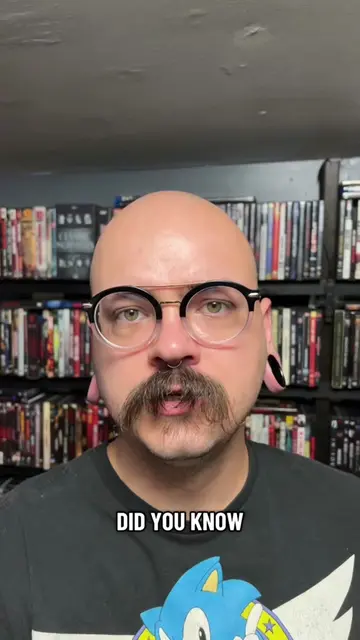
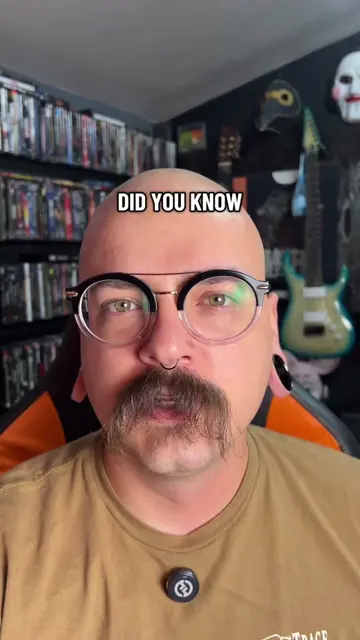
DID YOU KNOW
@discount_orlok
271.2K followers · usually 47.5K views a post
Views
165.7K
Likes
13.4K
Comments
161
Shares
982
Promoted product
RPCS3
PlayStation 3 emulator and debugger. Contribute to RPCS3/rpcs3 development by creating an account on GitHub.
Why it worked
The video provides a practical, step-by-step guide for a niche but passionate audience interested in retro gaming emulation. By clearly demonstrating how to overcome the technical hurdles of obtaining necessary files and software, it offers significant value and utility.
Summary
This video demonstrates how to set up emulators for PlayStation 1 and PlayStation 2 games on a PC. It guides viewers through downloading the PS3 system software update, obtaining BIOS files using a 'BIOS Claim Tool', and installing the RPCS3 emulator for PS3 games, and mentions PCSX2 and DuckStation for PS1/PS2 games.
Structure
- 1Introduction to playing old PlayStation games on PC
- 2Downloading PS3 system software update
- 3Obtaining BIOS files using the BIOS Claim Tool
- 4
Original caption
How to Extract a BIOS for PS1/PS2. #howto #DIY #emulator #ps3 #retrogaming
More from @discount_orlok
More breakout videos from this creator.