Loading video…
All breakouts
7.7Talking HeadListicle hookAI Tools
Hook
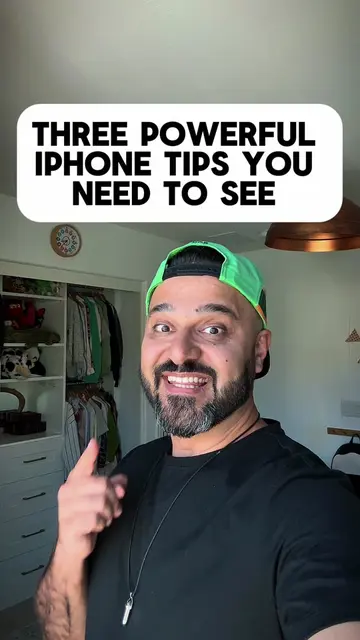
THREE AMAZING IPHONE TIPS YOU NEED TO SEE
@letsdodiz
2.7M followers · usually 25.0K views a post
Views
158.0K
Likes
6.0K
Comments
26
Shares
2.4K
Why it worked
The video provides actionable tips that directly address common user pain points (battery life, privacy) and offers a practical customization for a popular feature (action button). The clear, step-by-step demonstration and concise explanations make the information easy to follow and implement, increasing its shareability.
Summary
This video shares three iPhone tips: optimizing battery settings by turning on "Optimized Battery Charging" and "Clean Energy Charging," disabling background app refresh for apps you don't need, and customizing the action button to launch apps like ChatGPT. These adjustments aim to improve battery life and enhance user experience.
Structure
- 1Introduce iPhone tips
- 2Optimize battery settings
- 3Disable background app refresh
- 4Customize action button
- 5Demonstrate ChatGPT shortcut
Product placement
iPhone (acts - the device is operated to demonstrate tips, removing it would change the video)
iPhone setting (acts - a setting on the iPhone is adjusted, removing it would change the video)
ChatGPT (acts - the app is opened and demonstrated, removing it would change the video)
On-screen text
THREE AMAZING
IPHONE TIPS
YOU NEED TO SEE
This iPhone setting
Is killing your battery
battery
100%
Open
tap
Turn
battery
energy
power
Make
adaptive
battery
And
your
background
These
battery
in
You
tap
refresh
off
have
TURN THIS IPHONE
SETTING OFF NOW
tracking
right
settings,
privacy
and
tracking
allow
request
Next
apps
tracking
will
You are using
Action button all wrong
your
wrong
use
mode
open
tap
and
options
You
action
shortcuts,
for
chat
tap
good
next
action
GPT
just
pretty
friends
you
Original caption
Here are some amazing iPhone tips you need to see. First, learn how to save battery on your iPhone. Second, turn off the apps that are tracking you. Finally, customize your action button.
More from @letsdodiz
More breakout videos from this creator.