Product placement
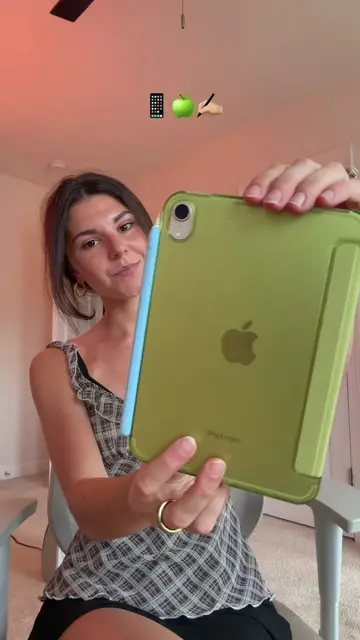
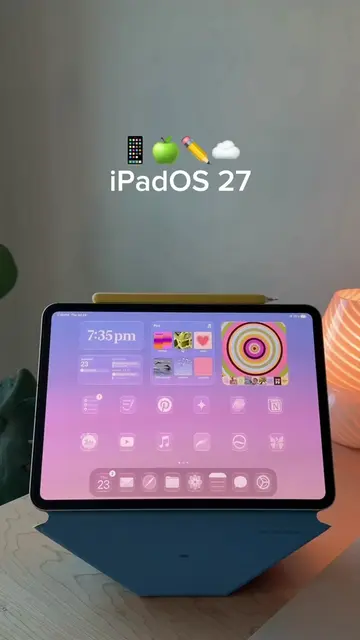
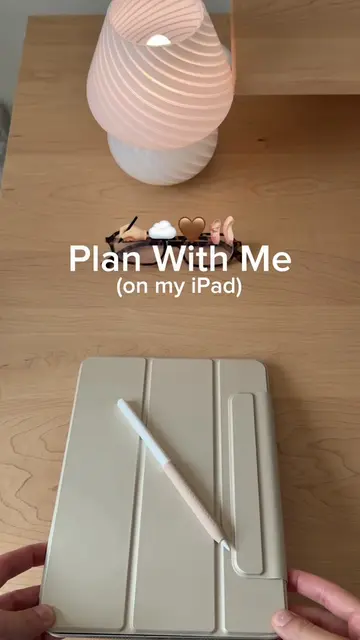
iPad 10 (acts - it is the device being customized and demonstrated, its interface is operated, and a visible result comes from it; removing it would change what happens in the video)
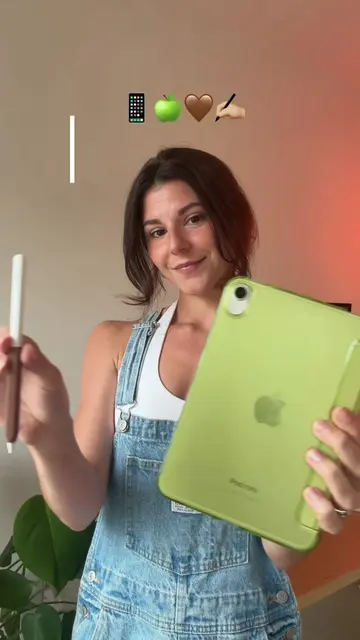
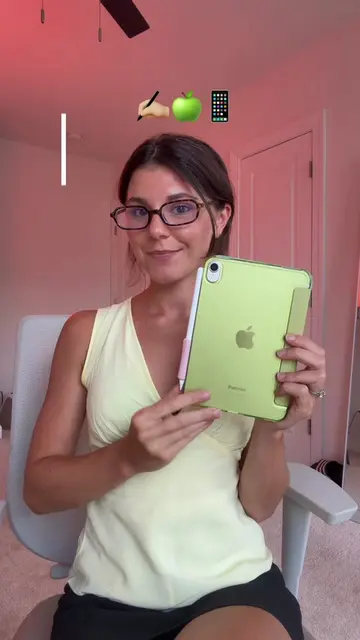
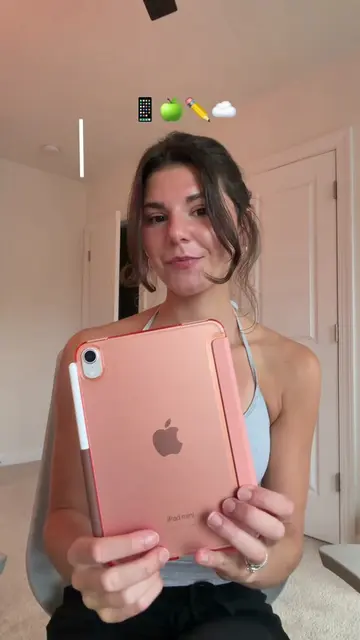
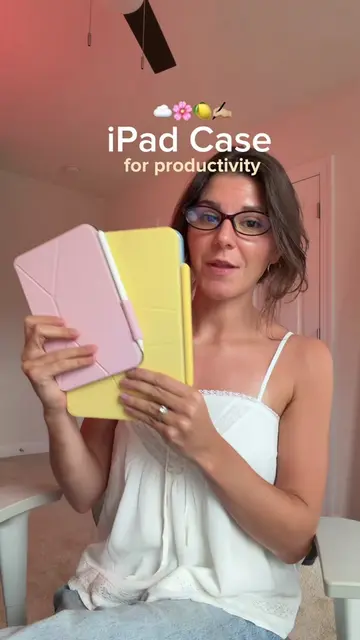
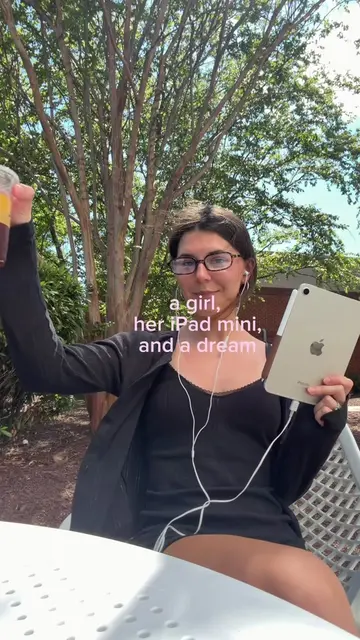
iPad (acts - it is the device being customized and demonstrated, its interface is operated, and a visible result comes from it; removing it would change what happens in the video)
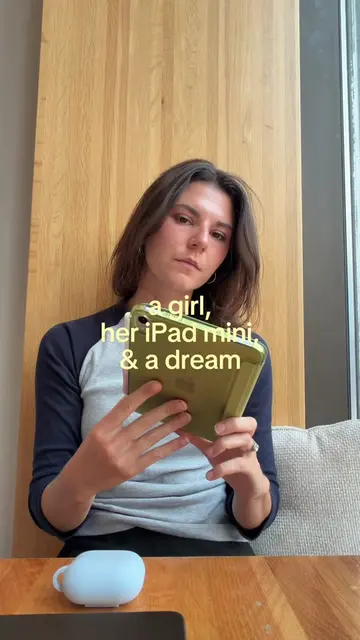
iPad mini (appears - mentioned in caption, but not actively used or demonstrated in the video)
iPad Pro (appears - mentioned in caption, but not actively used or demonstrated in the video)
iPad Air (appears - mentioned in caption, but not actively used or demonstrated in the video)
Apple Pencil (acts - it is used to operate the iPad interface, and a visible result comes from its use; removing it would change what happens in the video)
Procreate (acts - it is shown as an app that can be used to create custom wallpapers, its interface is operated, and a visible result comes from it; removing it would change what happens in the video)
Pinterest (acts - it is mentioned as a source for wallpapers, and its icon is shown; removing it would change what happens in the video)
Goodnotes (acts - it is shown as a productivity app that can be used for notes and planning, and its icon is shown; removing it would change what happens in the video)
Notion (acts - it is shown as a productivity app that can be used for notes and planning, and its icon is shown; removing it would change what happens in the video)
Apple Calendar (acts - it is shown as a productivity app that can be used for planning, and its icon is shown; removing it would change what happens in the video)
Apple Music (acts - it is shown as a productivity app that can be used for music, and its icon is shown; removing it would change what happens in the video)
Widgetsmith (acts - it is demonstrated as an app for creating custom widgets, its interface is operated, and a visible result comes from it; removing it would change what happens in the video)
MD Vinyl (acts - it is shown as a widget that displays album art, and its icon is shown; removing it would change what happens in the video)
iScreen (acts - it is shown as an app that provides cute widgets, and its icon is shown; removing it would change what happens in the video)
Apple (appears - Apple logo is visible on the iPad, but it is incidental to the device itself and not actively promoted or operated)
Instagram (appears - its icon is shown, but it is not actively used or demonstrated in the video)
YouTube (appears - its icon is shown, but it is not actively used or demonstrated in the video)
TikTok (appears - it is the platform the video is on, but not actively promoted or operated)
Canva (appears - its icon is shown, but it is not actively used or demonstrated in the video)
Spotify (appears - its icon is shown, but it is not actively used or demonstrated in the video)
Files (appears - its icon is shown, but it is not actively used or demonstrated in the video)
Settings (acts - it is operated to customize the iPad's home screen and app library settings, and a visible result comes from its use; removing it would change what happens in the video)